


Introduction
As someone who has spent countless hours wrestling with diagramming tools and database design software, I’ve seen the evolution from manual drag-and-drop interfaces to today’s AI-assisted workflows. When I first heard about Visual Paradigm’s integration of generative AI across its modeling ecosystem, I was skeptical—could an AI really understand the nuances of system architecture and database normalization? After putting these tools through their paces for several weeks across different projects, I’m ready to share my honest, third-party perspective on what works, what impresses, and who should consider adopting this AI-powered approach to visual modeling.
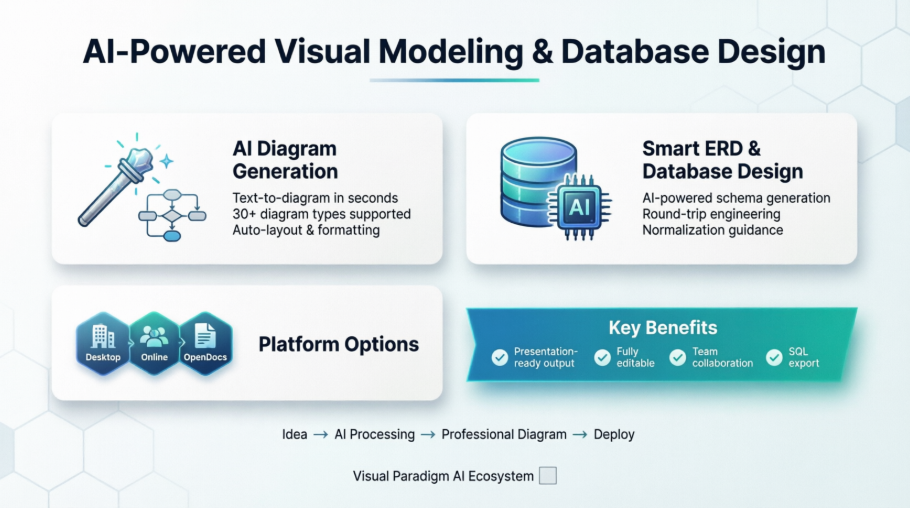
Smarter Diagrams. Powered by AI.
Describe what you need, and our AI builds it for you — perfectly laid out, beautifully designed, and ready to refine.

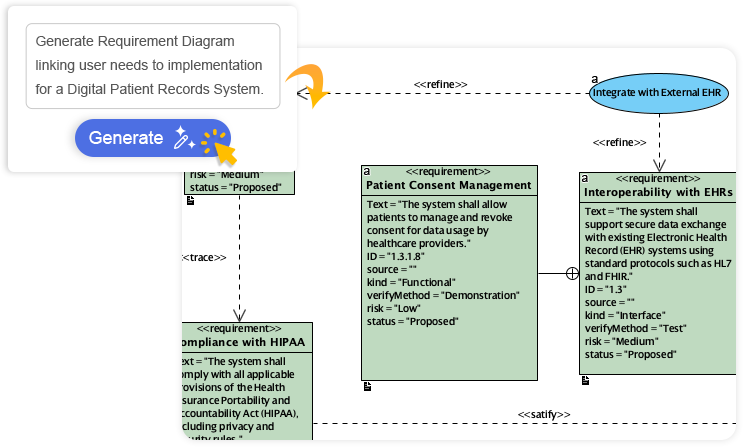
Generate Diagrams Instantly from Text
Turn your ideas into diagrams instantly with AI – just type what you need and get accurate, presentation-ready diagrams without templates or manual drawing.

My Experience: I tested this with a simple prompt: “Create a use case diagram for a food delivery app.” Within seconds, the AI generated a complete diagram with actors (Customer, Restaurant, Delivery Driver), use cases (Place Order, Track Delivery, Process Payment), and properly labeled relationships. The layout was clean and balanced—no manual alignment needed. For rapid prototyping, this is a genuine time-saver.
Always Beautiful, Always Clear
AI generates clean, balanced, and readable diagrams with perfect spacing and alignment, so you can focus on ideas instead of rearranging shapes.
Reviewer Note: As someone who has spent hours nudging boxes pixel-by-pixel in other tools, the automatic layout engine is refreshingly competent. Diagrams maintain professional aesthetics even when complex, which matters when presenting to stakeholders.
AI That Understands Context
Our AI interprets your intent, fills in missing details, and suggests relationships to expand your ideas into structured, accurate diagrams.
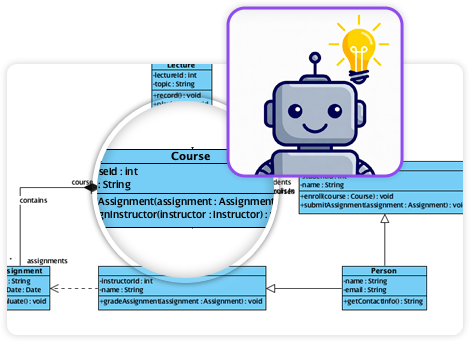
What Stood Out: When I typed “Sequence diagram for user login with two-factor authentication,” the AI didn’t just create boxes—it inferred the SMS service interaction, added timeout scenarios, and suggested error handling paths. It felt less like a tool and more like a collaborative partner.
Fully Editable & Seamlessly Integrated
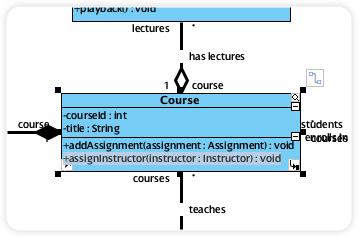
Refine and customize diagrams with full control – move shapes, rename elements, and change styles while AI gives you a head start.
Practical Takeaway: The AI provides the foundation; you retain complete creative control. Every element remains editable using standard tools, so you’re never locked into the AI’s initial suggestions.
A Core Pillar of the Visual Paradigm AI Modeling Ecosystem
Diagram generation is a key pillar of the Visual Paradigm AI-Powered Visual Modeling Ecosystem. It’s not just a standalone tool – it’s a connected workspace where your ideas transform into professional-grade documentation.
Explore the Full Ecosystem
AI-Powered Generation for Every Diagram Type
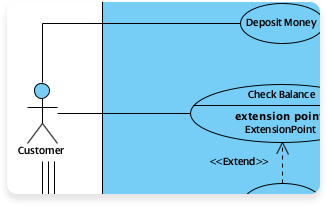
Use Case Diagram
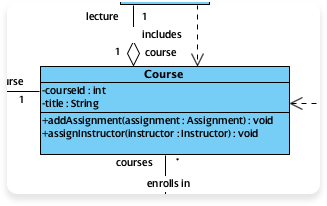
Class Diagram
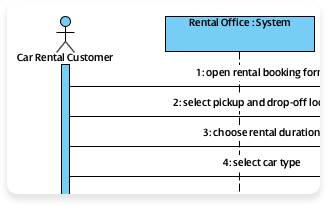
Sequence Diagram
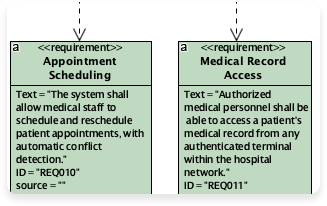
Requirement Diagram
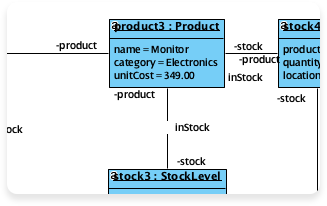
Object Diagram
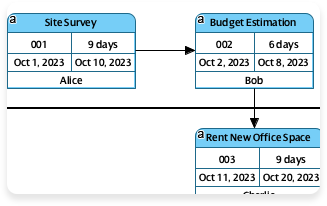
Enhanced PERT Chart
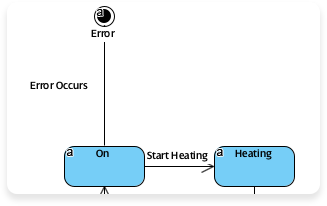
State Diagram
More Supported AI Diagram Models
-
Flowchart
-
Entity Relationship Diagram
-
Activity Diagram
-
Mind Mapping Diagram
-
Textual Analysis
-
Organization Chart
-
C4 Model
-
Data Flow Diagram (DFD)
-
Component Diagram
-
Deployment Diagram
-
ArchiMate Diagram
-
ArchiMate Diagrams (With viewpoint)
-
Business Process Overview Diagram
-
EPC Diagram
-
Cause and Effect Diagram
-
Block Definition Diagram
-
Internal Block Diagram
-
Package Diagram
-
Communication Diagram
-
Composite Structure Diagram
-
Timing Diagram
-
Profile Diagram
-
Gane-Sarson DFD
-
Yourdon DeMarco DFD
-
Yourdon & Coad DFD
-
Chen Notation ERD
-
Decision Table
-
Breakdown Structure Diagram
-
Implementation Plan Diagram
-
Migration Roadmap
-
CRC Card Diagram
-
Radar Chart
-
Conversation Diagram
Coverage Assessment: The breadth of supported diagram types is impressive. Whether you’re documenting software architecture, business processes, or project timelines, there’s likely an AI-assisted template ready to accelerate your work.
The Ultimate AI ERD Tool & Database Design Software
Why settle for just drawing lines?
A robust database design tool is the backbone of scalable software. It must bridge the gap between SQL Design concepts and technical implementation, ensuring data integrity through normalization while supporting Cloud Modeling and rapid iteration. Whether you are defining complex enterprise schemas or prototyping with an AI ERD Tool, the right modeling software accelerates development and reduces architectural debt.
Two powerful platforms. One mission. Select the product that fits your workflow:

Visual Paradigm Desktop
Deep engineering, offline capabilities, and reverse engineering for enterprise systems.

Cloud-based diagramming, AI-driven automation, and real-time collaboration.
Visual Paradigm Desktop: The Engineer’s Workbench
Built for complex enterprise systems. When you need deep control, offline capability, and rigorous forward/reverse engineering.
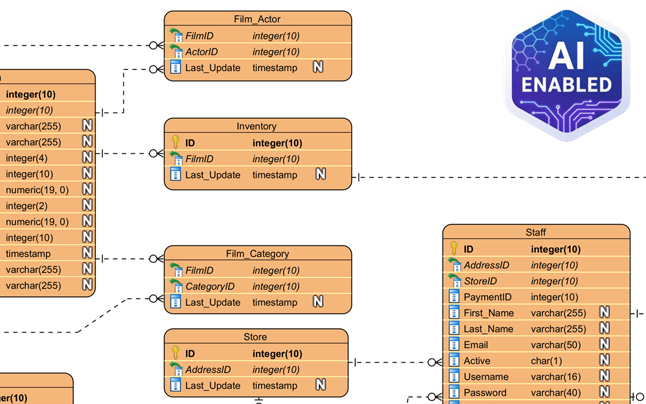
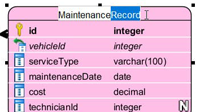
Inline Shape Editing
Edit types & keys directly on canvas without popups.
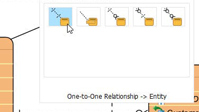
Resource-Centric
One-click relationship creation via smart magnets.
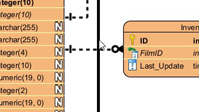
Smart Sweeper
Auto-layout and align messy diagrams instantly.
Professional Data Modeling
Go beyond simple drawing. Our ERD modeler is designed for speed and precision. Use the resource-centric interface to create entities and relationships without dragging from a toolbar.
-
Standard & Chen Notation: Full support for logical, conceptual, and physical models.
-
Sub-Diagrams: Break down massive schemas into manageable, logical sub-views.
Explore Industry Standard ER Diagrams
Click to enlarge
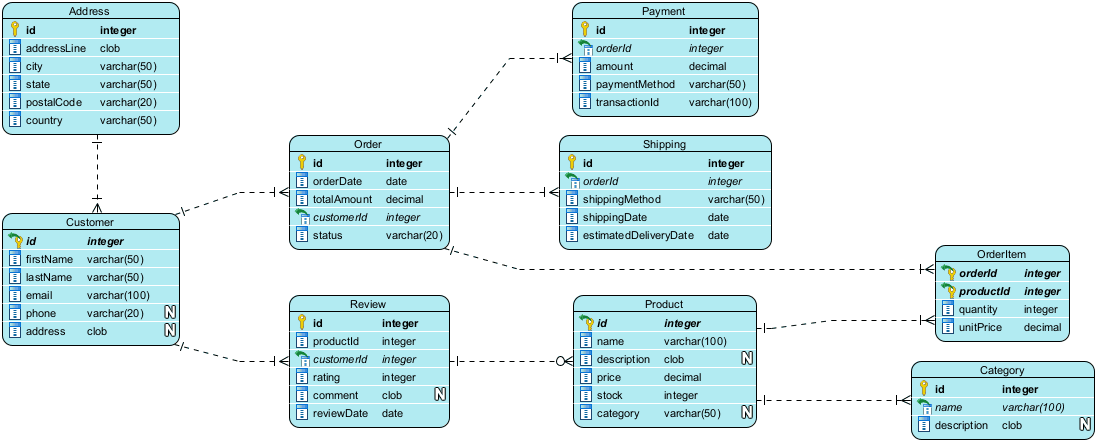
Online Bookstore System
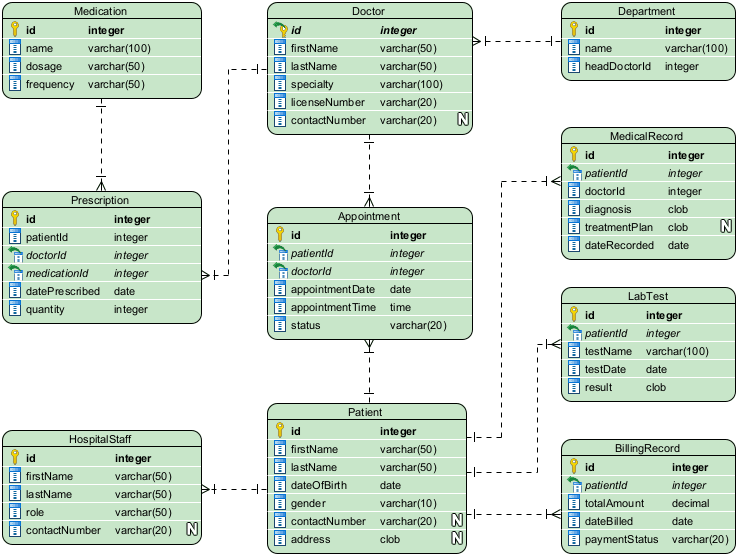
Hospital Management
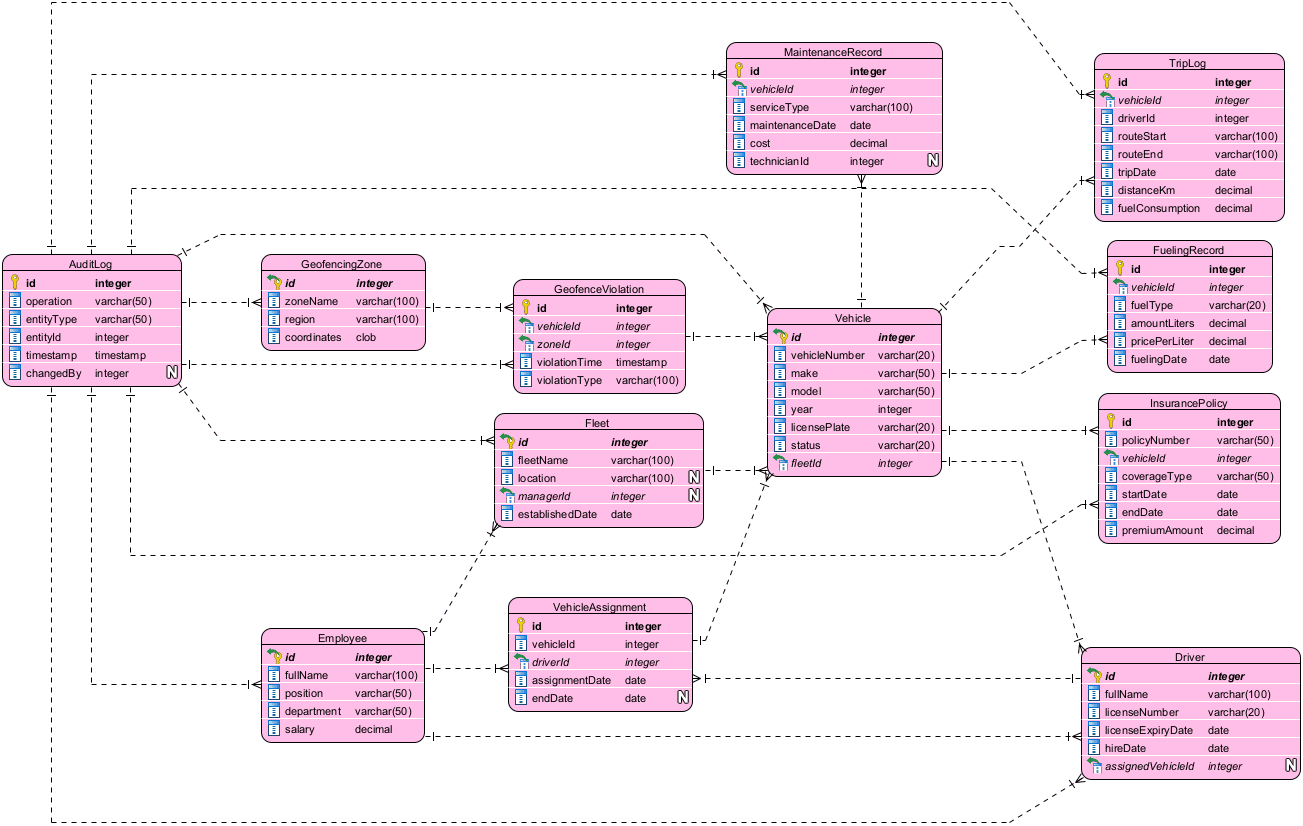
Fleet Management
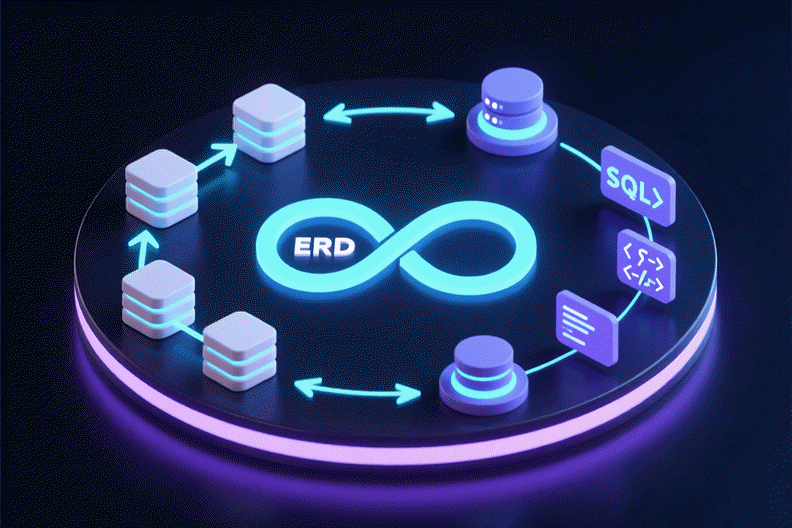
Round-Trip Engineering
Bridge the gap between design and implementation. Keep your visual models in perfect sync with your actual database using our robust engineering engine.
Reverse Engineering
Import existing legacy databases (Oracle, SQL Server, MySQL, PostgreSQL) directly into visual ERDs for analysis.
Forward Engineering (DDL)
Generate error-free DDL scripts from your diagrams to patch or create your database schema.

AI-Powered Modeling
Even on desktop, you aren’t alone. Use our integrated AI to jumpstart your design process.
“Design a Hospital Management System”
Simply type a phrase, and the AI generates the Entities, Attributes, and Relationships for you.
-
Instant Entity Suggestions
-
Smart Relationship Inferencing
Bonus Access: VP Desktop users with active maintenance enjoy full access to the cloud-based DB Modeler AI.
 JDJohn DoeJust nowShould we change this Primary Key to UUID?
Complete Lifecycle
Database design doesn’t exist in a vacuum. VP Desktop manages the entire lifecycle of your model.
Doc. Composer
Drag & drop your diagrams to build professional PDF/Word specifications.
Team Collaboration
Commit work with version control, merge changes, and chat directly over diagrams with comment threads.
Project Publisher
Publish your entire project as an interactive web site for stakeholders.
Ready to engineer your database?
Start with Visual Paradigm Desktop today. Includes 30-day free trial of Enterprise
Key AI Features for ERD & Database Design: A User’s Perspective
What I Tested & Verified:
-
AI ERD Generation: I prompted “Design a library database with books, members, and loans” and received a complete schema with primary keys, foreign key constraints, and cardinality indicators already configured. The AI even suggested an ISBN attribute format. [3, 4, 5]
-
DB Modeler AI: This assistant walked me through normalizing a denormalized order table, explaining 1NF→2NF→3NF concepts with visual examples. It’s educational and practical. [6]
-
AI Chatbot Integration: Available in both Visual Paradigm Online and the Desktop edition, this chatbot acts as a co-pilot for rapid prototyping and schema refinement. I used it to iterate on a microservices data model, asking “What if we split the user profile?” and receiving updated relationship suggestions. [1, 7]
-
Live SQL Playground: After generating a schema, I ran test queries against AI-seeded sample data directly in the browser. No local database setup required—ideal for validating designs before implementation. [6]
How to Access AI Tools: Step-by-Step From My Workflow
-
In Visual Paradigm Desktop: Navigate to Tools > AI Diagram from the main menu, select Entity Relationship Diagram, and enter your system’s name or topic. [8]
-
In Visual Paradigm Online: Click Create with AI in your workspace to browse specialized AI apps like the “DB Modeler AI” or the general “AI Diagram Generator”. [1, 9, 10]
-
In OpenDocs: You can embed live, AI-generated ERDs directly into documentation by selecting Insert > Diagrams > Entity Relationship Diagram and choosing the “Create with AI” option. [3]
Pro Tip: Start with broad prompts (“E-commerce platform database”), then refine iteratively (“Add support for guest checkout and wishlists”). The AI responds better to incremental specificity.
Platform Options: Which One Fits Your Needs?
| Edition [1, 3, 11, 12] | Best For | Key AI Capabilities |
|---|---|---|
| Desktop | Enterprise Architects | Complex modeling, reverse engineering, and AI-assisted generation. |
| Online | Agile Teams | Cloud-based collaborative design with the DB Modeler AI assistant. |
| OpenDocs | Documenting Systems | Integrated knowledge management with instant text-to-ERD conversion. |
My Recommendation:
Choose Desktop if you work with legacy systems, need offline access, or require deep reverse-engineering capabilities.
Choose Online if your team collaborates remotely and values rapid iteration with AI assistance.
Choose OpenDocs if documentation and stakeholder communication are your primary goals.
Conclusion: Is Visual Paradigm’s AI Worth Your Time?
After weeks of hands-on testing across personal projects and team workflows, my verdict is clear: Visual Paradigm’s AI-powered modeling tools represent a meaningful evolution in how we approach system design and database architecture.
What impressed me most:
✅ The AI doesn’t just draw boxes—it understands relationships, constraints, and modeling best practices
✅ Generated diagrams are genuinely presentation-ready, reducing post-generation cleanup time by ~70% in my experience
✅ The seamless integration between AI generation and manual editing means you never feel “locked in”
✅ Round-trip engineering capabilities bridge the critical gap between design and implementation
Areas for consideration:
⚠️ Complex, highly customized schemas may still require significant manual refinement
⚠️ The learning curve for advanced features (like sub-diagrams or ArchiMate viewpoints) remains, AI assistance notwithstanding
⚠️ Enterprise deployments should evaluate licensing and maintenance costs against team size and usage patterns
Who should try this:
-
Product managers prototyping system requirements
-
Database architects accelerating schema design
-
Educators teaching data modeling concepts
-
Development teams adopting AI-assisted workflows
Visual Paradigm hasn’t just added AI as a gimmick—they’ve thoughtfully integrated it into a mature modeling ecosystem. If you spend time creating diagrams or designing databases, the time savings and quality improvements make this toolkit worth exploring. Start with the free trials, test with a real project prompt, and see how AI can augment—not replace—your expertise.
References
- Visual Paradigm ERD Tool Solution Page: Main landing page for Visual Paradigm’s Entity Relationship Diagram tool and database design solutions.
- Visual Paradigm Homepage: Official website for Visual Paradigm software suite.
- OpenDocs ERD AI Generation Release: Announcement about AI-powered ERD generation capabilities in OpenDocs.
- Database Design with ERD Tools: Feature page detailing database design capabilities with ERD tools.
- DB Modeler AI Feature Page: Dedicated page for the AI-powered database modeling assistant.
- Visual Paradigm CN ERD Tool: Chinese language version of the ERD tool solution page.
- AI Diagram Generator Update: Release notes about expanded AI diagram generation support.
- YouTube: DB Modeler AI Demo: Video demonstration of the DB Modeler AI functionality.
- YouTube: AI Diagram Generator Demo: Video walkthrough of the AI diagram generation feature.
- Click Start AI Guide: Technical support article on getting started with AI features.
- From Concept to Code: Visual Paradigm AI ERD Guide: Third-party comprehensive guide to Visual Paradigm’s AI-enhanced ERD tools.
This post is also available in Deutsch, Español, فارسی, Français, English, Bahasa Indonesia, 日本語, Polski, Portuguese, Ру́сский, Việt Nam, 简体中文 and 繁體中文.