


Introduction
As a systems analyst who has spent countless hours manually dragging shapes, aligning connectors, and debating notation standards, I was skeptical when I first heard about an “AI-powered DFD generator.” Could a chatbot really understand the nuances of data flow modeling? Would the output be usable in real projects, or just a pretty demo?
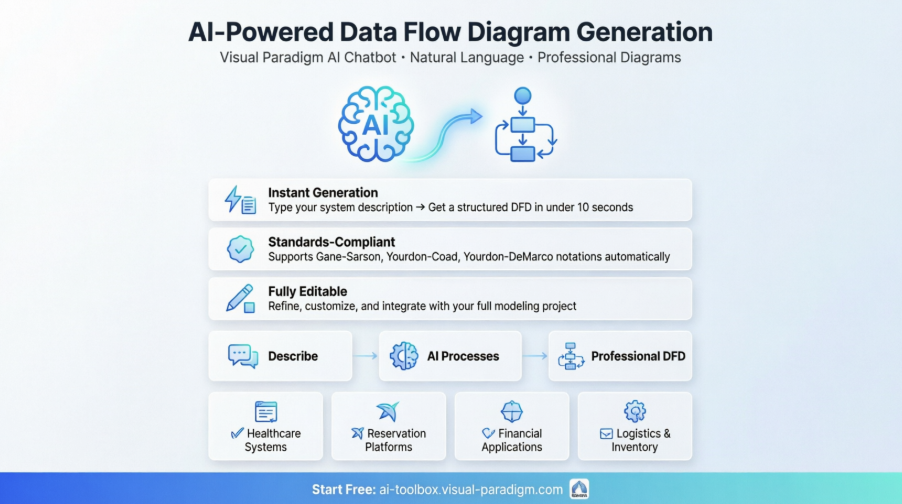
I decided to put Visual Paradigm’s new AI DFD feature through its paces. Over the past few weeks, I’ve tested the Visual Paradigm AI Chatbot across multiple use cases—from simple warehouse systems to complex hospital management workflows. This review shares my genuine, third-party experience: what worked, what surprised me, and whether this tool deserves a spot in your modeling toolkit.
First Impressions: Getting Started in Under a Minute
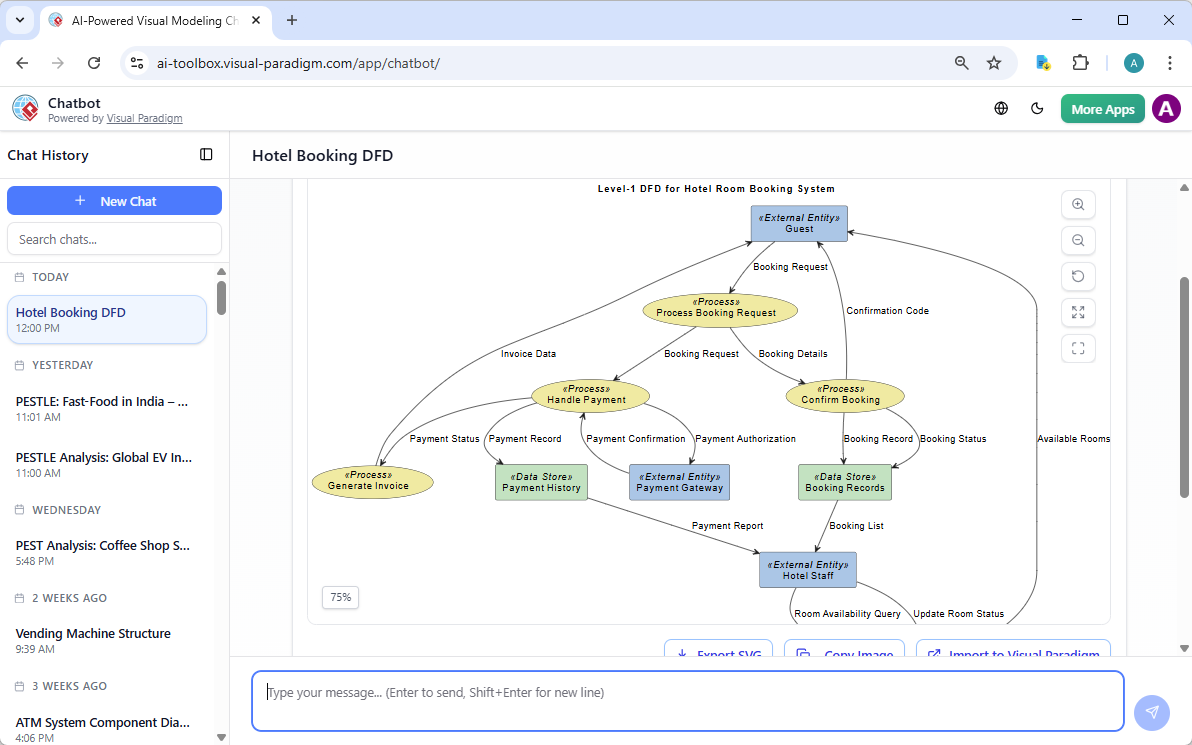
The barrier to entry is refreshingly low. I navigated to the Visual Paradigm AI Chatbot app, typed my first prompt—“Generate a DFD for a warehouse management system”—and within seconds, a clean, structured Data Flow Diagram appeared.
No template selection. No palette hunting. No manual connector drawing.
What struck me immediately was the clarity of the output. The AI correctly identified:
-
External entities (Supplier, Customer, Inventory Manager)
-
Core processes (Order Processing, Stock Update, Shipment Handling)
-
Data stores (Inventory Database, Order Log)
-
Labeled data flows with directional arrows
The diagram wasn’t just visually balanced—it was semantically accurate.
The AI DFD Generator in Action: My Step-by-Step Workflow
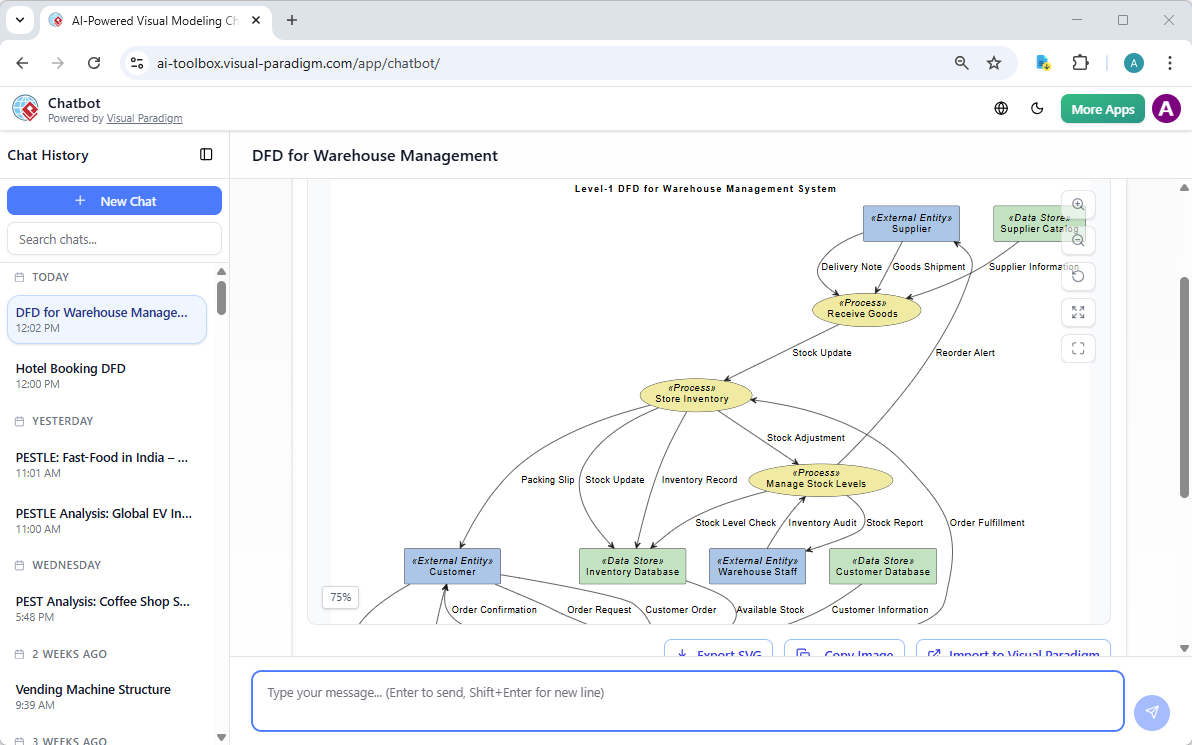
Here’s exactly how I used the tool during my testing:
-
Define the scope: I started with a clear, natural-language prompt describing the system boundary and key actors.
-
Specify the DFD level: I added “Level-1 DFD” to my prompt to control decomposition depth.
-
Review and refine: The initial output was strong, but I used follow-up prompts like “Add a data store for return processing” to iterate.
-
Export and integrate: The generated diagram was fully editable in Visual Paradigm Desktop, allowing me to add branding, adjust layouts, or link to requirements.
The conversational refinement capability felt like having a modeling partner who never gets tired of revisions.
Real-World Examples: Testing Complex Systems
🏥 Hospital Management System DFD
Prompt: “Generate a Data Flow Diagram for Hospital Management System”
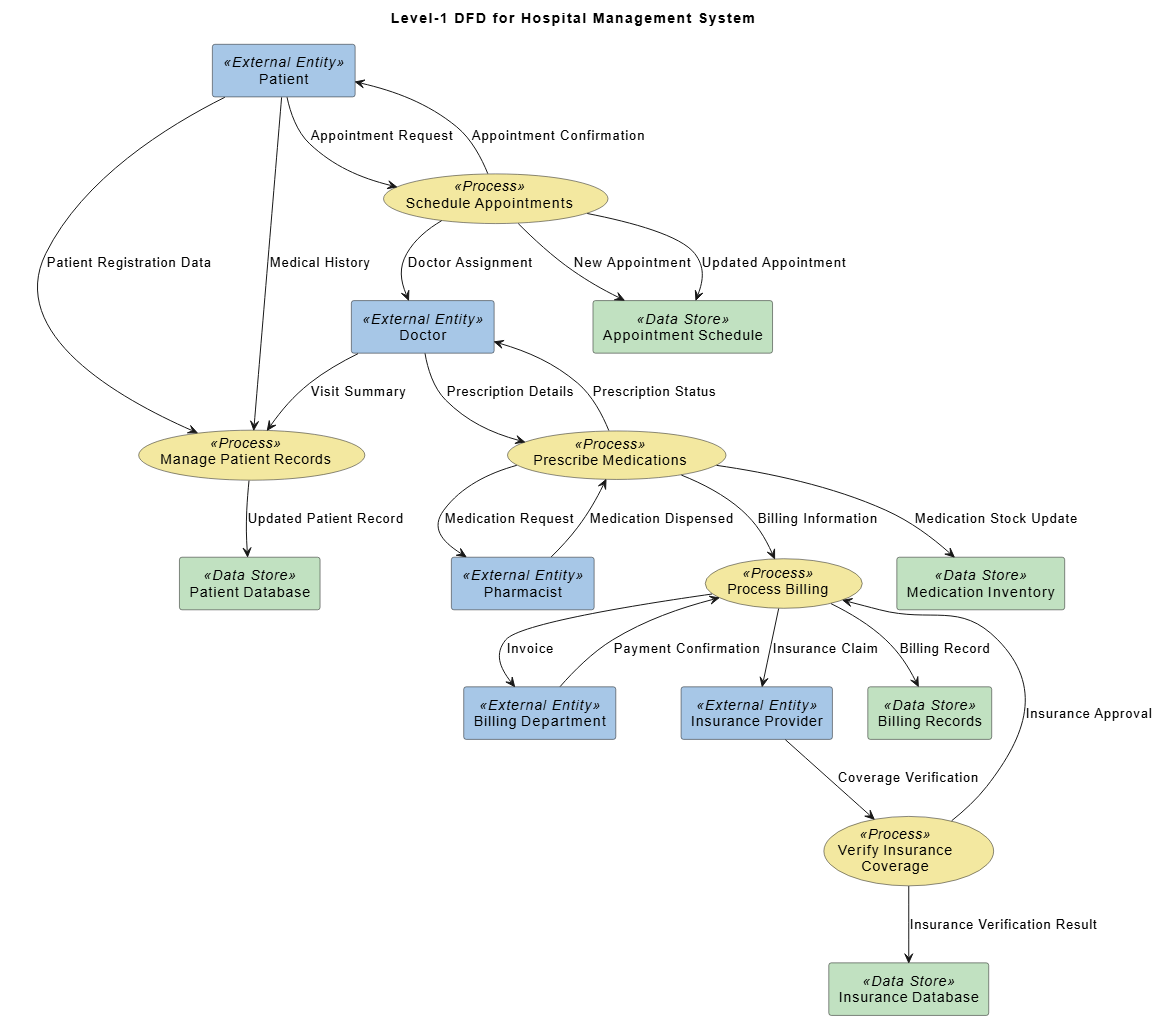
My Assessment: The AI correctly mapped interactions between Patients, Doctors, Pharmacists, Billing, and Insurance. Key processes like appointment scheduling, prescription handling, and insurance verification were logically decomposed. Data stores (Patient Database, Medication Inventory) were appropriately placed. This would save hours of initial drafting for any healthcare IT project.
✈️ Airline Reservation System DFD
Prompt: “Generate a Data Flow Diagram for Airline Reservation System”
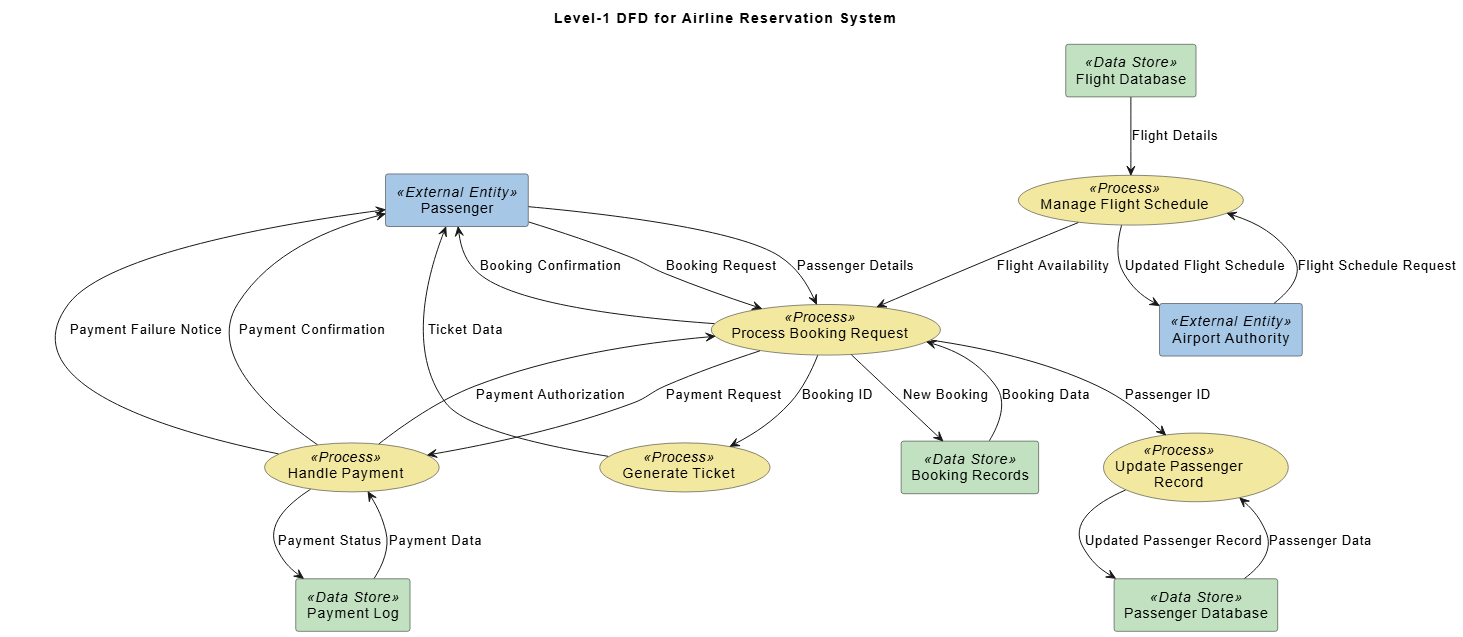
My Assessment: Impressive handling of real-time data flows. The AI distinguished between booking requests, payment authorization, and ticket generation processes. External entities (Passenger, Payment Gateway, Flight Operator) were clearly separated from internal processes. The diagram maintained traceability through structured data repositories—critical for audit-ready documentation.
🏦 Online Banking System DFD
Prompt: “Generate a Data Flow Diagram for Online Banking System”
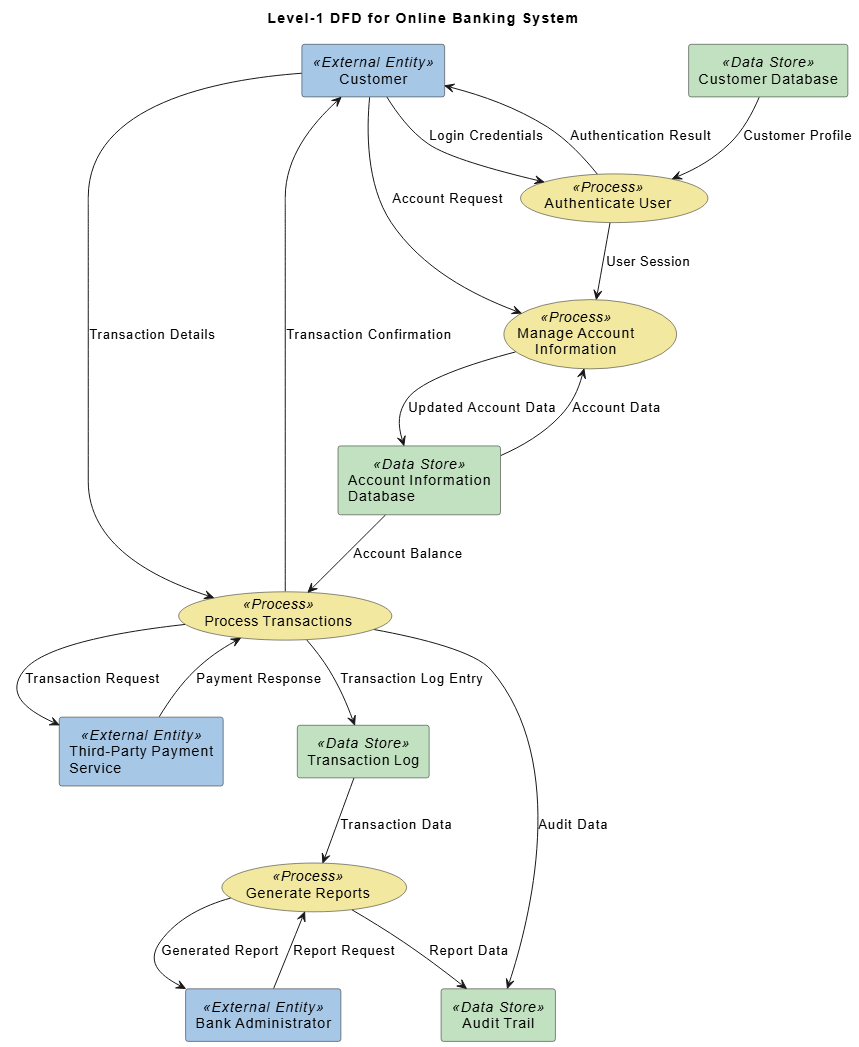
My Assessment: Security-conscious modeling shone here. The AI emphasized authentication flows, transaction logging, and audit trails. Data sensitivity was implicitly respected in the diagram structure—login credentials and payment details were shown as distinct flows. For fintech teams, this reduces the risk of overlooking compliance-critical elements.
Traditional vs. AI-Powered DFD: A Practical Comparison
| Feature | Traditional Manual DFD | AI-Powered DFD (My Experience) |
|---|---|---|
| Creation Method | Drag-and-drop from palette; manual connector routing | Type a prompt; AI generates structured diagram instantly |
| Time to First Draft | 30-90 minutes for a Level-1 DFD | Under 10 seconds |
| Notation Flexibility | Full control over Gane-Sarson, Yourdon-Coad, etc. | Supports same notations; specify in prompt |
| Editing Post-Generation | N/A (you built it) | Fully editable native diagrams; refine manually or via chat |
| Learning Curve | Steep for notation rules and tool mechanics | Minimal; natural language is the interface |
| Best For | Highly customized, brand-specific diagrams | Rapid ideation, complex system mapping, team onboarding |
My Take: The AI doesn’t replace deep modeling expertise—it amplifies it. I still needed to validate business logic and adjust data flow granularity, but the AI eliminated the “blank page paralysis” that slows down so many projects.
Key Features That Stood Out During Testing
✅ Prompt-to-Diagram Intelligence
The AI doesn’t just draw shapes—it understands context. When I mentioned “inventory reconciliation,” it automatically suggested related processes like stock adjustment and audit logging.
✅ Model-Based Synchronization (Desktop)
Unlike static image generators, Visual Paradigm’s AI output uses reusable model elements. Change a process name in one diagram, and it updates across all linked views—a huge win for enterprise documentation.
✅ Multi-Platform Access
I tested via:
-
AI Chatbot (web): Best for quick exploration and collaboration
-
OpenDocs (cloud): Ideal for documentation-centric workflows
-
Desktop Professional: For deep integration with full modeling suites
✅ Conversation-Driven Refinement
Instead of redrawing, I simply typed: “Show the payment process in more detail” or “Convert this to Gane-Sarson notation.” The AI adapted instantly.
Who Should Use This Tool? (My Recommendation)
🟢 Perfect For:
-
Business analysts needing fast stakeholder visuals
-
System architects prototyping complex data flows
-
Students learning DFD concepts without tool overhead
-
Teams standardizing notation across projects
🟡 Consider If:
-
You require pixel-perfect, brand-customized layouts (still doable, but may need manual tweaks)
-
Your organization has strict offline/security constraints (cloud features require connectivity)
🔴 May Not Fit:
-
Purely artistic diagramming needs (this is a modeling tool, not an illustration suite)
Limitations & Honest Considerations
No tool is perfect. Here’s what I noted during testing:
-
Prompt Clarity Matters: Vague prompts (“make a system diagram”) yield generic results. Specificity (“Level-1 DFD for e-commerce checkout with payment gateway”) unlocks precision.
-
Domain Knowledge Still Required: The AI suggests logical structures, but you must validate business rules. It won’t know your company’s unique approval workflow unless you tell it.
-
Advanced Notation Nuances: While major standards are supported, highly specialized variants may need manual adjustment post-generation.
These aren’t dealbreakers—they’re reminders that AI is a collaborator, not a replacement for expertise.
The Bigger Picture: Part of Visual Paradigm’s AI Ecosystem
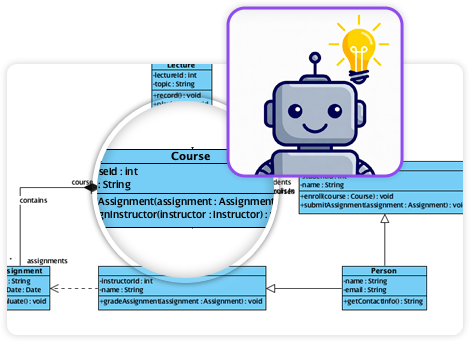
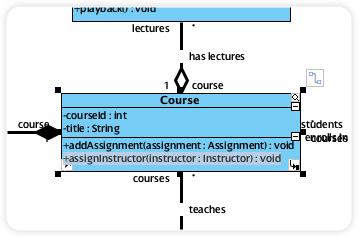
What impressed me beyond the DFD feature itself is how it integrates into Visual Paradigm’s broader AI modeling suite. The same chatbot that generates DFDs can also create:
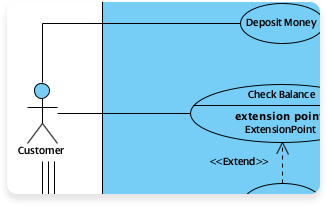
Use Case Diagram
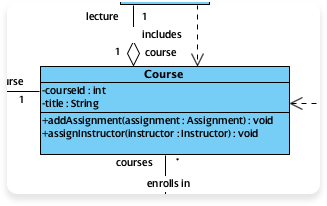
Class Diagram
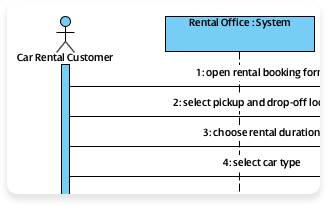
Sequence Diagram
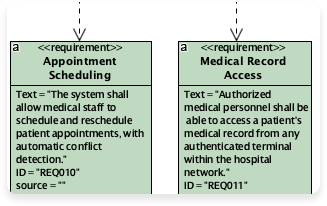
Requirement Diagram
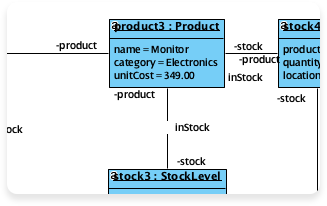
Object Diagram
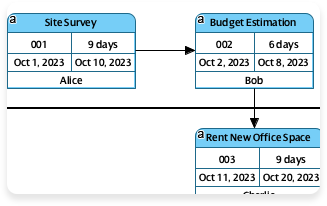
Enhanced PERT Chart
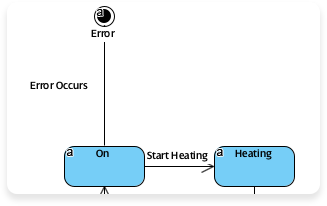
State Diagram
This interconnected approach means your DFDs can seamlessly link to use cases, class models, or requirements—creating a living, traceable system blueprint.
Visual Paradigm’s AI Diagram Philosophy: Smarter, Not Just Faster
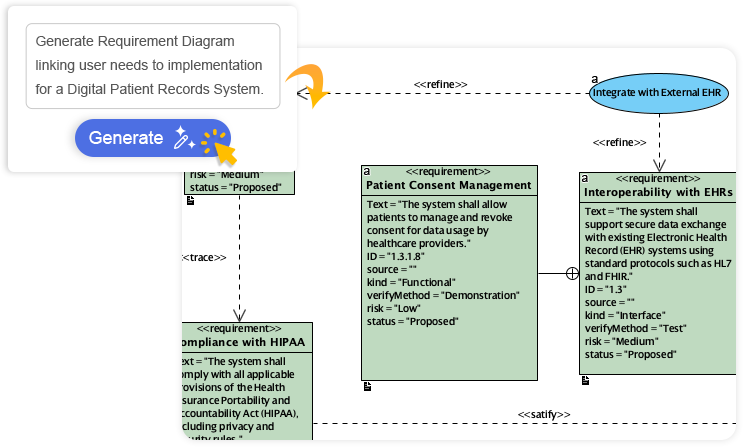

The platform’s core promise resonated with me: “Describe what you need, and our AI builds it for you — perfectly laid out, beautifully designed, and ready to refine.”
Key principles I observed:
-
Context-Aware AI: The tool interprets intent, fills logical gaps, and suggests relationships
-
Always Editable: AI gives you a head start; you retain full control to move shapes, rename elements, or adjust styles
-
Standards-Compliant: Outputs adhere to professional notation rules, reducing rework
Conclusion: Would I Recommend This AI DFD Generator?
Yes—with enthusiasm, and with context.
Visual Paradigm’s AI-powered DFD generator isn’t magic, but it’s remarkably close to what I’d want from an intelligent modeling assistant. It dramatically reduces the friction of getting from idea to structured visualization, while maintaining the rigor required for professional system design.
My final verdict:
-
⭐⭐⭐⭐⭐ For rapid prototyping and team collaboration
-
⭐⭐⭐⭐⭐ For learning and teaching DFD concepts
-
⭐⭐⭐⭐ For enterprise documentation (with minor manual refinement)
-
⭐⭐⭐⭐⭐ For anyone tired of “blank page syndrome”
If you model systems, analyze processes, or document architectures, I encourage you to try the free tier at Visual Paradigm AI Chatbot. Start with a simple prompt, iterate conversationally, and see how much time you reclaim for high-value analysis.
The future of modeling isn’t about replacing human expertise—it’s about amplifying it. Based on my hands-on experience, Visual Paradigm’s AI DFD generator is a compelling step in that direction.
References
- New in OpenDocs: AI-Powered Data Flow Diagram (DFD) Support: Announces OpenDocs’ new AI-powered DFD creation feature, enabling users to generate professional Data Flow Diagrams from simple text descriptions. Supports Yourdon DeMarco, Yourdon & Coad, and Gane Sarson notations. Includes AI-generated DFD example image showing an online library system workflow.
- Navigating Success: A Guide to Data Flow Diagrams (DFD): Comprehensive beginner-friendly guide explaining DFD concepts, components (external entities, processes, data stores, data flows), notation standards (Yourdon & Coad vs. Gane & Sarson), and best practices. Includes example DFD images for supermarket app, food ordering system, and vehicle maintenance depot.
- Create DFD from Text with AI: Tutorial demonstrating how Visual Paradigm’s AI Diagram Generator transforms plain English descriptions into professional Level-1 Data Flow Diagrams. Features step-by-step workflow images showing prompt input, AI processing, and the resulting online shopping system DFD with entities, processes, and data stores.
- Data Flow Diagram Tool – Visual Paradigm Features: Official feature page for Visual Paradigm’s DFD tool, highlighting drag-and-drop editing, functional decomposition across context levels, and AI-powered DFD generation. Includes feature overview images and navigation breadcrumbs for multi-level DFD management.
- Data Flow Diagram Documentation – Visual Paradigm Circle: Technical documentation explaining DFD fundamentals, hierarchical decomposition (Level 0 context diagrams to Level 1+ details), and use cases for IT professionals and systems analysts. Contains conceptual diagram images illustrating data flow hierarchy.
- Generate High-Quality Diagrams in Seconds with AI (YouTube): Video tutorial demonstrating Visual Paradigm’s AI Diagram Generation feature for creating model-based diagrams from natural language. Covers tool access, diagram type selection, and synchronization of reusable elements. Video thumbnail and interface screenshots included.
- AI-Powered DFD Generator: Visual Paradigm AI Chatbot: Announcement of DFD support in Visual Paradigm’s AI Chatbot, enabling instant DFD generation via conversational prompts. Features example DFD images for Hospital Management, Airline Reservation, and Online Banking systems with annotated data flows and process boundaries.
- Visual Paradigm AI x Yourdon & Coad DFD (YouTube): Short demo video showing AI generation of Yourdon & Coad notation DFDs from text prompts. Highlights object-oriented process modeling and automated layout. Includes video preview image of generated DFD interface.
- Visual Paradigm AI x Gane Sarson DFD (YouTube): Video demonstration of AI-powered Gane-Sarson DFD creation, emphasizing structured process visualization and data store mapping. Features thumbnail image of AI-generated DFD with labeled components.
- Exploring Visual Paradigm Online: A Comprehensive Guide to System Modeling Diagrams: Overview article covering 22+ diagram types supported by Visual Paradigm Online, including UML, ERD, DFD variants, and C4 Model. Contains comparative diagram images and feature screenshots for cloud-based collaboration.
- Yourdon and Coad DFD Editor – Visual Paradigm Features: Dedicated feature page for Yourdon-Coad notation support, highlighting object-oriented DFD modeling, smart alignment tools, and AI-powered generation. Includes interface screenshots showing OO-focused process-entity relationships.
- Visual Paradigm AI x Yourdon DeMarco DFD (YouTube): Brief video showcasing AI generation of Yourdon DeMarco DFDs for workflow modeling. Demonstrates text-to-diagram conversion with annotated process flows. Contains video thumbnail image of generated diagram.
- Visual Paradigm’s AI Diagram Generator Expands Instant Creation of DFDs, ERDs, Mind Maps and More: Third-party review covering Visual Paradigm’s December 2025 AI expansion adding 11 new diagram types. Includes comparative images of AI-generated DFDs for food ordering systems and Chen-notation ERDs for music streaming services.
- Review: Traditional vs. AI-Powered Infographic Creation – Visual Paradigm Deep Dive: Analytical review comparing manual infographic design with Visual Paradigm’s AI-powered workflow. Features side-by-side comparison tables, workflow diagrams, and example infographics showing AI-generated layouts with smart data visualization.
- New in OpenDocs: AI-Powered Data Flow Diagram (DFD) Support: Duplicate of entry #1 – Announces OpenDocs’ AI-powered DFD creation with support for multiple notations and embedded diagram components. Includes same AI-generated DFD example image for online library system workflow.
This post is also available in Deutsch, Español, فارسی, Français, English, Bahasa Indonesia, 日本語, Polski, Portuguese, Ру́сский, Việt Nam, 简体中文 and 繁體中文.