


Introduction: The Rise of Diagram as Code
In the fast-paced world of software development and system design, diagram as code has emerged as a game-changer. This approach allows teams to create diagram from text, making diagramming faster, version-controllable, and collaborative. Whether you need a class diagram, sequence diagram, or use case diagram, text-based UML tools and code-based diagramming software are now essential for modern workflows.
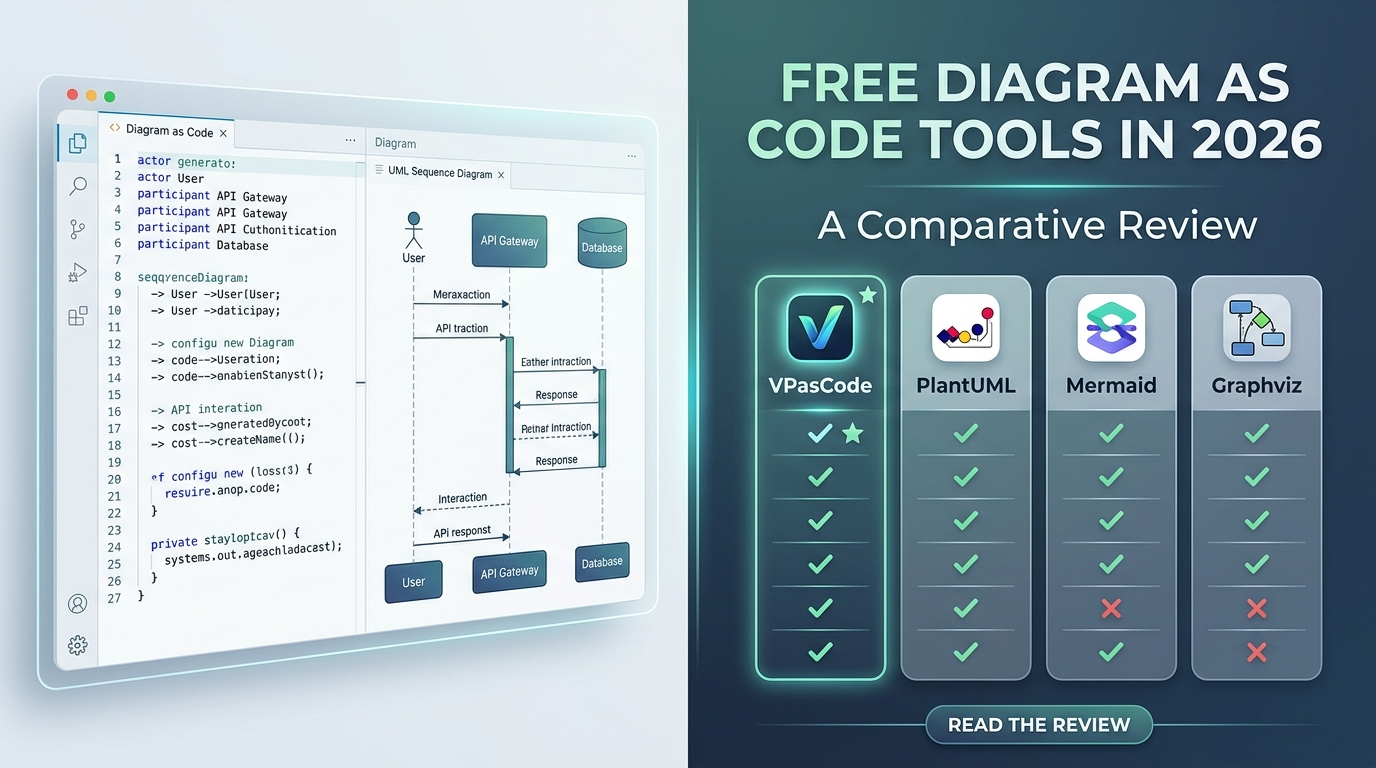
In this article, we’ll explore the best free diagram as code tools available in 2026, including PlantUML, Mermaid, Graphviz, and the new VPasCode by Visual Paradigm. We’ll compare their features, supported diagram types, and how they can streamline your workflow.
Why Use Diagram as Code?
Traditional diagramming tools often require manual drawing, which can be time-consuming and hard to maintain. Diagram as code solves this by letting you define diagrams using simple, human-readable text. This means you can:
- Edit diagrams as text
- Collaborate easily with team members, as the text can be shared and edited like any code file.
- Integrate diagramming into your CI/CD pipelines.
For developers and architects, a text-to-diagram tool or online text to diagram tool is not just a convenience—it’s a necessity for agile, scalable workflows.
Key Features to Look For in a Diagram as Code Tool
Not all diagram as code software is created equal. When evaluating options, consider:
- Supported diagram types: Does it support class diagram, sequence diagram,
activity diagram, state diagram, component diagram, deployment diagram, timing diagram, and object diagram? - Syntax simplicity: Is the syntax intuitive and easy to learn?
- Integration: Can it integrate with your existing tools and workflows?
- AI assistance: Does it offer features like error fixing or content translation?
- Free tier: Is there a robust free diagram as code tool option?
Top Free Diagram as Code Tools in 2026
1. VPasCode by Visual Paradigm
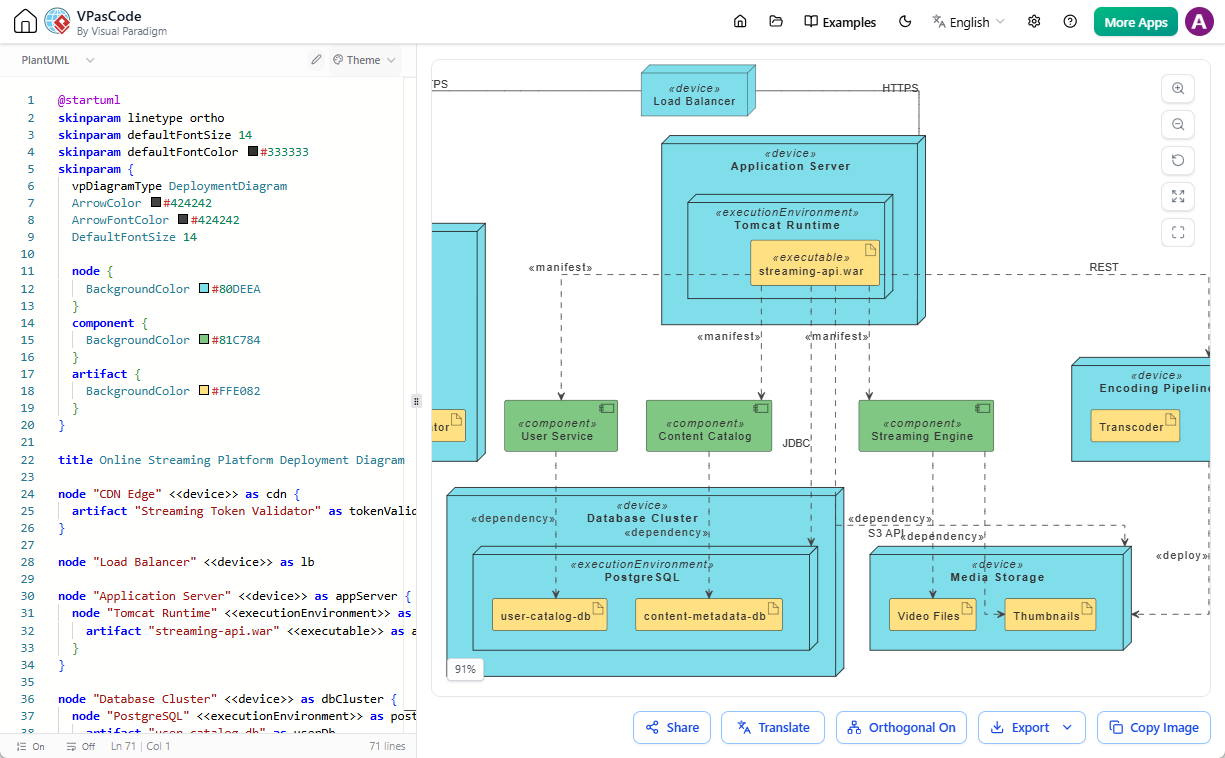
VPasCode is a cutting-edge diagram as code platform and a core element of the Visual Paradigm AI Ecosystem. It stands out as a unified, online text to diagram tool that supports a wide range of standards, including PlantUML, Mermaid, and Graphviz, as well as ECharts, JSON, and SQL.
VPasCode allows you to edit diagram as text with a user-friendly interface, making it ideal for both beginners and experts. Its AI features, such as AI code error fixing and AI code content translation (e.g., translating “Car” to “汽車”), set it apart from other tools. As part of the Visual Paradigm AI Ecosystem, you can generate code with the AI Diagramming Chatbot and seamlessly edit in VPasCode with a single click. You can also send diagrams to Visual Paradigm OpenDocs
for documentation and knowledge sharing.
Supported Diagram Types:
- PlantUML: class, sequence, use case, activity, state, component, deployment, timing, object, ArchiMate, C4, ERD, Network, WBS, Gantt, Mind Map, Chen ERD, Regex, Salt, JSON, YAML
- Mermaid: flowchart, sequence, class, state, ER, Gantt, user journey, Git Graph, Pie Chart, C4, mind map, timeline, Quadrant, requirement, Sankey, XY chart, block, packet, Kanban, architecture, treemap, Ishikawa, treeview, event modeling, venn, wardley, Cynefin, radar, railroad, swimlanes
- Graphviz: digraph, graph, flowchart, org chart, cluster, data flow
- Other: Markmap, ECharts, JSON, SQL
Pricing: Editing is completely free. AI features are paid.
2. PlantUML
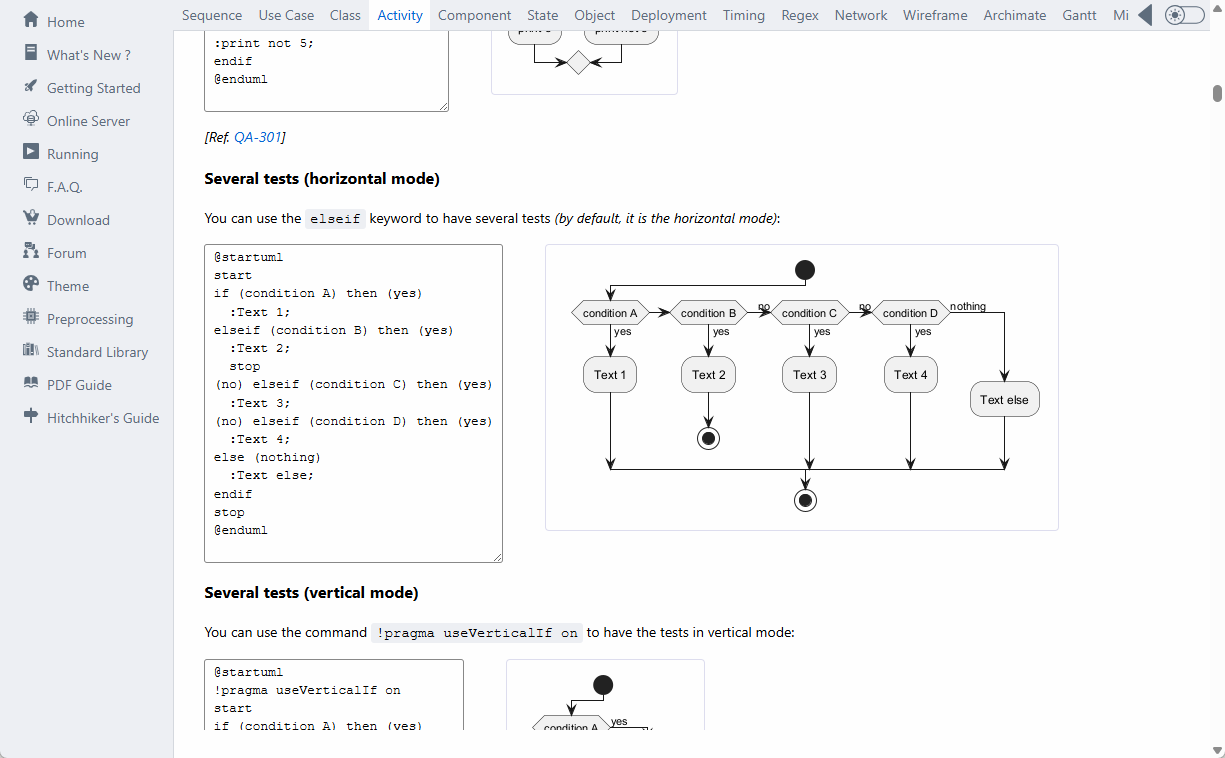
PlantUML is one of the most popular text-based UML tools available. It uses a simple, text-based syntax to create a variety of UML diagrams, including class diagram, sequence diagram, use case diagram, activity diagram, and more. PlantUML is open-source and widely used for its flexibility and integration capabilities.
3. Mermaid
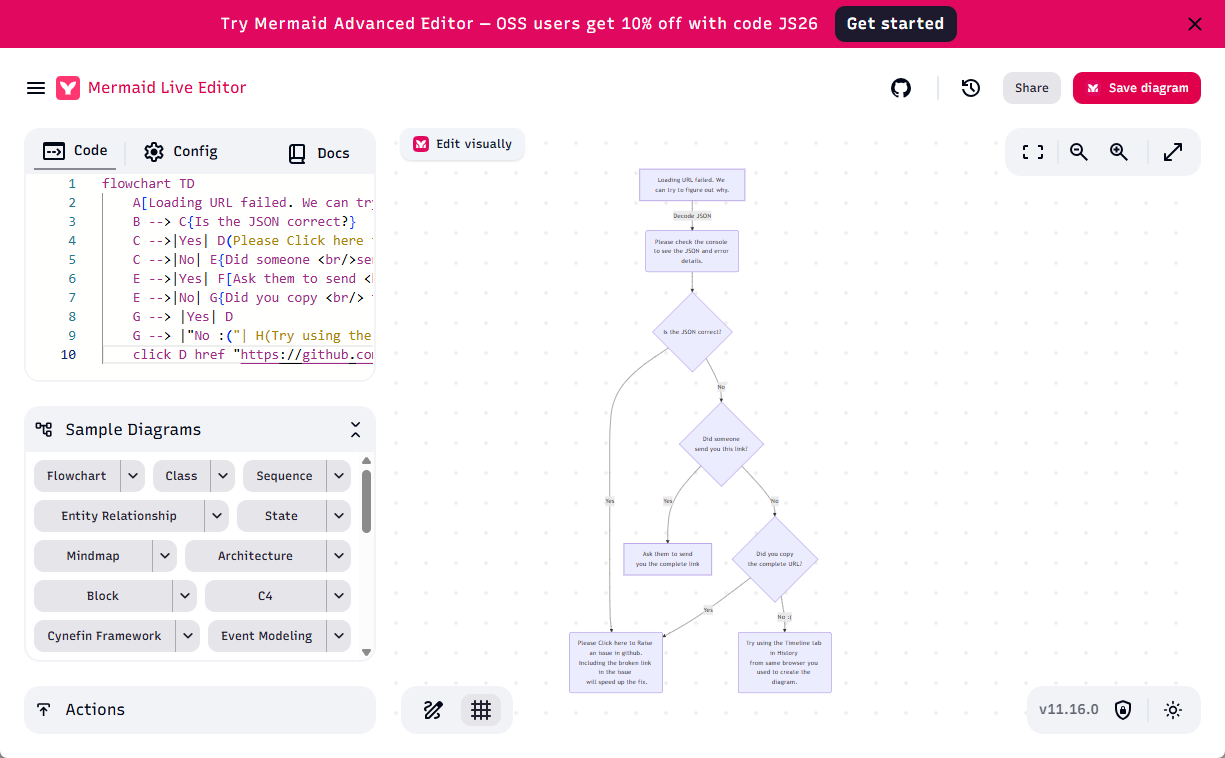
Mermaid is a JavaScript-based diagram as code tool that renders diagrams and visualizations using text and code. It’s especially popular for documentation (e.g., GitHub, GitLab) and supports a broad range of diagram types, from flowcharts to Gantt charts and sequence diagrams.
4. Graphviz
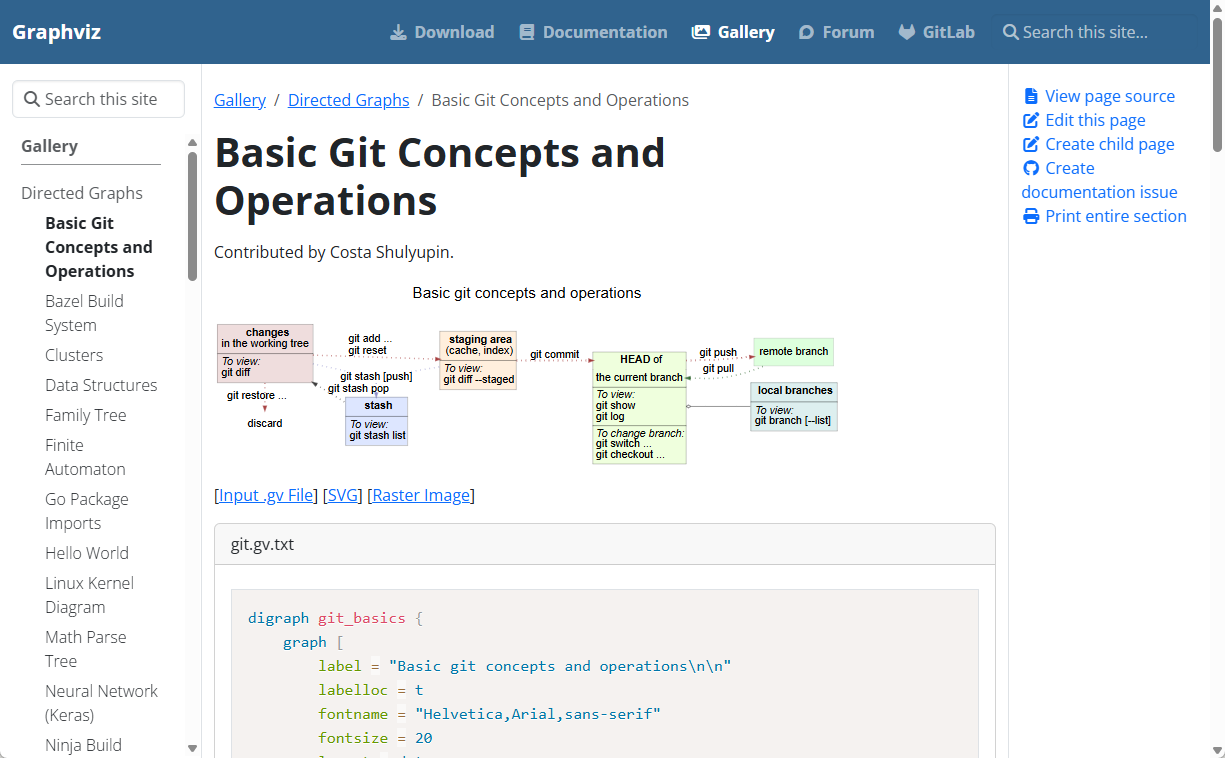
Graphviz is a graph visualization software that uses a simple text language to describe graphs.
It’s ideal for creating complex network diagrams, flowcharts, and organizational charts.
Comparative Table: Free Diagram as Code Tools
| Tool | Class Diagram | Sequence Diagram | Use Case Diagram | Activity Diagram | State Diagram | Component Diagram | Deployment Diagram | Timing Diagram | Object Diagram | AI Features | Free |
|---|---|---|---|---|---|---|---|---|---|---|---|
| VPasCode | ✅ | ✅ | ✅ | ✅ | ✅ | ✅ | ✅ | ✅ | ✅ | ✅ (Error fixing, translation) | ✅ (Editing) |
| PlantUML | ✅ | ✅ | ✅ | ✅ | ✅ | ✅ | ✅ | ✅ | ✅ | ❌ | ✅ |
| Mermaid | ✅ | ✅ | ❌ | ✅ | ✅ | ❌ | ❌ | ❌ | ❌ | ❌ | ✅ |
| Graphviz | ❌ | ❌ | ❌ | ❌ | ❌ | ❌ | ❌ | ❌ | ❌ | ❌ | ✅ |
Note: VPasCode supports all major diagram types and offers unique AI features for a more powerful text-based UML diagram editing experience.
How to Choose the Right Diagram as Code Tool
The best diagram as code tool for you depends on your specific needs:
- For UML and comprehensive diagram support: VPasCode is the most versatile, supporting all major UML diagrams and more, with AI assistance.
- For open-source and customization: PlantUML is a solid choice for UML diagrams.
- For documentation and web-based diagrams: Mermaid is ideal for Markdown and web docs.
- For graph visualization: Graphviz excels in rendering complex graphs and networks.
If you want a free diagram as code tool that does it all—with AI features and seamless integration into the Visual Paradigm ecosystem—VPasCode is the clear winner.
Conclusion
Diagram as code is transforming how teams create and maintain diagrams. Whether you’re a developer, architect, or technical writer, using a text-to-diagram tool or code-based diagramming software can save you time and improve collaboration.
Among the top free diagram as code tools in 2026, VPasCode stands out for its comprehensive support, AI features, and integration with the Visual Paradigm AI Ecosystem. Try VPasCode today
and experience the future of diagramming!
This post is also available in Deutsch, Español, فارسی, Français, English, Bahasa Indonesia, 日本語, Polski, Portuguese, Ру́сский, Việt Nam, 简体中文 and 繁體中文.