
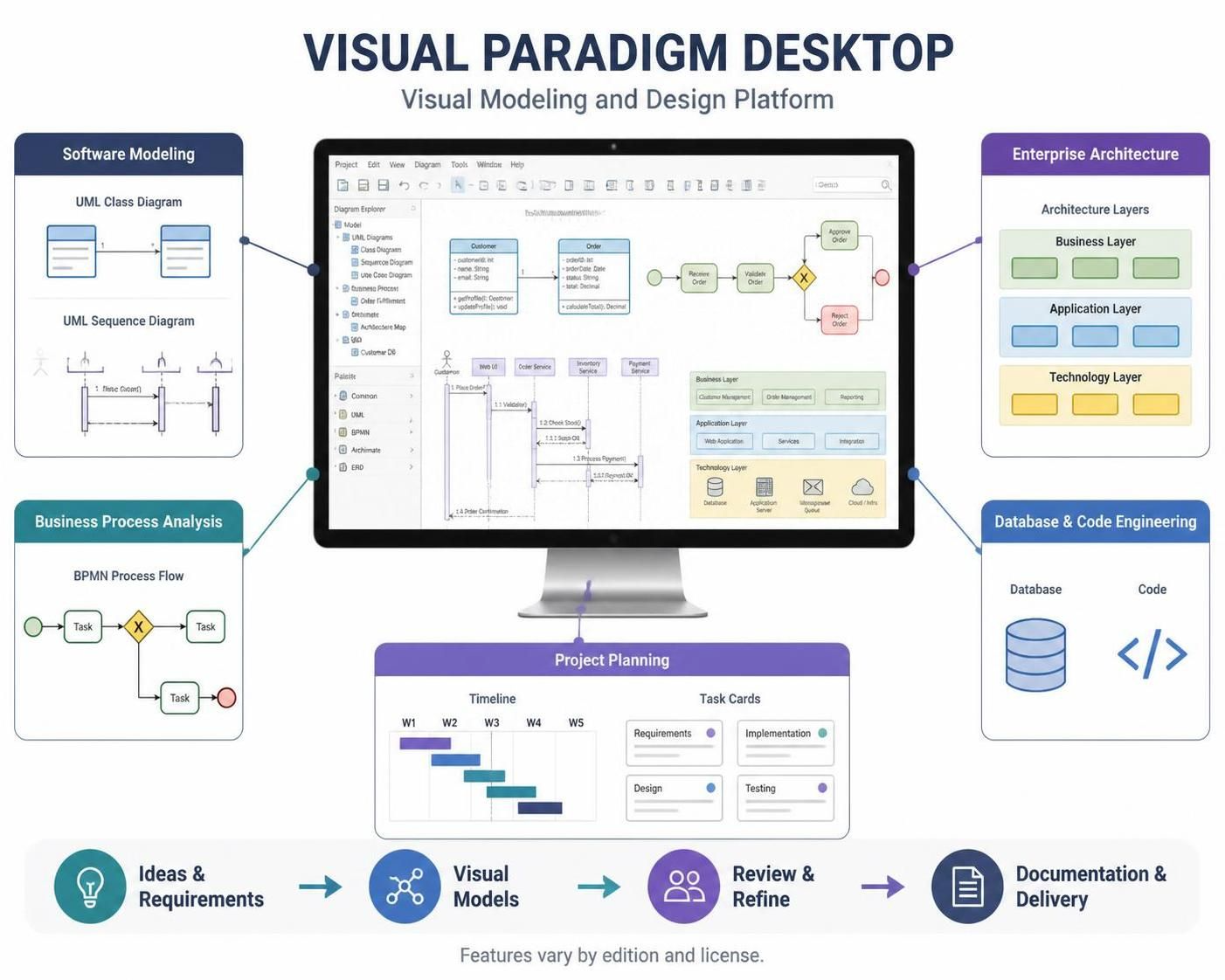
Visual Paradigm Desktop is a visual modeling and design application for turning ideas, requirements, processes, and system designs into structured diagrams and project artifacts. It brings software modeling, business process analysis, enterprise architecture, database and code engineering, and project-planning tools into one environment. Exact capabilities depend on the product edition and license.
What you can do with it
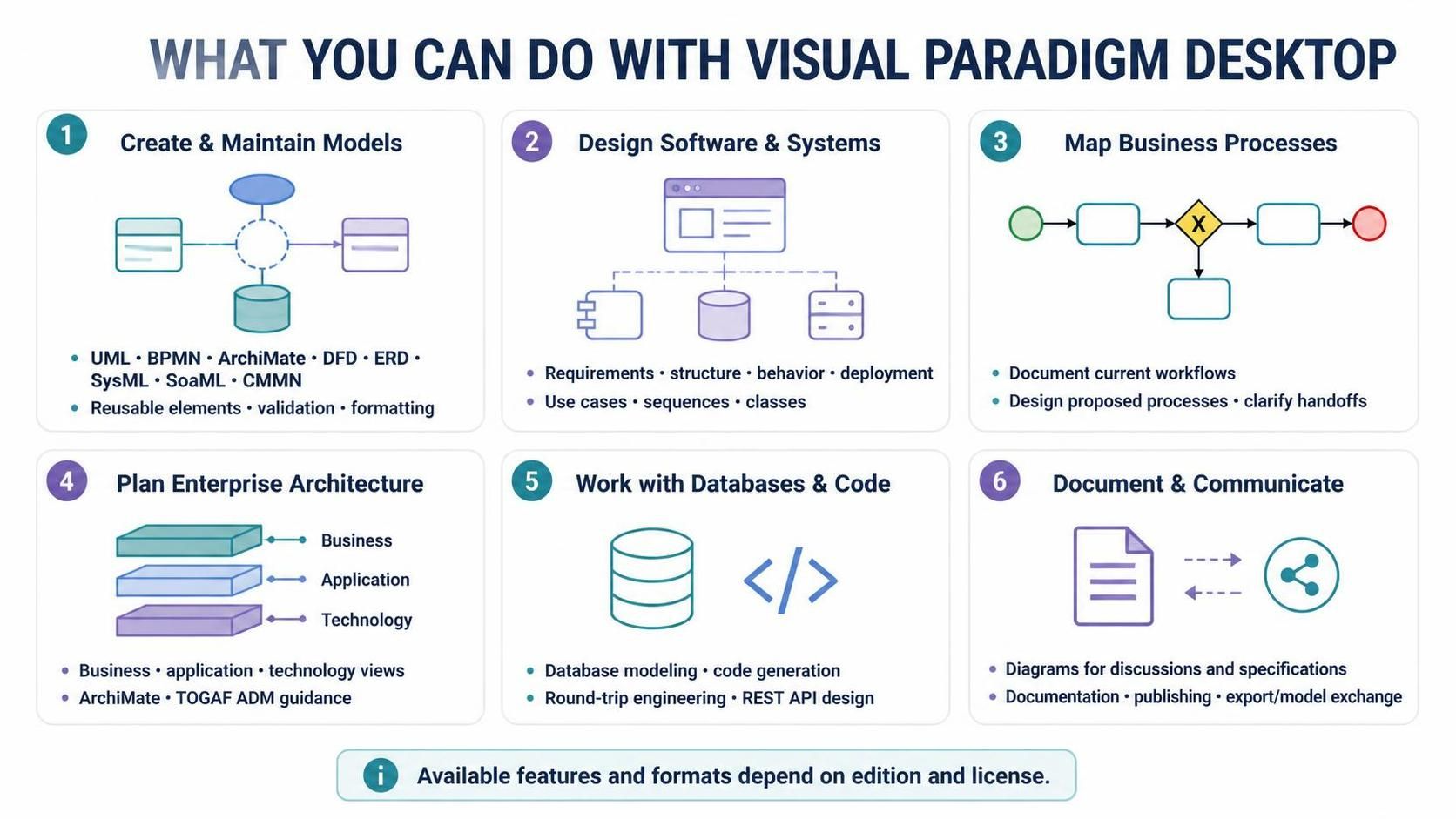
Create and maintain models. The platform includes a drag-and-drop diagram editor and supports notations such as UML, BPMN, ArchiMate, DFD, ERD, SysML, SoaML, and CMMN. Modeling aids include reusable elements, diagram and element transformations, syntax validation, custom properties, and formatting tools.
Design software and systems. Use UML diagrams to explore requirements, structure, behavior, and deployment. For example, a team might map user goals with use cases, describe interactions with sequence diagrams, model domain classes, and document how components are deployed.
Map business processes. BPMN diagrams can help teams document how work currently flows, design a proposed process, and discuss responsibilities or handoffs. Business-analysis tools can also support structured analysis and planning.
Plan enterprise architecture. ArchiMate diagrams and TOGAF ADM guidance can help architects describe an organization’s business, application, and technology architecture, and organize architecture work through a framework. Availability varies by edition.
Work with databases and code. Depending on the edition, the platform can support database modeling, code generation, and round-trip engineering—generating code from models or models from existing code. It also offers REST API design and documentation capabilities.
Document and communicate. Diagrams can serve as shared reference points for project discussions, specifications, and presentations. Documentation and publishing tools are available in some editions. The platform also supports exporting diagrams and exchanging models with other tools and formats; check the current feature matrix for the formats and functions included in your license.
Common usage cases
-
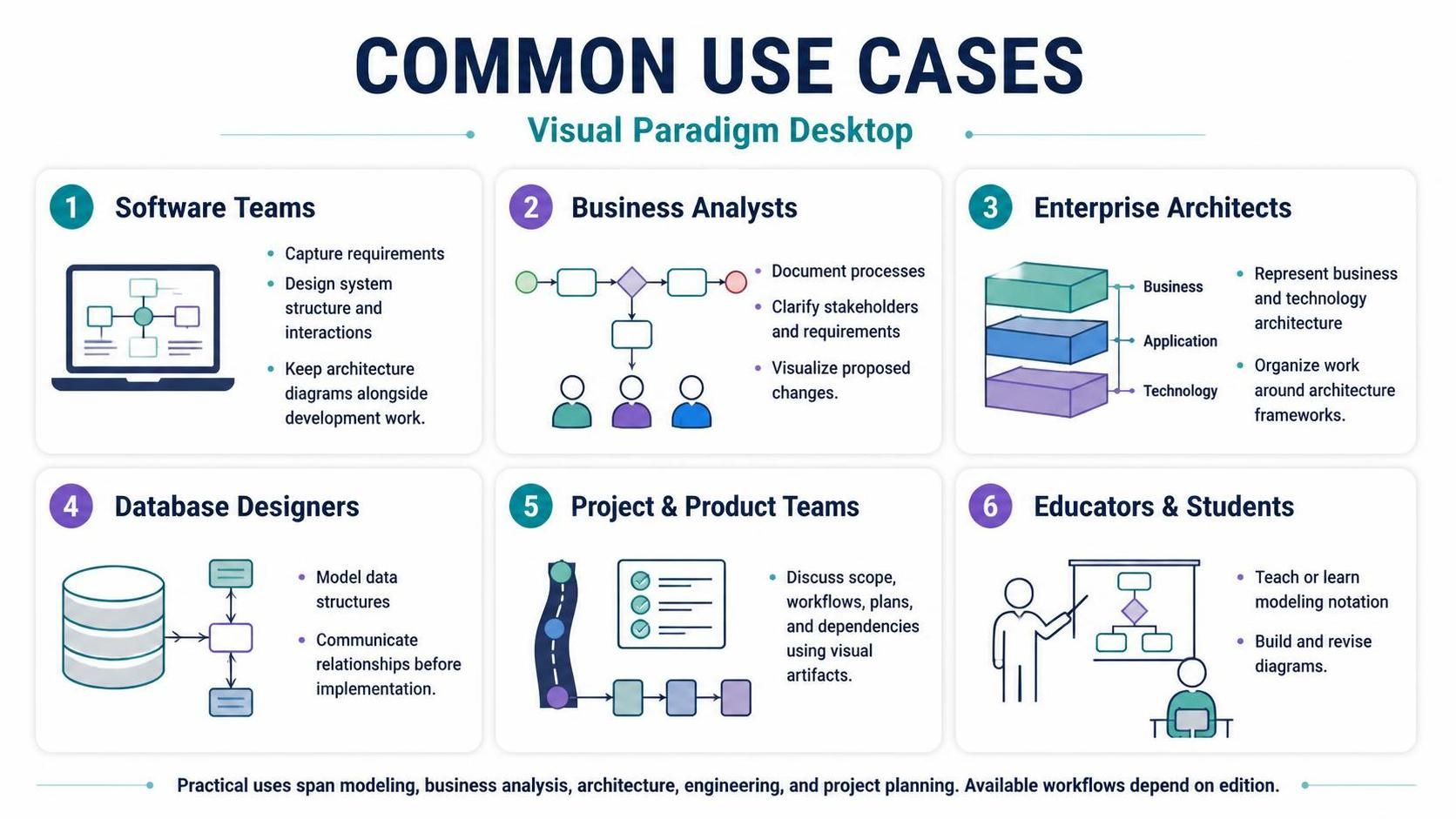
Software teams: capture requirements, design system structure and interactions, and keep architecture diagrams alongside development work.
-
Business analysts: document processes, clarify stakeholders and requirements, and visualize proposed changes.
-
Enterprise architects: represent business and technology architecture and organize work around architecture frameworks.
-
Database designers: model data structures and communicate relationships before implementation.
-
Project and product teams: use visual artifacts to discuss scope, workflows, plans, and dependencies.
-
Educators and students: teach or learn modeling notation by building and revising diagrams.
These are practical applications of the platform’s modeling, business-analysis, architecture, engineering, and project-management feature groups. Which workflows are available depends on edition.
A typical workflow
-
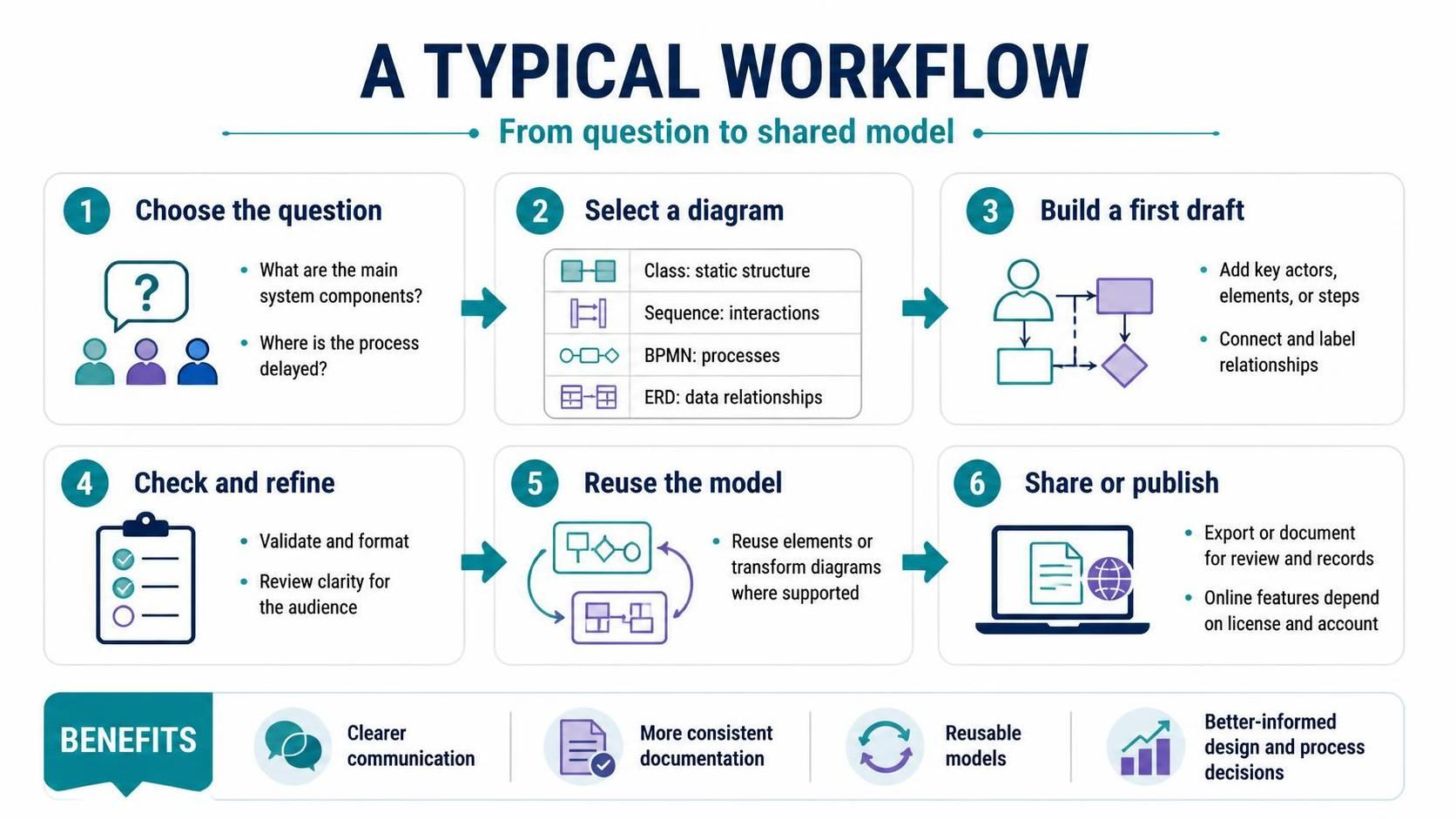
Choose the question you need to answer. For example: “What are the main system components?” or “Where does this business process get delayed?”
-
Select a suitable diagram type. Use a class diagram for static structure, a sequence diagram for interactions over time, BPMN for business processes, or ERD for data relationships.
-
Build a first draft. Add the key actors, elements, or steps; connect them; and label relationships clearly.
-
Check and refine the model. Use validation and formatting tools, and review whether the diagram communicates the intended meaning to its audience.
-
Reuse the model in related work. Where supported, reuse elements or transform diagrams rather than rebuilding related content from scratch.
-
Share or publish the result. Export or document the work in a format suited to your team’s review and record-keeping process. If using online features, confirm that your license and account support them.
Benefits
-
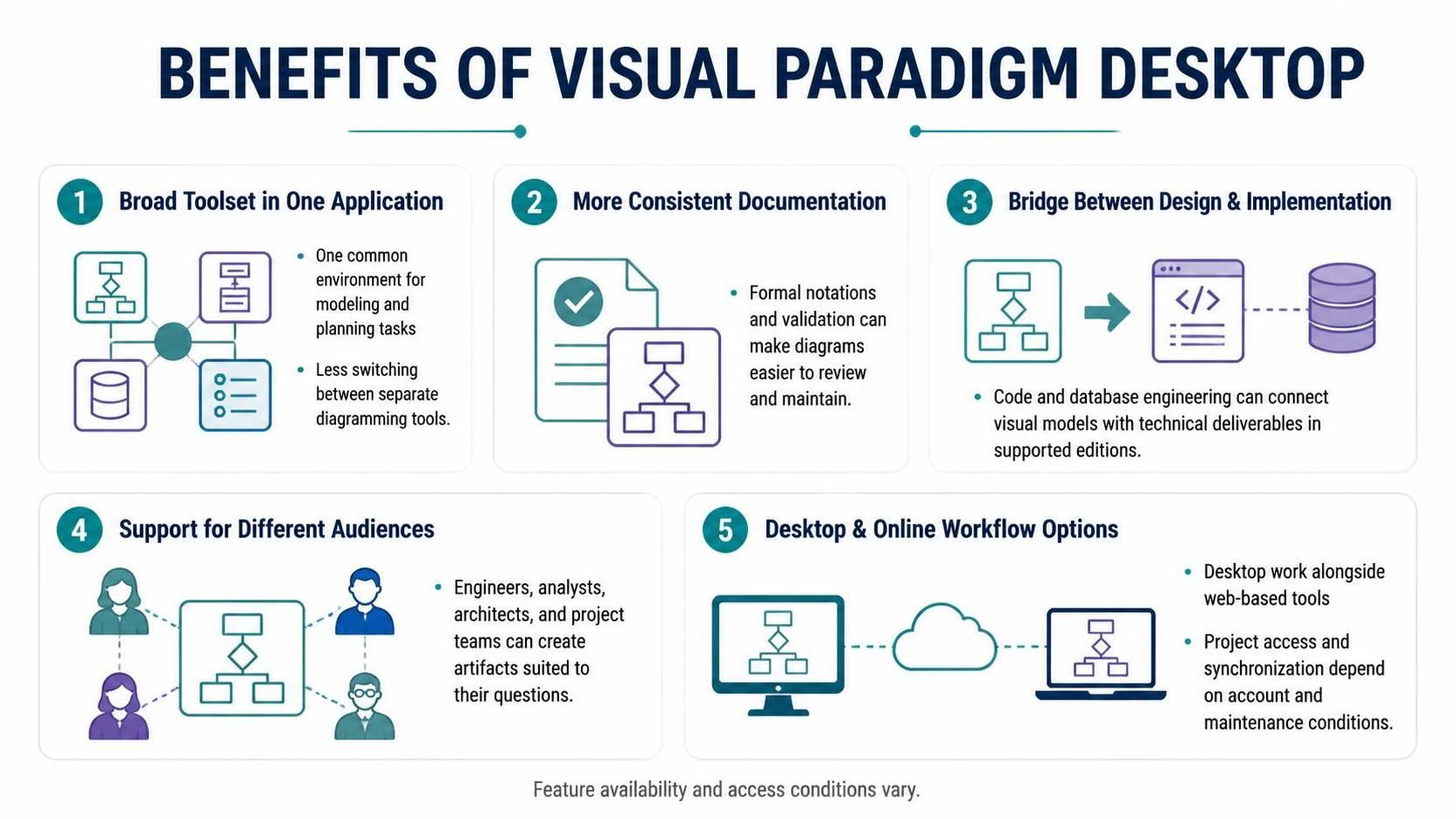
A broad toolset in one application: teams can use a common environment for several modeling and planning tasks rather than switching among separate diagramming tools.
-
More consistent documentation: using formal notations and validation can make diagrams easier to review and maintain.
-
A bridge between design and implementation: code and database engineering features can connect visual models with technical deliverables in supported editions.
-
Support for different audiences: software engineers, analysts, architects, and project teams can create artifacts suited to their respective questions.
-
Desktop and online workflow options: the vendor describes desktop work alongside web-based tools, with project access and synchronization available under stated account and maintenance conditions.
Points to consider
Visual Paradigm is a broad platform, so its range can take time to learn. Start with the diagram types that match your immediate work rather than trying to use every feature at once. Also, do not assume every feature is included in every edition: compare the current edition matrix against your required workflows before purchasing or standardizing on it. Licensing, maintenance, and access to online capabilities have specific conditions.
A useful evaluation is to model one real, modest-sized task—for example, a key workflow or a small software feature—and check whether the editor, notation support, collaboration approach, and exports fit your team’s process.