


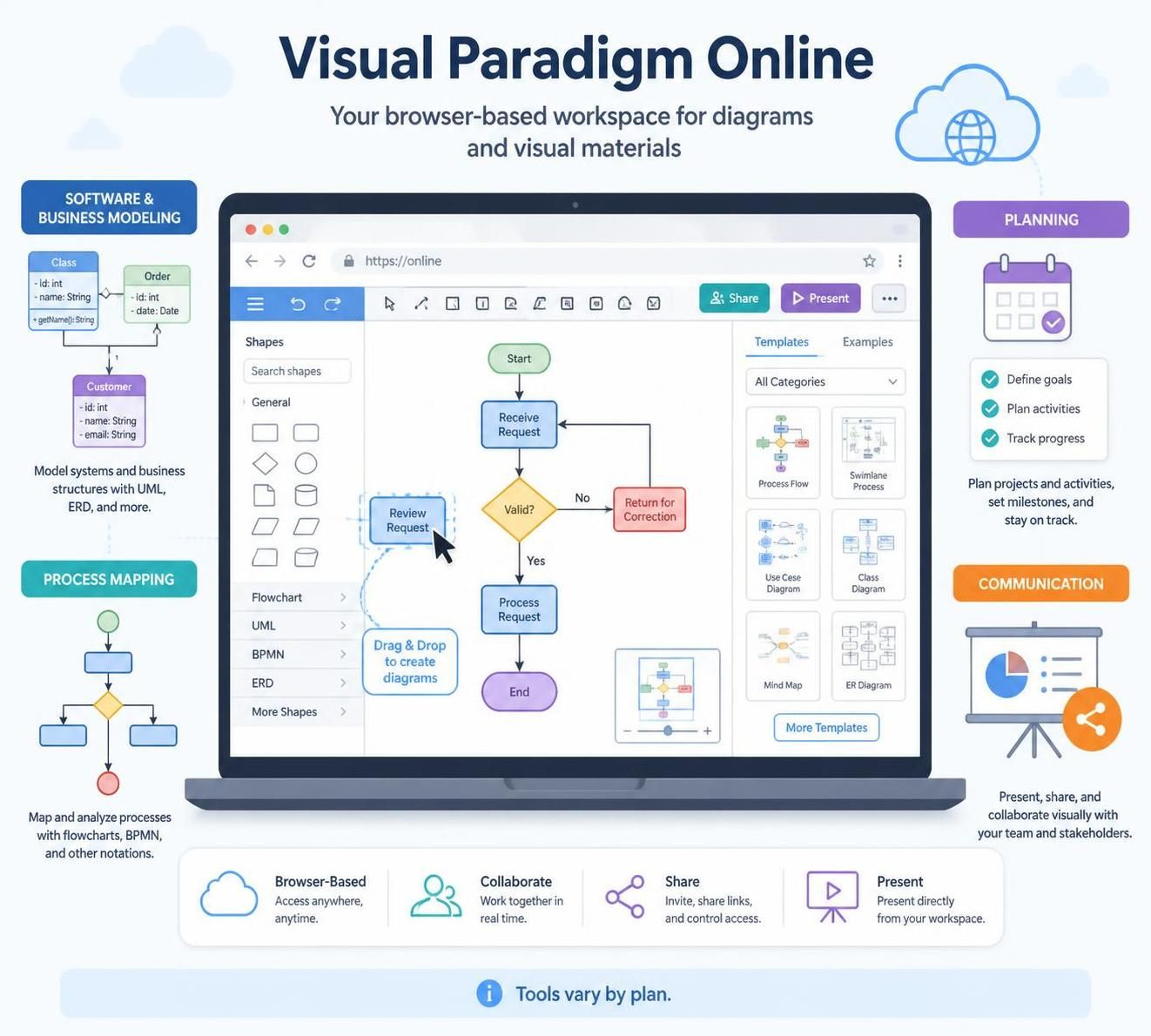
Visual Paradigm Online is a browser-based workspace for creating diagrams and other visual materials. It brings together tools for software and business modeling, process mapping, planning, and communication. You can start with a template or build diagrams with a drag-and-drop editor, then share or present your work. The exact tools and capabilities available can vary by plan.
Features overview
-
Software and systems modeling: Create UML diagrams such as class, use-case, sequence, activity, component, and deployment diagrams. These help describe software structure and behavior.
-
Business-process modeling: Build BPMN diagrams to show activities, decision points, events, and the people or teams responsible for steps in a process.
-
Architecture and data diagrams: Create diagrams such as ArchiMate, entity-relationship diagrams (ERDs), data-flow diagrams, and cloud-architecture diagrams.
-
General-purpose visuals: Make flowcharts, mind maps, organization charts, Venn diagrams, and PERT charts for explaining ideas and planning work.
-
Analysis and planning: Tools include SWOT and PEST analysis, customer-journey mapping, user-story mapping, Gantt charts, and other project-planning visuals.
-
Templates and examples: A large library of templates and examples can help you get started without drawing everything from scratch.
-
Sharing and collaboration: Cloud-based work supports sharing and collaboration; some workflows offer concurrent editing, review, or comments. Check your plan and settings for the specific collaboration features available to you.
-
Export and interoperability: Depending on the tool and plan, diagrams can be exported or connected with other applications. Verify the required format or integration before building a workflow around it.
Common usage cases
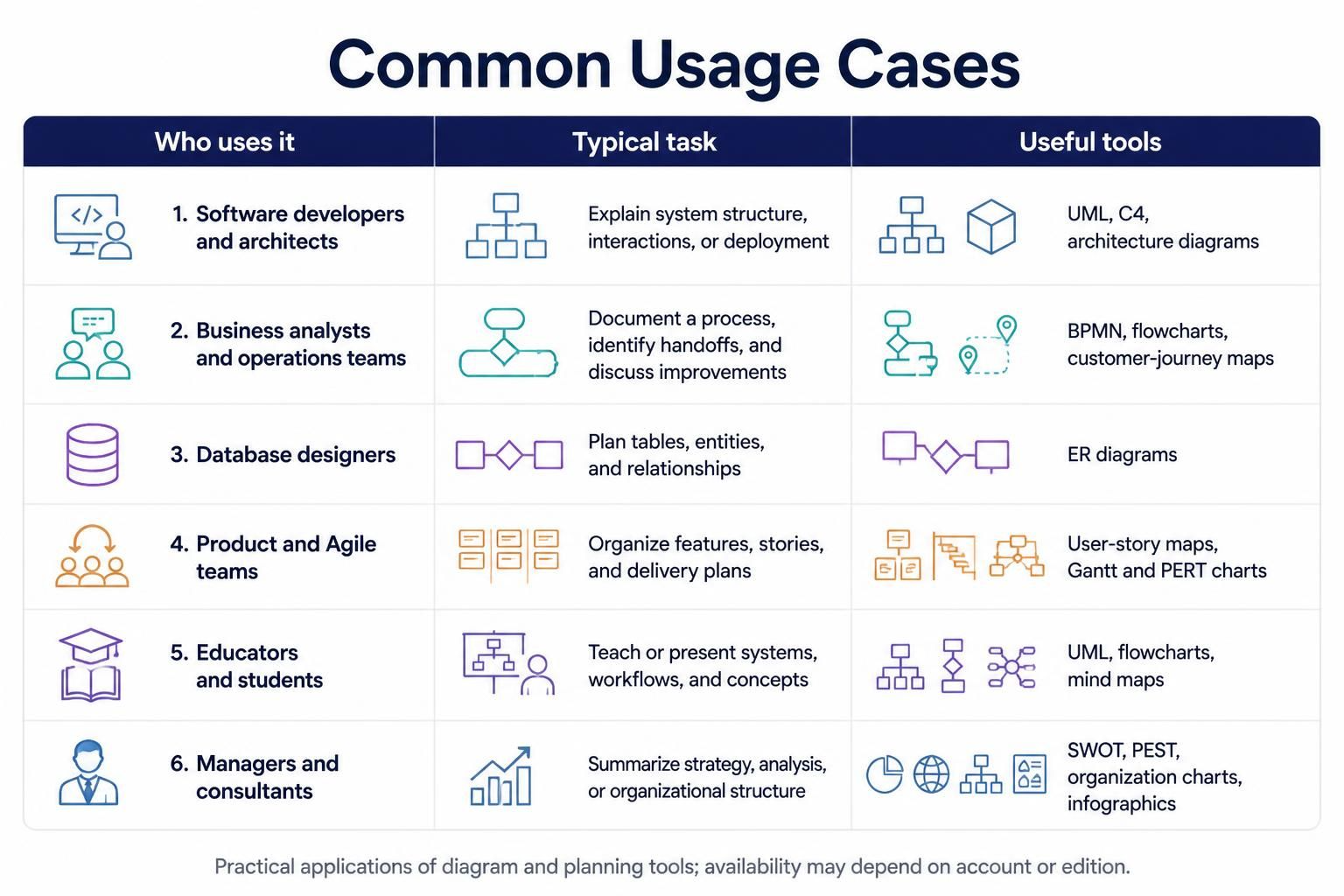
| Who uses it | Typical task | Useful tools |
|---|---|---|
| Software developers and architects | Explain system structure, interactions, or deployment | UML, C4, architecture diagrams |
| Business analysts and operations teams | Document a process, identify handoffs, and discuss improvements | BPMN, flowcharts, customer-journey maps |
| Database designers | Plan tables, entities, and relationships | ER diagrams |
| Product and Agile teams | Organize features, stories, and delivery plans | User-story maps, Gantt and PERT charts |
| Educators and students | Teach or present systems, workflows, and concepts | UML, flowcharts, mind maps |
| Managers and consultants | Summarize strategy, analysis, or organizational structure | SWOT, PEST, organization charts, infographics |
These are practical applications of the diagram and planning tools listed for the platform; which features are available may depend on your account or edition.
A simple workflow
-
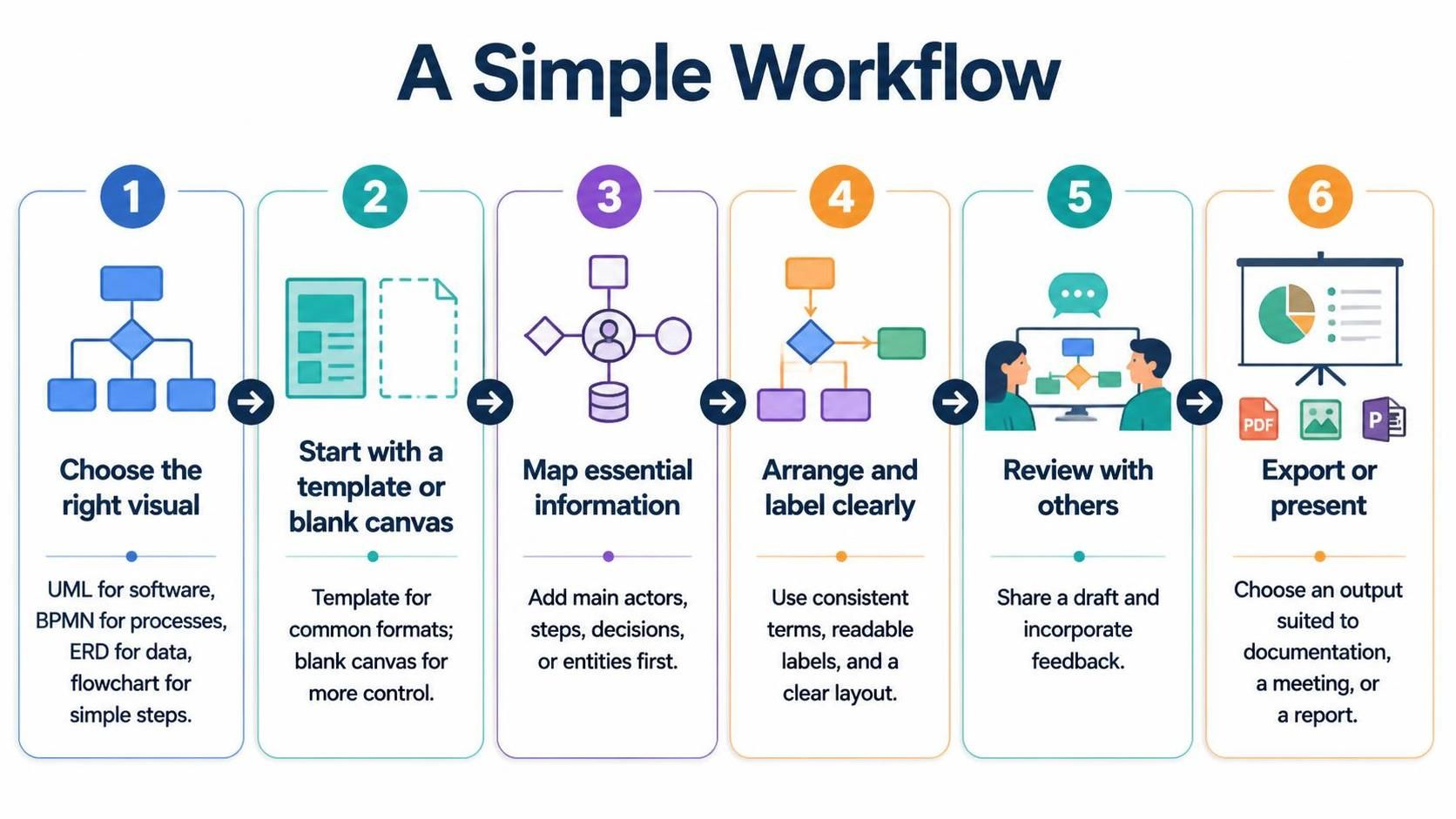
Choose the right visual. Use UML for software design, BPMN for business processes, an ERD for data structure, or a flowchart for a straightforward sequence of steps.
-
Start with a template or blank canvas. Templates are useful for common formats; a blank canvas gives you more control.
-
Map the essential information first. Add the main actors, steps, decisions, or entities before adding detail.
-
Arrange and label clearly. Use consistent terms, readable labels, and a layout that communicates the flow or relationships at a glance.
-
Review with others. Share the draft with teammates or stakeholders and incorporate their feedback.
-
Export or present the result. Choose an output format suited to its destination, such as documentation, a meeting, or a report.
Benefits
-
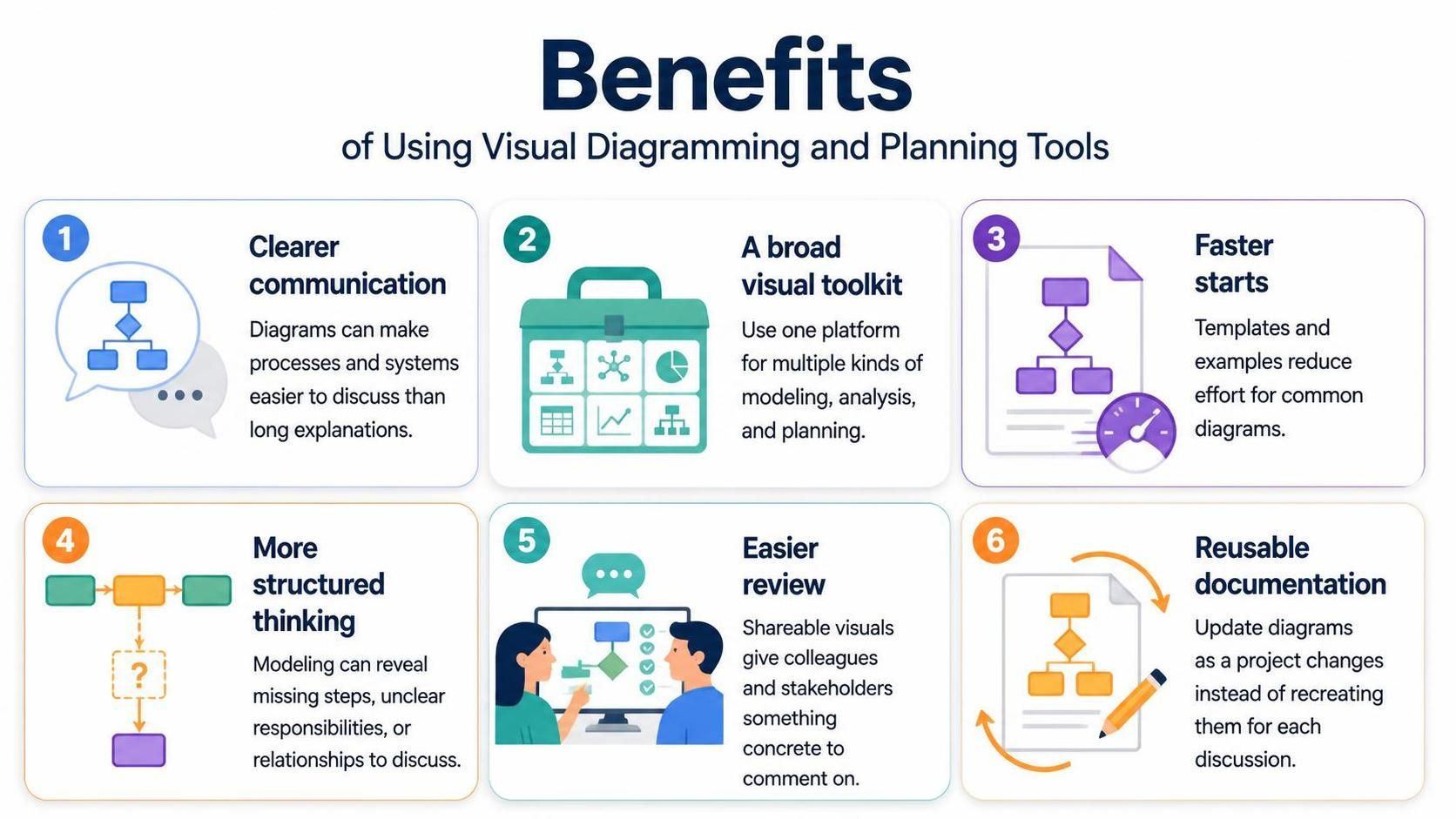
Clearer communication: A diagram can make a process or system easier to discuss than a long written explanation.
-
A broad visual toolkit: Teams can use one platform for multiple types of modeling, analysis, and planning.
-
Faster starts: Templates and examples reduce the effort needed to create common diagrams.
-
More structured thinking: Modeling can expose missing steps, unclear responsibilities, or relationships that need discussion.
-
Easier review: Shareable visuals give colleagues and stakeholders a concrete artifact to comment on.
-
Reusable documentation: Diagrams can be updated as a project changes, rather than recreated for every discussion.
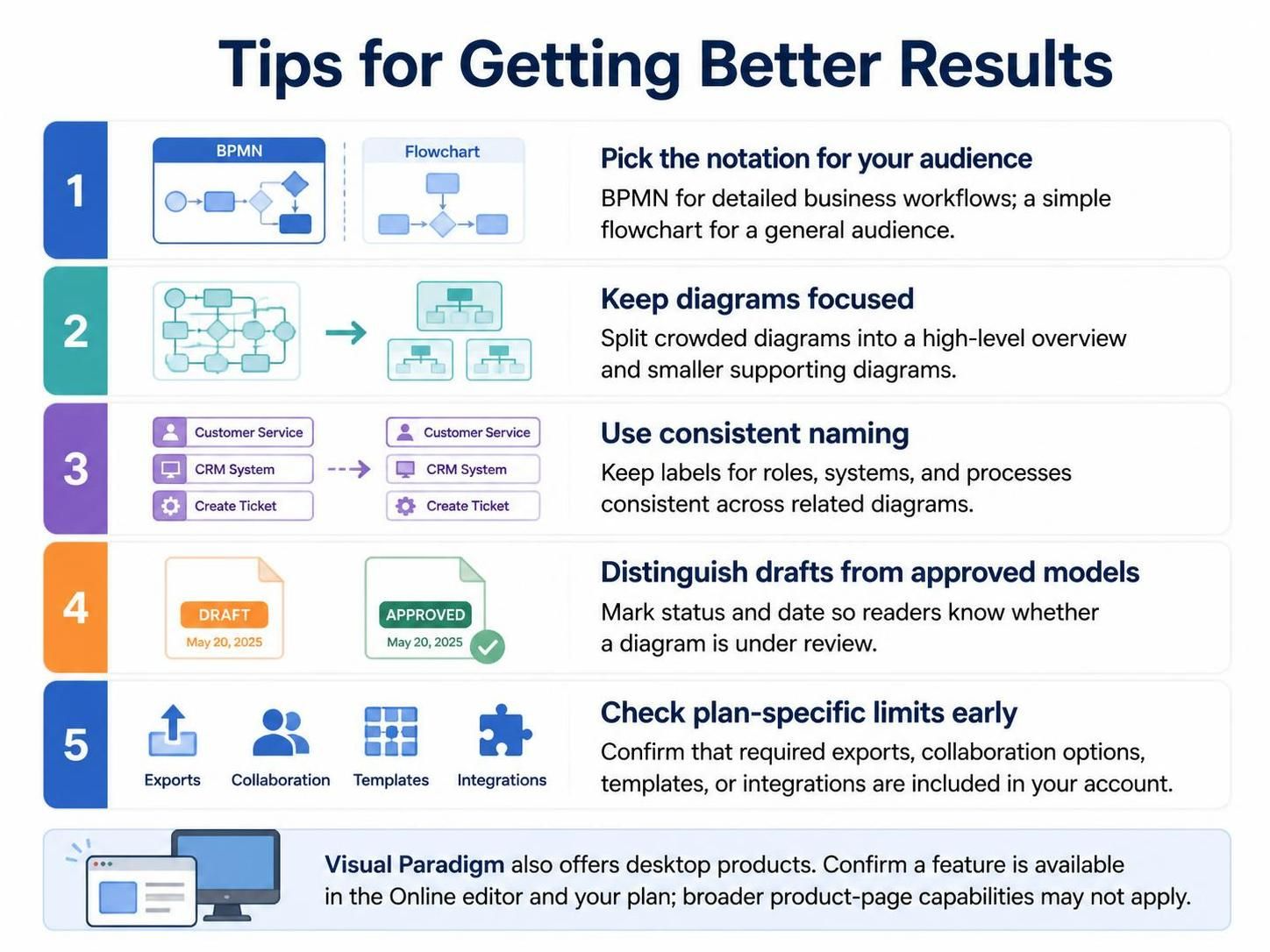
Tips for getting better results
-
Pick the notation for your audience. BPMN is suited to detailed business workflows; a simple flowchart may be easier for a general audience.
-
Keep diagrams focused. If one diagram becomes crowded, split it into a high-level overview and smaller supporting diagrams.
-
Use consistent naming. The same role, system, or process should have the same label throughout related diagrams.
-
Distinguish drafts from approved models. Mark a diagram’s status and date so readers know whether it is still under review.
-
Check plan-specific limits early. Before relying on a particular export, collaboration option, template, or integration, confirm it is included in your account.
Visual Paradigm also offers desktop products, and its broader product pages describe capabilities that may not be part of the Online editor. For a specific task, confirm that the feature is available in the Online tool and your plan.
This post is also available in Deutsch, Español, فارسی, Français, Bahasa Indonesia, 日本語, Polski, Portuguese, Ру́сский, Việt Nam, 简体中文 and 繁體中文.