


Introduction
In the rapidly evolving landscape of software engineering and system architecture, the gap between code and documentation has long been a source of friction. Traditional diagramming tools often require manual drag-and-drop interfaces that are difficult to version control, hard to maintain, and prone to becoming outdated as systems evolve. Enter Visual Paradigm VPasCode, Visual Paradigm’s cloud-native, browser-based Diagram-as-Code (DaC) platform. This innovative solution empowers developers and architecture teams to write declarative text that instantly renders highly precise engineering diagrams, bridging the divide between code repositories and visual documentation. By treating diagrams as code, VPasCode enables teams to leverage familiar development workflows—such as version control, code reviews, and CI/CD pipelines—for their architectural visuals. This case study explores how VPasCode transforms diagram creation through multi-engine syntax support, IDE-grade editing capabilities, AI-powered automation, and seamless integration into modern development ecosystems.
Multi-Engine Syntax Support: Flexibility at Its Core
One of VPasCode’s standout features is its ability to support multiple diagramming syntax engines within a single platform. This flexibility ensures that teams can choose the right tool for the right job without switching between different applications.
PlantUML Integration
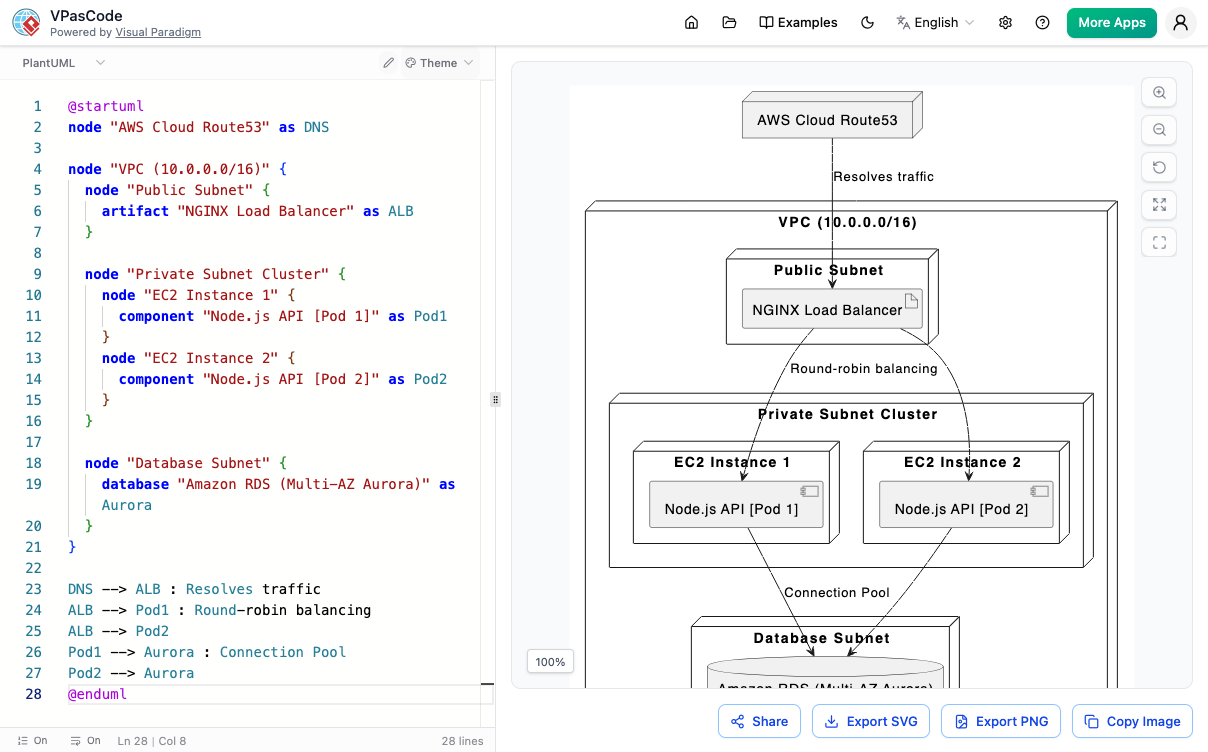
VPasCode offers direct rendering engine support optimized for heavy UML artifacts. Whether you’re creating Sequence diagrams to map out service interactions, Class diagrams to define object structures, or Component and Deployment diagrams to illustrate system architecture, PlantUML integration handles it all. Additionally, it supports C4 models, providing a standardized approach to documenting software architecture at various levels of abstraction.
Mermaid.js Integration
For teams needing quick and lightweight visualizations, Mermaid.js integration fully renders flowcharts, user journeys, Gantt charts, mind maps, Git graphs, and timelines. This makes it ideal for agile teams that need to rapidly prototype ideas or communicate project timelines without the overhead of complex modeling tools.
Graphviz (DOT) Integration
When dealing with heavy relational mapping, complex dependency trees, network charts, or directed graphs, VPasCode’s specialized Graphviz (DOT) parsing engine shines. This capability is particularly valuable for data engineers and infrastructure teams who need to visualize intricate relationships between systems, databases, or microservices.
Smart Engine Detection
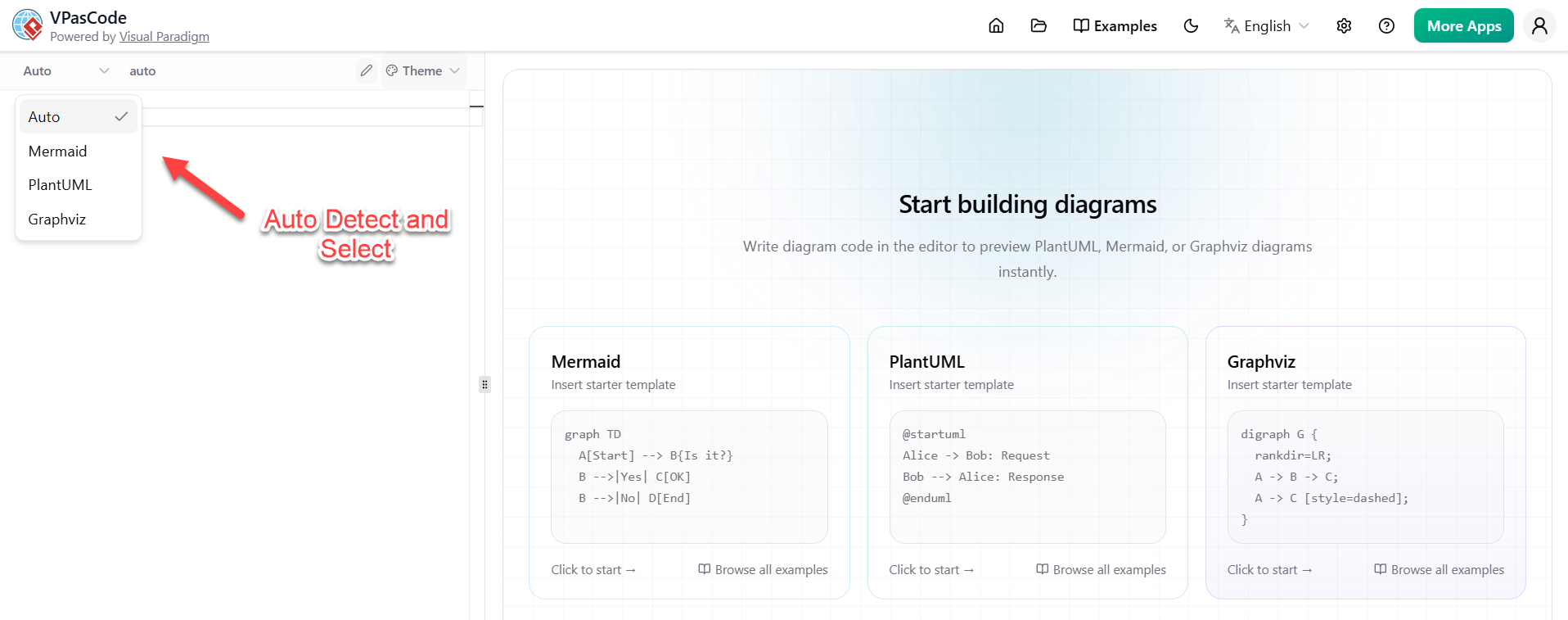
Perhaps one of the most user-friendly features is Smart Engine Detection. The platform automatically analyzes your input text structure and suggests switching to the matching syntax engine if a conflict is found. This reduces the learning curve for new users and prevents frustrating syntax errors when transitioning between different diagram types.
IDE-Grade Code Editor: Precision and Collaboration
VPasCode doesn’t just render diagrams; it provides a robust coding environment designed for efficiency and collaboration.
-
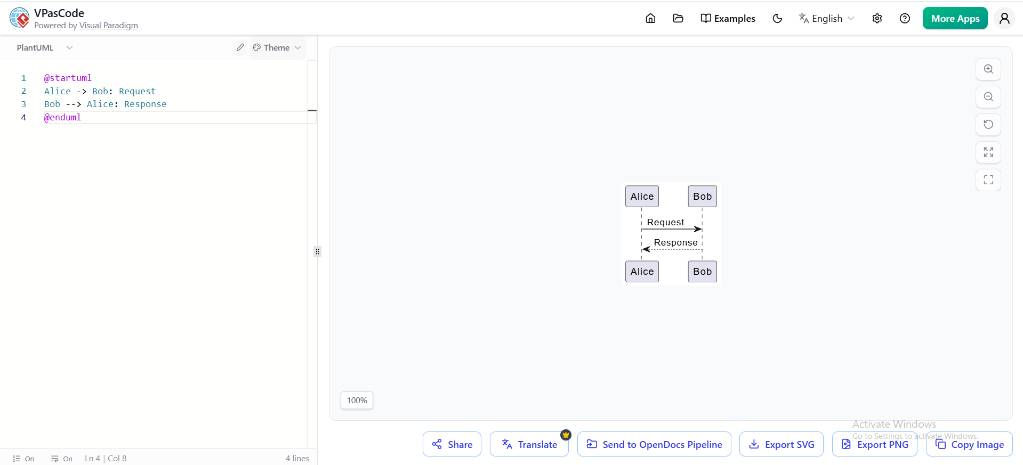
- Code Editor (Left Pane): A text input area featuring syntax highlighting for writing diagram code (currently showing PlantUML syntax).
- Live Preview (Right Pane): An interactive canvas that dynamically renders the written code into a visual diagram (currently showing a sequence diagram).
- Language/Engine Selector: A dropdown menu at the top-left to switch between different diagramming syntax engines (currently set to
PlantUML). - Theming: A
Themedropdown menu next to the engine selector to customize the visual style and colors of the rendered diagram.
-
- Share: A button to generate links or collaboration options for the diagram.
- Translate: A localization feature to change the language of the diagram text.
- Send to OpenDocs Pipeline: An integration option to push the diagram directly into documentation workflows.
- Export SVG: Downloads the diagram as a scalable vector graphic for high-quality printing or scaling.
- Export PNG: Downloads the diagram as a standard raster image file.
- Copy Image: Copies the rendered diagram directly to your clipboard for quick pasting.
-
- Zoom Controls: Plus and minus magnifying glass icons to zoom in and out of the canvas.
- Reset Zoom / Actual Size: A circular arrow icon to reset the view back to 100% scale.
- Fit to Screen: A square bracket icon to automatically scale the diagram to fit the current window size.
-
- Examples: A shortcut menu to load pre-made templates and sample scripts.
- Language Selector: A dropdown to change the entire user interface language (currently set to English).
- Account & Apps: Quick access links for settings, help documentation, user profile management, and discovering external tools via the “More Apps” button.
AI-Powered Automation: Enhancing Productivity
VPasCode takes diagram creation to the next level with AI-powered automation features, available as paid add-ons. These tools reduce manual effort and improve the quality of architectural documentation.
AI Code Error Fixing
When syntax errors occur, the AI Code Error Fixing feature scans corrupted text, explains parsing faults, and implements automatic inline modifications to restore the layout instantly. This not only saves time but also helps less experienced team members learn correct syntax patterns.
AI Diagram Translation
Breaking language barriers is crucial for global teams. The AI Diagram Translation feature translates text labels within diagrams into target languages—including English, Spanish, Chinese, French, and Japanese—while preserving layout geometry. This ensures that documentation remains accessible and understandable across diverse teams.
Exporting & Project Sharing: Seamless Integration
VPasCode makes it easy to share and integrate diagrams into various platforms and documentation systems.
Scalable Vector Graphics (SVG)
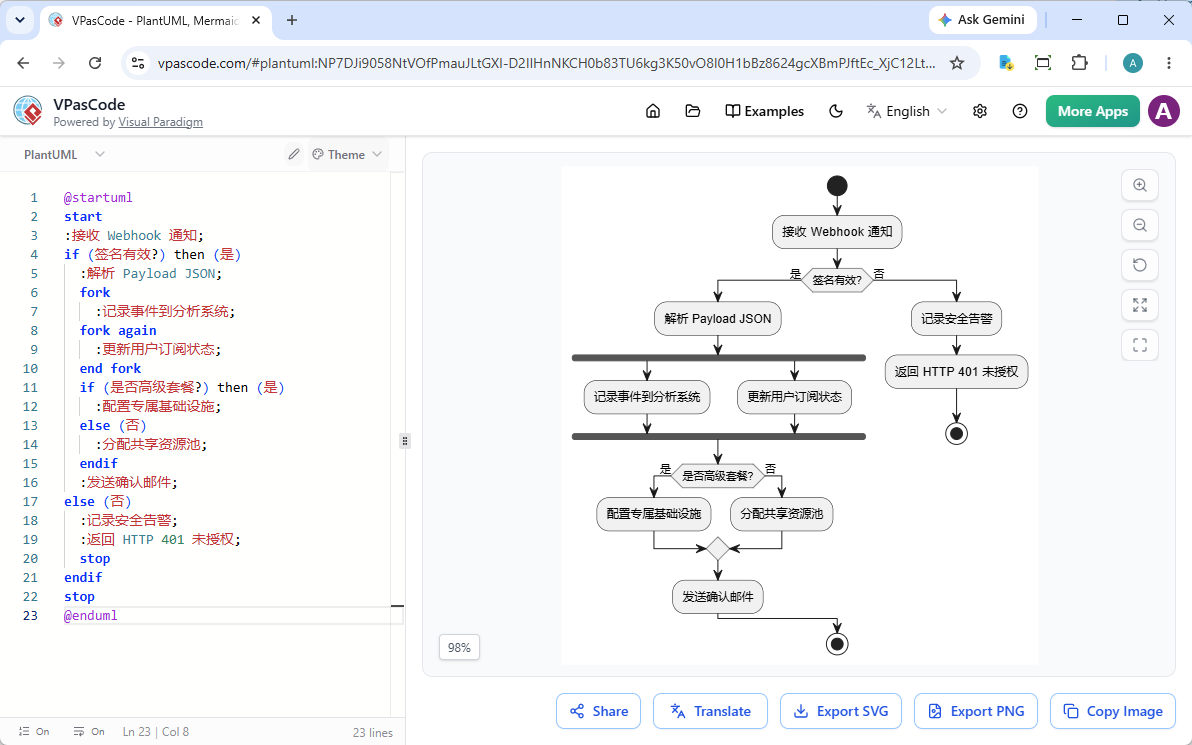
Exports resolution-independent SVG layouts that are perfect for responsive web documentation or embedding directly into platforms. This ensures that diagrams look crisp on any device or screen size.
High-Res Rasterization (PNG)
For presentations, desktop reports, or tools like Confluence, one-click PNG extraction provides high-resolution images that are ready for immediate use.
Persistent Web URLs
VPasCode generates structured, shareable hyperlinks containing live diagram scripts. This allows for immediate peer review without the need to send files back and forth. Stakeholders can view the latest version of a diagram simply by clicking a link.
Conclusion
VPasCode represents a significant leap forward in how engineering teams create, maintain, and share architectural diagrams. By embracing the Diagram-as-Code paradigm, it aligns visual documentation with modern software development practices, enabling version control, collaboration, and automation. Its multi-engine syntax support ensures flexibility, while the IDE-grade editor and AI-powered features enhance productivity and accuracy. With seamless exporting options and deep integration capabilities, VPasCode fits naturally into existing workflows, whether teams are focused on setting up a central repository or automating diagrams via CI/CD pipelines.
For engineering groups evaluating this platform, the choice between setting up a central team repository or automating diagrams via CI/CD pipelines will depend on specific organizational needs. However, regardless of the approach, VPasCode provides the tools necessary to transform architectural documentation from a static, error-prone task into a dynamic, collaborative, and automated process. As software systems continue to grow in complexity, solutions like VPasCode will become increasingly essential for maintaining clarity, consistency, and efficiency in engineering communication.
Reference
- VPasCode Feature Review Guide: The Ultimate Diagram-as-Code Solution for Modern Teams: A comprehensive review of VPasCode’s features, including multi-engine support, IDE-grade editing, and integration capabilities for modern engineering teams.
- VPasCode Comprehensive Guide: An in-depth guide covering VPasCode’s workspace ergonomics, export options, and best practices for implementing Diagram-as-Code in enterprise environments.
- Introducing VPasCode: The Ultimate Unified Text-to-Diagram Platform: Official announcement from Visual Paradigm introducing VPasCode, highlighting its core capabilities and vision for transforming architectural documentation.
- VPasCode Features: Detailed overview of VPasCode’s key features, including PlantUML, Mermaid.js, and Graphviz integrations, along with exporting and sharing options.
- VPasCode Feature Review Guide (Chinese Version): Chinese-language review of VPasCode’s features, focusing on its suitability for global teams and multi-language support.
- Break Language Barriers Natively with VPasCode’s New AI Diagram Translation: Announcement of VPasCode’s AI-powered diagram translation feature, enabling seamless multilingual documentation.
- Mastering VPasCode: The Ultimate Guide to AI-Powered Diagram-as-Code with Multi-Engine Support: Comprehensive guide to leveraging VPasCode’s AI features and multi-engine support for advanced architectural documentation.
- VPasCode Feature Review Guide (Traditional Chinese Version): Traditional Chinese-language review of VPasCode, emphasizing its benefits for teams in Asia-Pacific regions.
This post is also available in Deutsch, Español, فارسی, Français, English, Bahasa Indonesia, 日本語, Polski, Portuguese, Ру́сский, Việt Nam, 简体中文 and 繁體中文.
Related posts:
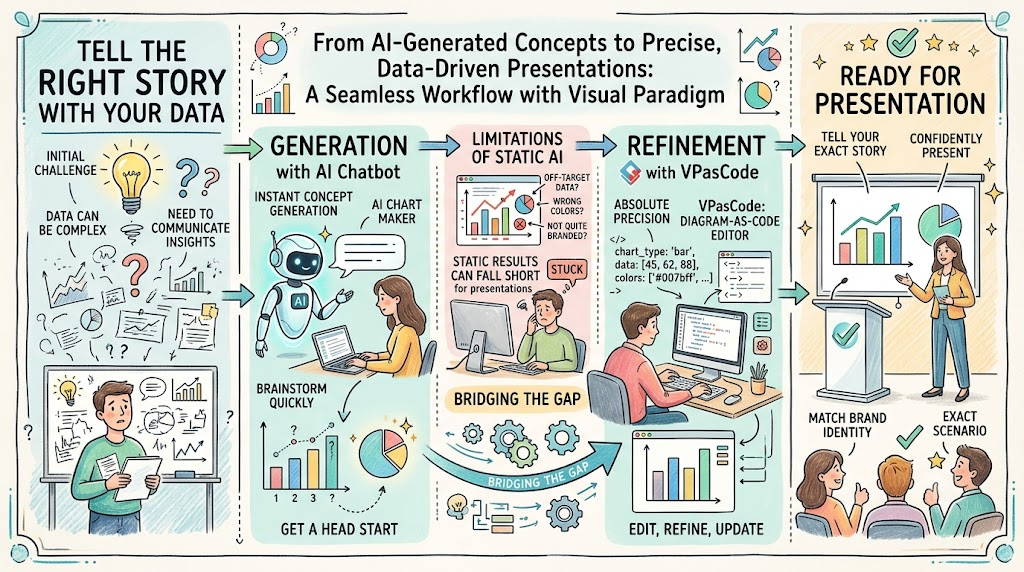 VPasCode: The Ultimate Guide to AI Chart Generation and Code-Driven Data Visualization
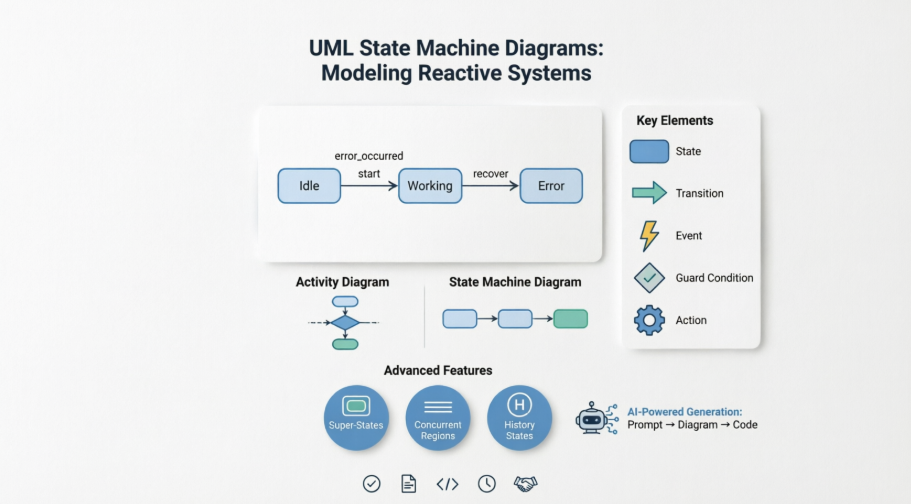 Mastering UML State Machine Diagrams: A Software Architect’s Guide to Modeling Reactive Systems with AI Assistance
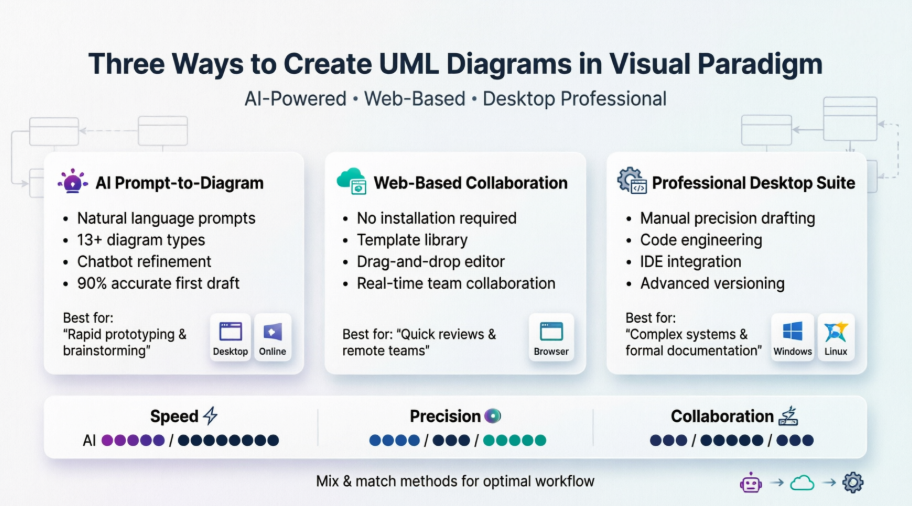 Hands-On Review of Visual Paradigm’s UML Creation Methods
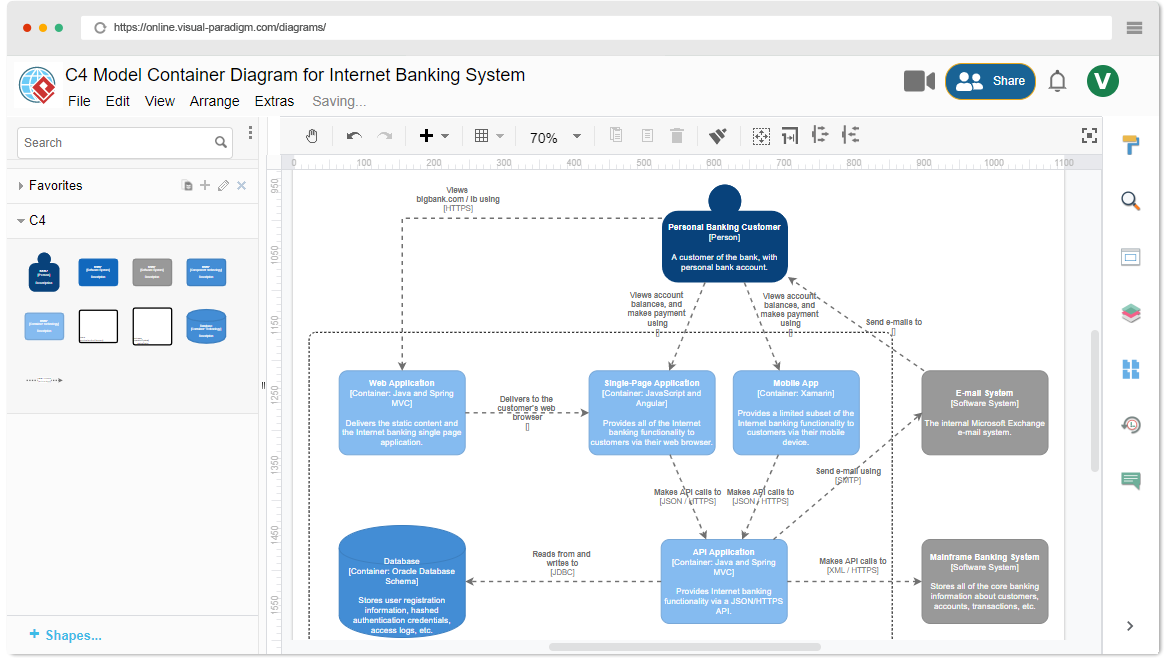 Comprehensive Guide to C4 Model Architecture Diagrams with Visual Paradigm