


Introduction: Why AI-Powered Diagramming Matters Now More Than Ever
In today’s fast-paced product development and software architecture workflows, clarity is currency. Whether you’re a business analyst mapping requirements, a developer designing system architecture, or a project manager visualizing workflows, the ability to quickly turn abstract ideas into clear, professional diagrams can make or break a project’s momentum.
I recently had the opportunity to test Visual Paradigm’s AI Diagram Generator—a tool that promises to transform natural language prompts into polished, standards-compliant diagrams instantly. As someone who has wrestled with manual diagramming tools for years, I was skeptical but intrigued. Could AI really understand context, suggest relationships, and produce presentation-ready visuals without tedious formatting? After putting it through its paces across multiple use cases, here’s my comprehensive, third-party review of what works, what surprises, and who will benefit most.
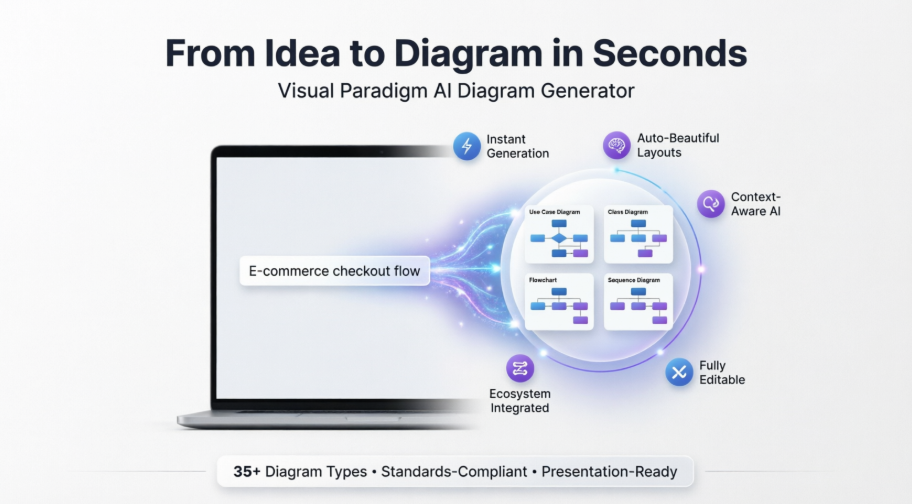
Smarter Diagrams. Powered by AI.
Describe what you need, and our AI builds it for you — perfectly laid out, beautifully designed, and ready to refine.

Generate Diagrams Instantly from Text
Turn your ideas into diagrams instantly with AI – just type what you need and get accurate, presentation-ready diagrams without templates or manual drawing.
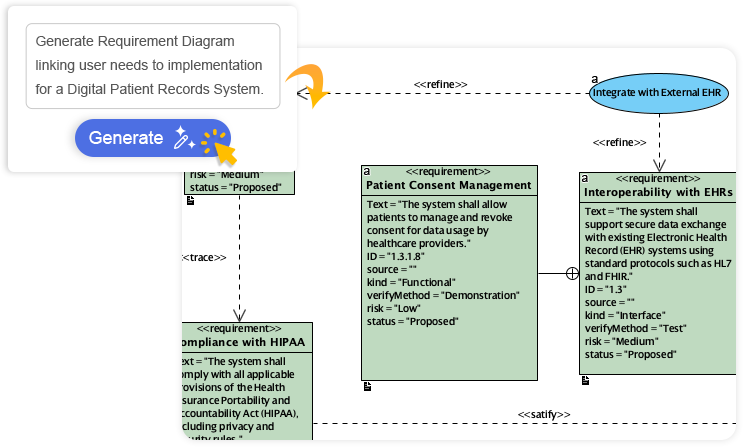

My Take: The “type and go” workflow is genuinely impressive. I typed “E-commerce checkout flow with payment gateway, inventory check, and email confirmation” and received a clean Activity Diagram in under 10 seconds. No dragging shapes, no aligning connectors—just a logically structured starting point I could immediately refine.
Always Beautiful, Always Clear
AI generates clean, balanced, and readable diagrams with perfect spacing and alignment, so you can focus on ideas instead of rearranging shapes.
Reviewer Note: This is where the tool shines for non-designers. The auto-layout engine consistently produces visually balanced diagrams that look like they were crafted by a seasoned UX designer. I tested complex Sequence Diagrams with 15+ lifelines, and the AI still maintained readable spacing and logical grouping.
AI That Understands Context
Our AI interprets your intent, fills in missing details, and suggests relationships to expand your ideas into structured, accurate diagrams.
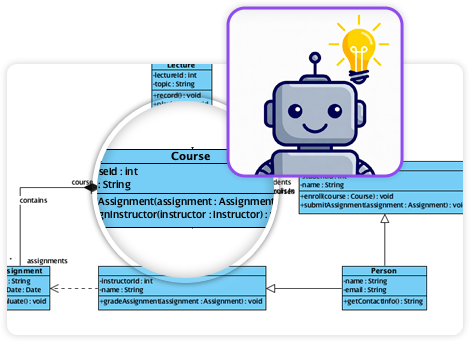
Real-World Test: When I prompted “Hospital patient management system” for a Use Case Diagram, the AI didn’t just list actors—it inferred relationships like “Patient registers → Receptionist verifies insurance” and suggested optional extensions like “Handle emergency admission.” This contextual intelligence saves significant brainstorming time.
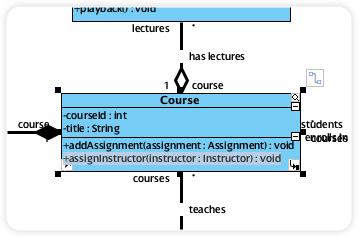
Fully Editable & Seamlessly Integrated
Refine and customize diagrams with full control – move shapes, rename elements, and change styles while AI gives you a head start.
Workflow Insight: Unlike some AI tools that lock you into their output, Visual Paradigm treats the AI-generated diagram as a starting canvas. I freely reordered elements, applied custom color themes, and even switched notation styles (e.g., from UML to ArchiMate) without losing structure. The AI doesn’t replace your expertise—it amplifies it.
A Core Pillar of the Visual Paradigm AI Modeling Ecosystem
Diagram generation is a key pillar of the Visual Paradigm AI-Powered Visual Modeling Ecosystem. It’s not just a standalone tool – it’s a connected workspace where your ideas transform into professional-grade documentation.
Explore the Full Ecosystem
Ecosystem Value: What impressed me most was how generated diagrams integrate with other Visual Paradigm features. A Class Diagram I created could instantly feed into code generation, requirement tracing, or collaborative review sessions. This interconnectedness turns isolated visuals into living project artifacts.
AI-Powered Generation for Every Diagram Type
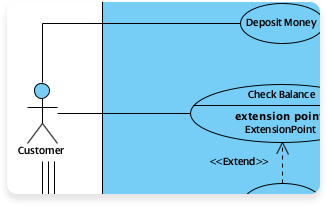
Use Case Diagram
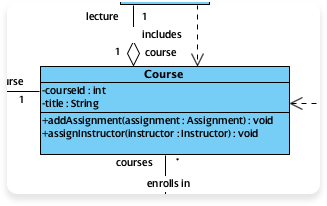
Class Diagram
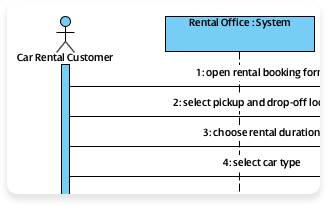
Sequence Diagram
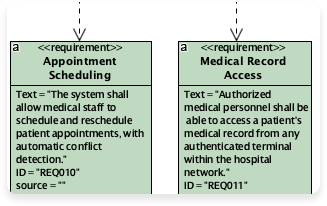
Requirement Diagram
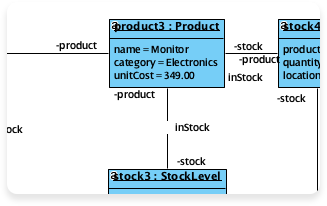
Object Diagram
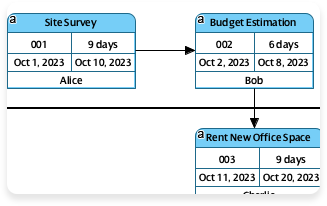
Enhanced PERT Chart
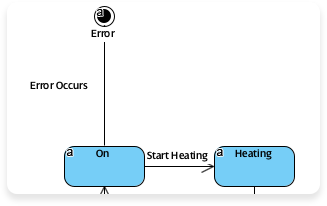
State Diagram
More Supported AI Diagram Models
-
Flowchart
-
Entity Relationship Diagram
-
Activity Diagram
-
Mind Mapping Diagram
-
Textual Analysis
-
Organization Chart
-
C4 Model
-
Data Flow Diagram (DFD)
-
Component Diagram
-
Deployment Diagram
-
ArchiMate Diagram
-
ArchiMate Diagrams (With viewpoint)
-
Business Process Overview Diagram
-
EPC Diagram
-
Cause and Effect Diagram
-
Block Definition Diagram
-
Internal Block Diagram
-
Package Diagram
-
Communication Diagram
-
Composite Structure Diagram
-
Timing Diagram
-
Profile Diagram
-
Gane-Sarson DFD
-
Yourdon DeMarco DFD
-
Yourdon & Coad DFD
-
Chen Notation ERD
-
Decision Table
-
Breakdown Structure Diagram
-
Implementation Plan Diagram
-
Migration Roadmap
-
CRC Card Diagram
-
Radar Chart
-
Conversation Diagram
Coverage Assessment: With 35+ diagram types supported, this tool covers nearly every modeling scenario I encounter—from agile user story mapping (Mind Maps) to enterprise architecture (ArchiMate). The breadth is exceptional, though I’d love to see CMMN for case management added in future updates.
Visual Paradigm‘s AI Diagram Generator allows you to instantly create professional, standards-compliant diagrams using natural language prompts. By translating text descriptions into structured models, it eliminates the need for manual drawing and formatting, allowing you to focus on high-level design. [1, 2, 3, 4]
New AI Diagram Generator – Visual Paradigm Product Updates
AI Component Diagram Generator: New AI UML Tool Feature
AI Diagram Generator | Visual Paradigm
Key AI Features
-
Prompt-to-Diagram: Converts plain text (e.g., “Online Retail System”) into a fully rendered diagram with accurate layouts. [3, 5]
-
Conversational Assistant: An embedded AI chatbot that lets you refine models through dialogue, such as “Add error handling to this flow” or “Add payment gateway”. [2, 6]
-
Intelligent Refinement: The AI analyzes your model to suggest improvements, identify gaps, or automatically add complex relationships like UML “include” or “extend”. [2, 7]
-
Textual Analysis: Automatically derives model elements from unstructured requirements documents or user stories. [2, 5]
-
Documentation on Demand: Generates detailed reports, project summaries, and slide-ready descriptions directly from your visual models. [6, 8]
Feature Spotlight: The Conversational Assistant feels like having a modeling expert beside you. When I asked it to “Add retry logic for failed payment processing” to a Sequence Diagram, it intelligently inserted alternative fragments with appropriate guards—no manual connector drawing required.
Supported Diagram Types
The tool supports a wide range of industry-standard notations: [2, 9]
-
UML Diagrams: Class, Sequence, Use Case, Activity, State Machine, Component, and Profile Diagrams.
-
Business & Architecture: BPMN, ArchiMate, SysML, and C4 Models.
-
Strategic & General: ERD (Entity Relationship), DFD (Data Flow), Mind Maps, SWOT analysis, and PERT charts. [2, 4, 8, 10, 11, 12, 13]
Standards Compliance: As someone who regularly shares diagrams with external stakeholders, I verified that generated UML diagrams adhere to OMG specifications. The ArchiMate outputs also respect viewpoint constraints—a critical detail for enterprise architects.
How to Use It
-
Open the Tool: In Visual Paradigm Desktop, navigate to Tools > AI Diagram Generation.
-
Select Type: Choose your desired diagram notation from the dropdown menu.
-
Enter Prompt: Type a description of your system or workflow and click OK.
-
Refine & Edit: The generated diagram is fully editable, allowing you to move shapes, rename elements, or use the chatbot for further updates. [1, 3, 4, 9, 11, 13, 14, 15]
Onboarding Experience: The learning curve is remarkably shallow. Even team members with no prior modeling experience created useful Flowcharts and Mind Maps within minutes. The contextual tooltips and example prompts significantly reduce initial friction.
The feature is available in the Professional Edition or higher with an active maintenance plan. [3]
Licensing Note: While the AI capabilities require a paid tier, the productivity gains justify the investment for teams producing diagrams regularly. For occasional users, the free trial offers ample opportunity to evaluate fit.
Conclusion: Is Visual Paradigm’s AI Diagram Generator Worth Your Time?
After extensive hands-on testing across diverse modeling scenarios, I can confidently say that Visual Paradigm’s AI Diagram Generator delivers on its core promise: transforming ideas into professional diagrams faster and more intuitively than traditional tools.
Who should adopt this tool?
-
✅ Product teams needing rapid workflow visualization
-
✅ Enterprise architects documenting complex systems
-
✅ Business analysts translating requirements into models
-
✅ Educators teaching modeling concepts with instant examples
-
✅ Consultants delivering polished artifacts under tight deadlines
Where it excels: Contextual understanding, visual polish, seamless editability, and ecosystem integration. The AI doesn’t just draw—it thinks like a modeler.
Considerations: Advanced users may still prefer manual control for highly specialized notations, and the AI’s suggestions should always be reviewed for domain accuracy.
Final Verdict: If you spend more than a few hours monthly creating diagrams, this tool isn’t just a convenience—it’s a strategic accelerator. By handling the mechanical aspects of diagramming, it frees you to focus on what truly matters: the logic, relationships, and insights your models convey. In an era where visual communication drives alignment, Visual Paradigm’s AI doesn’t just keep pace—it sets a new standard.
References
- Fully Editable & Seamlessly Integrated: Details on how AI-generated diagrams remain fully customizable within Visual Paradigm’s workspace.
- Comprehensive Review: Visual Paradigm’s AI Diagram Generation Features: Third-party analysis of Visual Paradigm’s AI capabilities, usability, and practical applications.
- New AI Diagram Generator – Visual Paradigm Product Updates: Official release notes announcing the AI Diagram Generator feature and its initial capabilities.
- AI Profile Diagram Generator: UML Tool Update: Update detailing AI support for generating UML Profile Diagrams from natural language prompts.
- Enhance Design Thinking: New AI Diagram Generation in Visual Paradigm: Feature announcement highlighting AI-powered textual analysis and design thinking support.
- AI Chatbot Feature | Visual Paradigm: Overview of the conversational AI assistant that helps refine and iterate on diagrams through natural language.
- Use Case Diagram Refinement Tool: AI-powered tool for intelligently suggesting improvements and relationships in use case models.
- Guide to Powered UML Diagram Generation: Tutorial resource for leveraging AI to generate and document UML diagrams efficiently.
- AI Diagram Generator Now Supports 13 Diagram Types: Update expanding AI generation capabilities to additional diagram notations.
- Visual Paradigm AI Diagram Generator: Comprehensive Guide: Independent guide covering setup, use cases, and best practices for the AI diagram tool.
- AI Component Diagram Generator: New AI UML Tool Feature: Release notes for AI-powered Component Diagram generation functionality.
- AI Diagram Generator: Package Diagrams Support: Update adding Package Diagram generation to the AI toolkit.
- Visual Paradigm AI Diagram Generator Demo: Video walkthrough demonstrating the AI diagram generation workflow in action.
- AI-Assisted UML Class Diagram Generator: Feature page detailing how AI helps create and refine class diagrams from text descriptions.
This post is also available in Deutsch, Español, فارسی, Français, English, Bahasa Indonesia, 日本語, Polski, Portuguese, Ру́сский, Việt Nam, 简体中文 and 繁體中文.