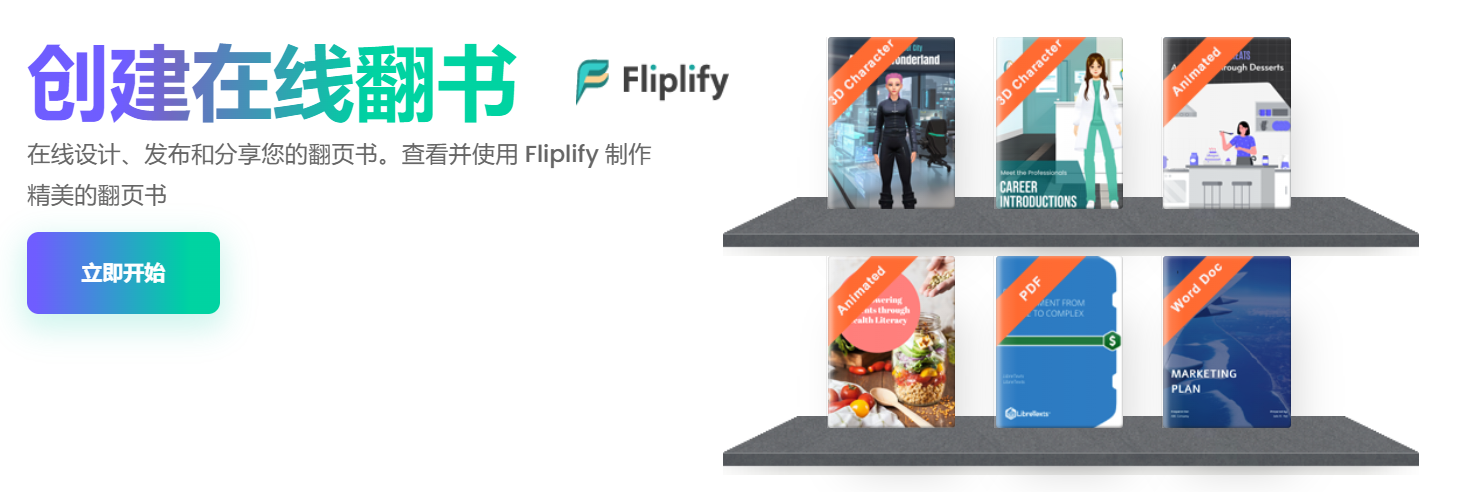
In the digital age, creating engaging flipbooks has become an essential way to attract customers and audiences.Visual Paradigm Online of Fliplify offers powerful 2D and 3D animation and character animation features to help you create the most stunning flipbooks. Below is a detailed guide on how to use these features to create impressive flipbooks.
Online animated flipbook creator
Fliplify is not just a flipbook creation tool—it also provides rich animation effects that make your flipbooks more vivid and engaging. By adding animations, you can deliver a more compelling experience to users and showcase your flipbook content effectively.
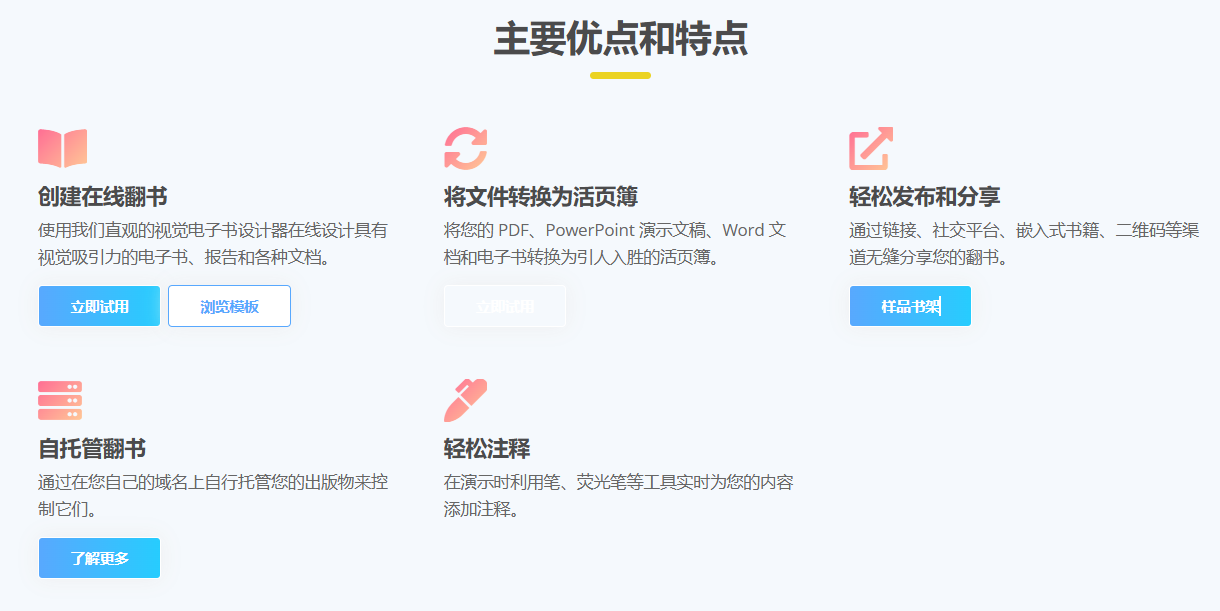
Rich effects library
Fliplify offers a wide range of animation options, each with its own customizable settings. Simply select an animation, click apply, and it’s ready to use.
Pre-made animations
If you don’t want to design animations yourself,Fliplify also provides a library of pre-made animations. You can simply drag and drop these animation assets into your flipbook and use them immediately.
Powerful timeline
Fliplify ‘s intuitive timeline allows you to adjust the timing of each animation. By dragging the timeline, you can easily adjust when animations occur.
Animation types
Fliplify provides specialized animation effects for each element—whether it’s objects, shapes, text, or photos—each with uniquely designed animations. These effects offer varied transformations for every element.
You’re in control of everything
Every book has a beginning and an end, just like animations. You can choose specific trigger points for animations—such as entrance, emphasis, and exit. This helps define the animation sequence, determining how and when animations appear and are emphasized.
Hands-on experience
Interactive flipbooks will encourage users to engage with your content. This experience is both fun and intuitive, while maintaining high interactivity.
Team collaboration
Collaborate with team members to create the best results. Through Fliplify, you can communicate and collaborate with team members in real time.
Mobile device ready
These animated flipbooks work perfectly on any mobile device and maintain interactivity. Anyone with the link can view the flipbook on their device.
Share
Share your stunning creations with friends and colleagues. You can also embed your work into websites by copying and pasting the embed code.
How to create animated flipbooks
- Create flipbooks: Start from scratch with our online editor, or upload and convert documents into flipbooks.
- Customize: Browse our animation library, click, and apply animations to selected elements.
- Publish and share: Once your flipbook is published, you can share it via link or embed it into websites.
Conclusion
Fliplify is a powerful tool that helps you leverage its 2D and 3D animations and character animation features to create the most stunning flipbooks. With these features, you can deliver engaging experiences to your clients and audiences, attracting more attention. Start using it now Fliplify, create impressive flipbooks that attract millions of readers worldwide.


This post is also available in Deutsch, Español, فارسی, Français, English, Bahasa Indonesia, 日本語, Polski, Portuguese, Ру́сский, Việt Nam, 简体中文 and 繁體中文.