


Introduction: The Moment I Stopped Staring at a Blank Page
I’ll be honest—I used to dread strategy sessions. As someone who thrives on turning ideas into action, nothing felt more paralyzing than sitting down with a blank whiteboard, knowing I needed to map out an entire business model. I’d sketch boxes, erase them, rearrange sticky notes, and still feel like something was missing.
Then I discovered Visual Paradigm’s Business Model Canvas software. What started as a simple search for a better diagramming tool quickly became a transformative experience. This isn’t just another canvas editor—it’s a strategic co-pilot that walks with you from that first spark of an idea all the way to a polished, investor-ready strategy. In this guide, I’ll share my personal journey through the platform, the features that changed how I work, and how you can use these tools to bring your own business vision to life—without the overwhelm.
[Make a Business Model Canvas](https://online.visual-paradigm.com/app/diagrams/#diagram :proj=0&type=BusinessModelCanvas&width=11&height=8.5&unit=inch&gallery=/repository/498a76c4-d450-45da-96a3-caf9f3a42e0e.xml)
Chapter 1: My First Canvas—Simple, Professional, and Actually Fun to Build
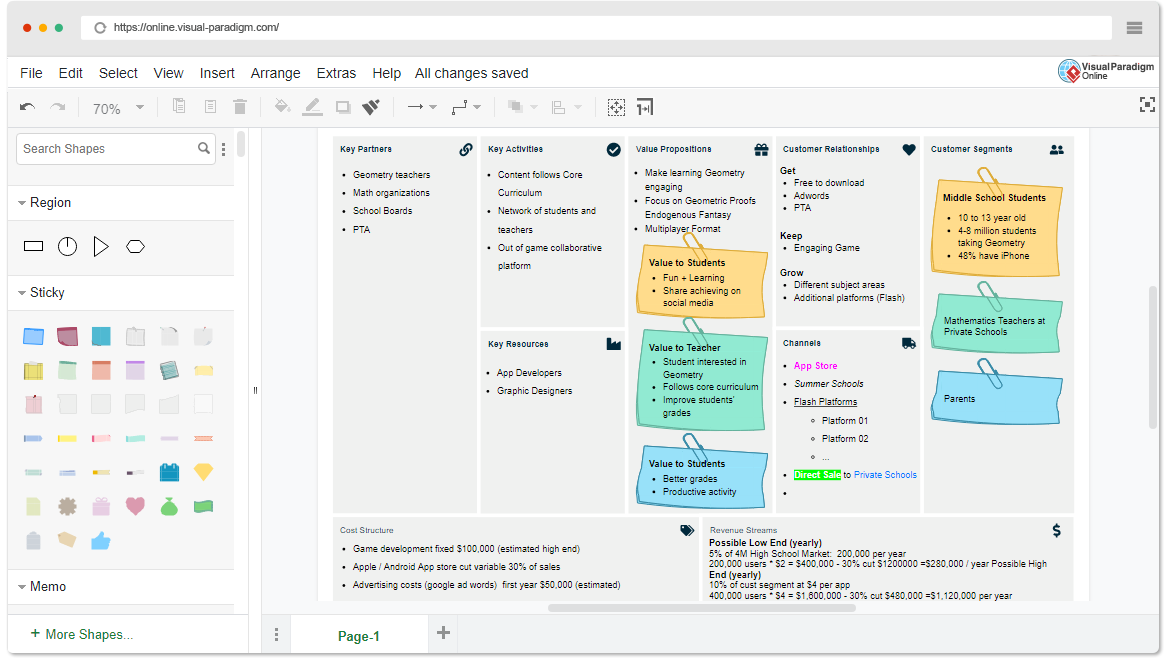
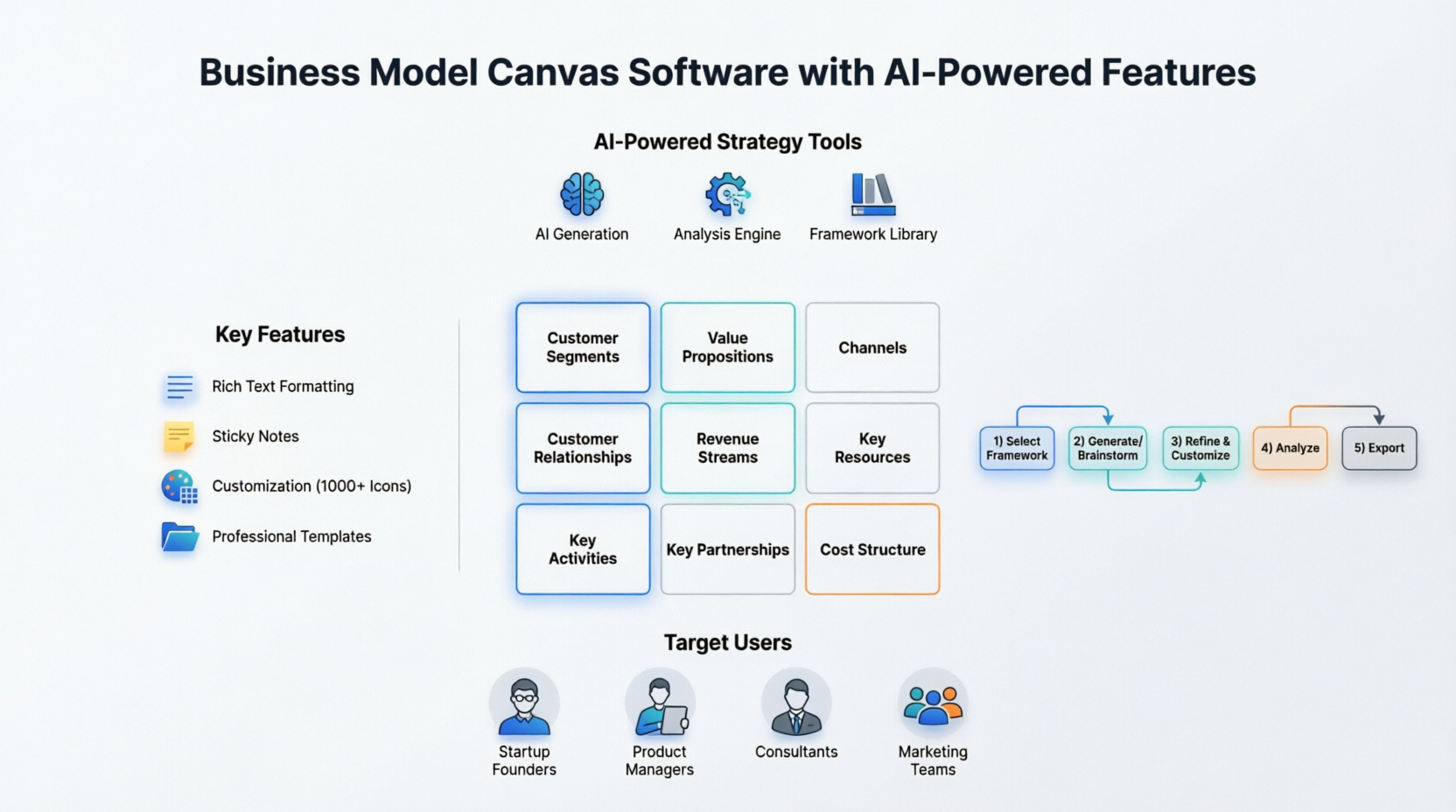
When I first opened the Visual Paradigm Business Model Canvas editor, I expected complexity. Instead, I found clarity. The canvas is thoughtfully split into nine intuitive regions—each representing a core building block of any business model. Within minutes, I was mapping out:
-
Who my customers really are
-
What unique value I’m offering
-
How I’ll reach them and make revenue
What impressed me most was how the tool made professionalism accessible. I didn’t need design skills to create something that looked polished and credible.
Adding Personality with Rich Text & Visual Elements
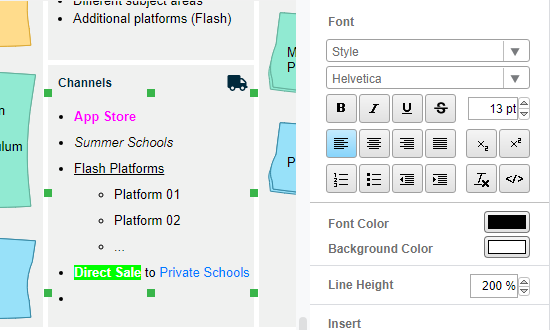
I loved how easily I could format text to match my voice. Bold headers for key value propositions, bullet points for customer segments, italics for assumptions to validate—it all felt natural.
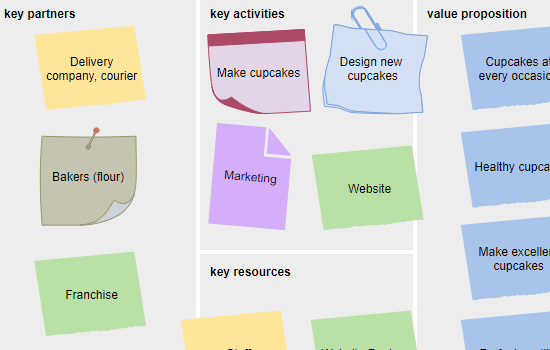
Then came the fun part: visual enhancement. Colored memos helped me flag high-priority items. Sticky notes (available in higher editions) let me simulate a real workshop experience digitally.
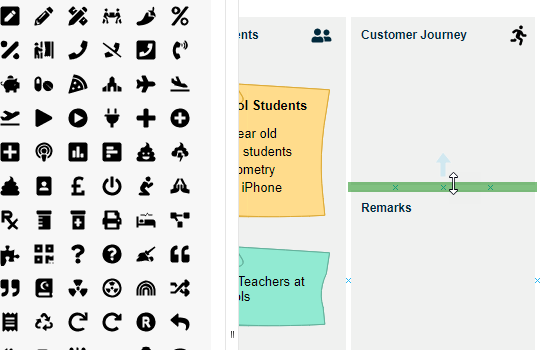
And when I wanted to make the canvas truly mine? The customization options delivered. With over 1,000 icons and the ability to define custom canvas layouts, I could adapt the tool to my workflow—not the other way around.
Chapter 3: The AI Revolution—When My Canvas Started Thinking With Me
This is where my journey took a quantum leap. Visual Paradigm’s newly released AI-powered BMC tools didn’t just assist me—they collaborated with me.
https://youtu.be/AVPD1hAMfI8
Explore Canvas Tools
My First AI-Generated Canvas: From Idea to Insight in Seconds
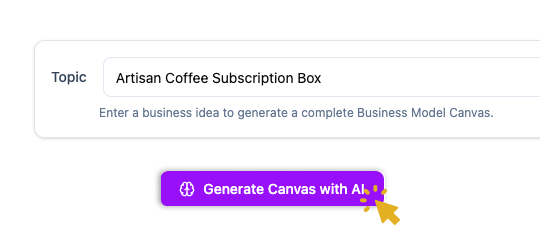
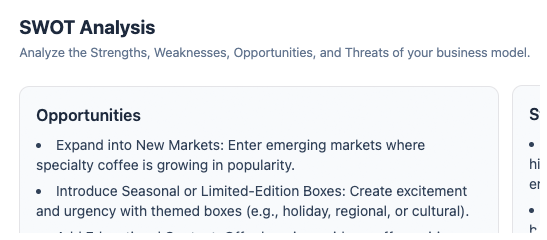
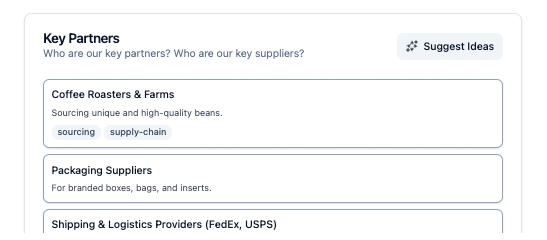
I typed a simple prompt: “A subscription-based meal prep service for busy professionals in urban areas.” Within seconds, the AI populated all nine canvas sections with relevant, thoughtful content. It wasn’t generic filler—it understood context, identified plausible customer segments, suggested realistic revenue streams, and even flagged potential partnership opportunities.
Beyond Generation: The Intelligent Analysis Engine
What truly amazed me was the analysis capability. With one click, I could:
-
Generate a SWOT report based on my canvas
-
Receive strategic suggestions to strengthen weak areas
-
Check model cohesion to ensure all blocks aligned logically
-
Even get a 10-slide investor pitch outline derived directly from my canvas
This wasn’t just drafting—it was strategic refinement.
A Toolkit That Grows With My Needs
The platform includes 10+ strategic frameworks beyond the standard BMC. As my projects evolved, so did my toolkit:
SWOT Analysis Canvas
Perfect for risk assessment and opportunity mapping.
Product Canvas
Helped me prioritize features by impact vs. effort.
Eisenhower Matrix
Streamlined my task management during strategy sprints.
Porter’s Five Forces Canvas
Gave me deeper industry context before finalizing my model.
Ansoff Matrix
Supported my growth strategy planning with clarity.
Focus Mode: Deep Work, Zero Distractions
When I needed to brainstorm deeply on one section—say, Value Propositions—I’d activate Focus Mode. The interface minimized distractions, and the AI offered targeted suggestions just for that block. It felt like having a strategy partner who knew exactly when to speak up and when to let me think.
Chapter 3: My Workflow, My Way—Access Anywhere, Anytime
One of the most practical aspects of my journey was flexibility. Visual Paradigm meets me where I work.
Desktop Power: For Deep, Integrated Work
With my Pro license, I access the AI Model Canvas Tool directly in Visual Paradigm Desktop. The Guided Canvas Builder is available even on the free license—perfect for onboarding teammates.
Online Agility: For Collaboration & Speed
When I’m on the go or facilitating a remote workshop, Visual Paradigm Online has my back. The AI Model Canvas Tool is available on Combo plans and above, while the Guided Canvas Builder works on all plans—including Free.
Chapter 4: Who Is This Journey For? (Spoiler: Probably You)
As I used the platform across different projects, I realized it wasn’t built for just one type of user. Here’s who I’ve seen thrive with it—and where I fit in:

Startup Founders Like Me
Validate ideas quickly, generate pitch decks, and iterate without burning through runway.

Product Managers
Map user needs, prioritize features, and align stakeholders with visual clarity.

Consultants
Facilitate dynamic workshops, export professional reports, and deliver value faster.

Marketing Teams
Develop buyer personas, analyze competitors, and align campaigns with business strategy.
My Simple 5-Step AI Canvas Workflow (That Actually Works)
Through trial and refinement, I developed a repeatable process:
1. Select Framework
I choose the right canvas for the job—Business Model Canvas, SWOT, Lean Canvas, etc.
2. Generate or Brainstorm
I either prompt the AI with my core idea or start from scratch to capture raw thoughts.
3. Refine & Customize
I drag, drop, edit, and enrich the canvas with my insights and brand voice.
4. Analyze
I switch to the AI Analysis tab to get a critical, objective review of my model’s strengths and gaps.
5. Export
I download my strategy in the format I need: Markdown for docs, Word for sharing, CSV for data, or JSON for integration.
Conclusion: From Overwhelmed to Empowered—My Strategy, Visualized
Looking back, my journey with Visual Paradigm’s Business Model Canvas software wasn’t just about learning a new tool. It was about transforming how I think, plan, and communicate strategy. The blank page no longer intimidates me—it invites me. The AI doesn’t replace my judgment; it amplifies it. And the flexibility to work online or offline, alone or with a team, means my strategy evolves as fast as my ideas do.
If you’re standing where I once stood—facing a complex business concept, unsure where to start—I encourage you to take that first step. Open a template. Type a prompt. Let the canvas guide you. Because in today’s fast-moving world, the ability to visualize, test, and refine your business model isn’t just helpful—it’s essential. And with Visual Paradigm as your co-pilot, you’re not just keeping pace. You’re leading the way.
References
- AI-Powered Business Model Canvas Builder – Instant Strategy Design: This AI-driven tool automates the creation of business model canvases by using intelligent suggestions and real-time insights to accelerate the strategy development process.
- Mastering the Business Model Canvas with AI: Step-by-Step Guide Using Visual Paradigm: This guide demonstrates how to leverage AI within the Visual Paradigm environment to efficiently create, customize, and optimize strategic business model canvases.
- What Is the Business Model Canvas? Why Use Visual Paradigms & AI Tools: This resource explains the core Business Model Canvas framework and explores how visual modeling and AI tools enhance innovation and strategic planning for entrepreneurs.
- AI Business Model Canvas Tool – Smart Strategy Development: This solution allows for the automated building and refinement of business models, featuring intelligent feedback and collaborative capabilities for modern planning.
- Comprehensive Tutorial: AI-Powered Business Canvas Toolkit with Visual Paradigm: A detailed technical walkthrough regarding a comprehensive toolkit that integrates artificial intelligence with visual modeling for automated strategy generation.
- AI-Powered Business Model Canvas Tool Guide: This guide focuses on an AI-enhanced tool that generates canvases based on intelligent user input and provides real-time recommendations for agile strategy development.
- How the AI Business Model Canvas Builder Works – Visual Paradigm: An overview of the machine intelligence powering the builder, explaining how it automates canvas creation and derives strategic business insights.
- AI Canvas Tool – Intelligent Design for Business Frameworks: This AI-powered application within the toolbox automates the generation of value propositions and strategy frameworks through smart design automation.
- Comprehensive Tutorial: Visual Paradigm Model Canvas Tool for AI-Driven Software Development: This resource provides instructions on how to use the Model Canvas specifically for designing intelligent software applications that integrate AI capabilities.
- AI-Powered Strategic Planning: Generating SWOT from PESTLE Findings: This article explores how AI connects insights across frameworks, such as automatically generating a Business Model Canvas or SWOT analysis from PESTLE findings for deeper strategic integration.
This post is also available in Deutsch, Español, فارسی, Français, English, Bahasa Indonesia, 日本語, Polski, Portuguese, Ру́сский, Việt Nam, 简体中文 and 繁體中文.
Related posts:
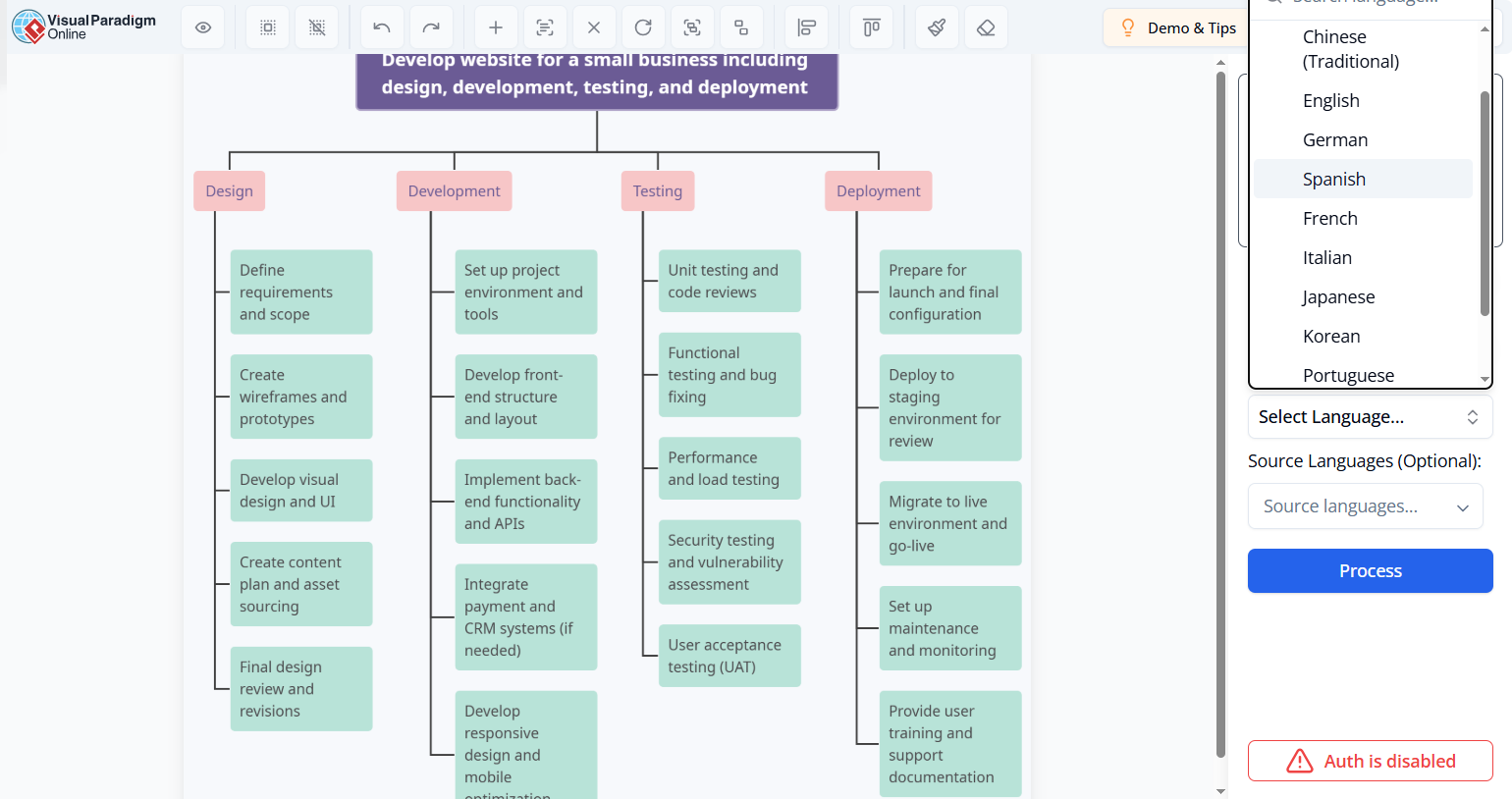 How to Localize Technical Manuals: Translate Text in Image Files for Global Teams
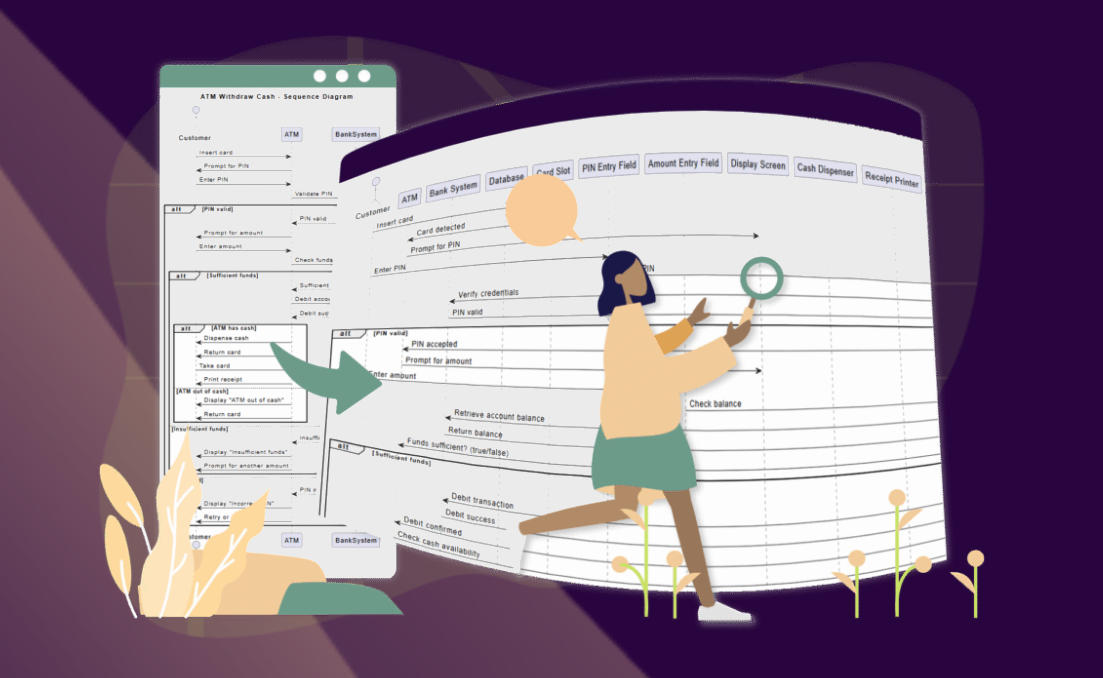 🚀 Simplify Complex Workflows with Visual Paradigm AI Sequence Diagram Tool!
 AI Animated Banner Generator Review: The Ultimate Tool for Instant Marketing Visuals
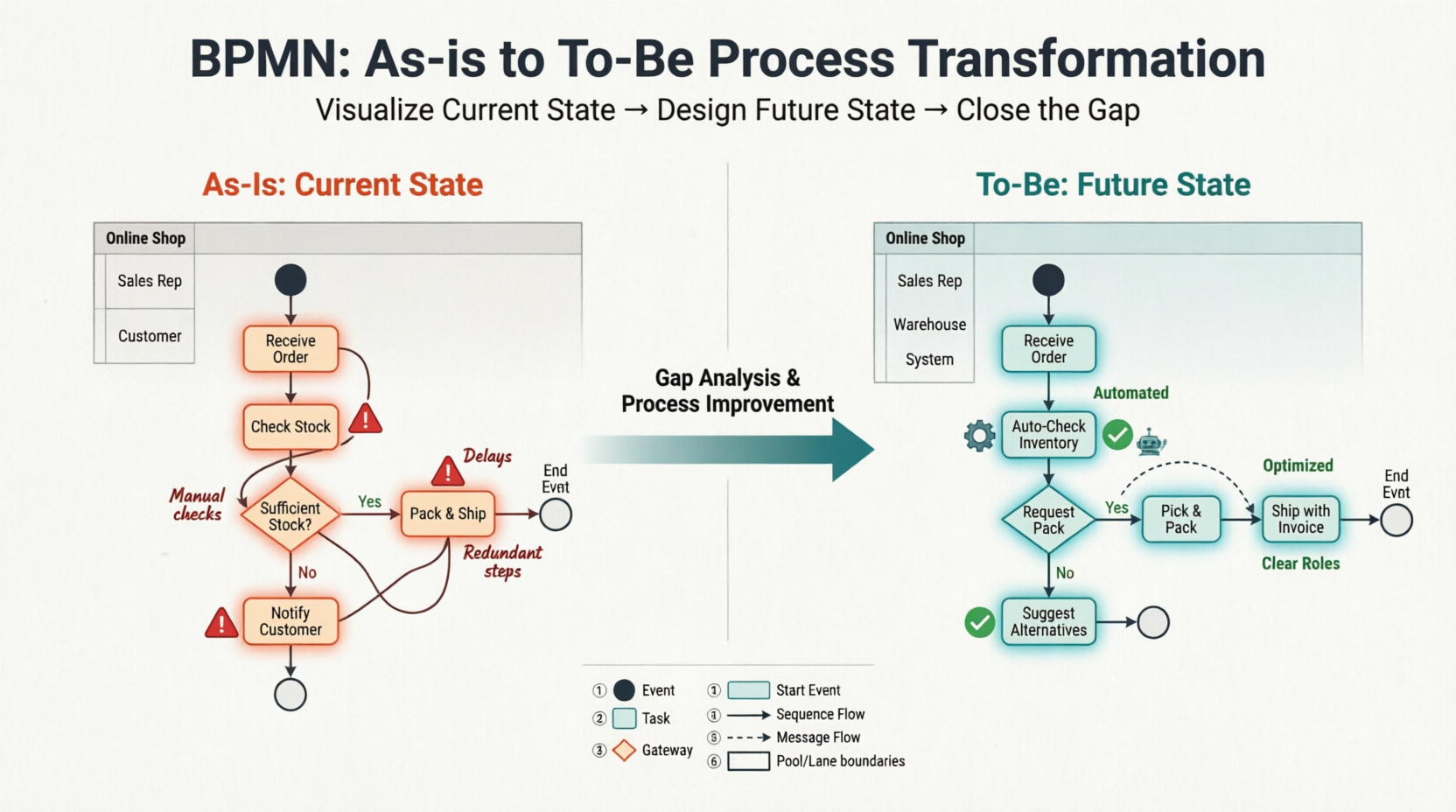 Comprehensive Guide: Developing As-Is and To-Be Business Processes with BPMN