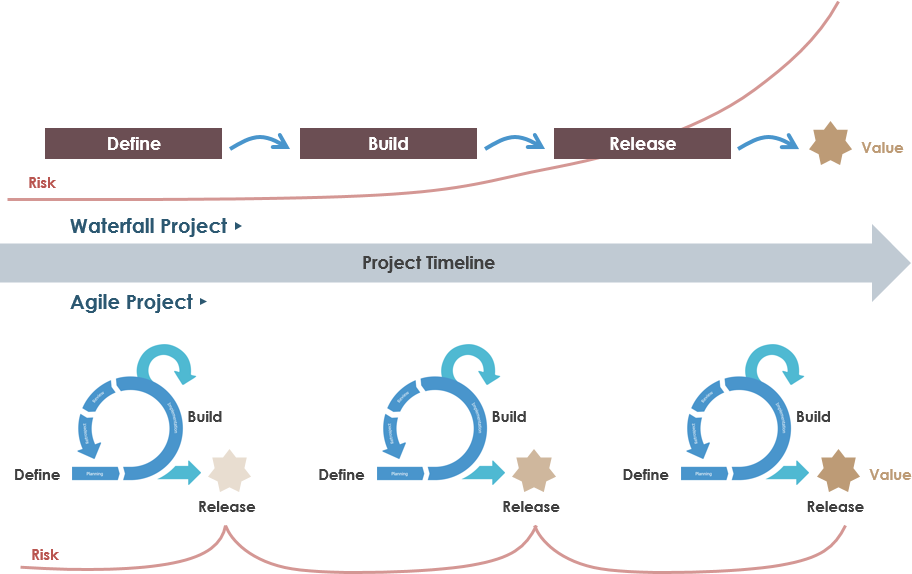
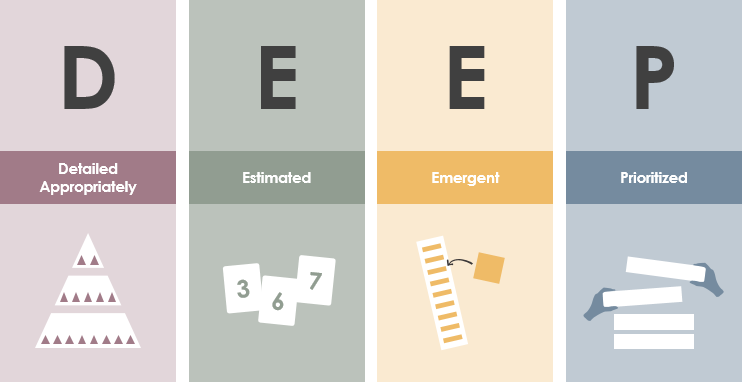
Agile methodologies emphasize flexibility, collaboration, and delivering value incrementally. At the heart of this approach are User Stories, Acceptance Criteria, and the INVEST principles. These tools help teams move away from rigid, voluminous requirements documents toward lightweight, collaborative, and testable descriptions of work that focus on user needs.
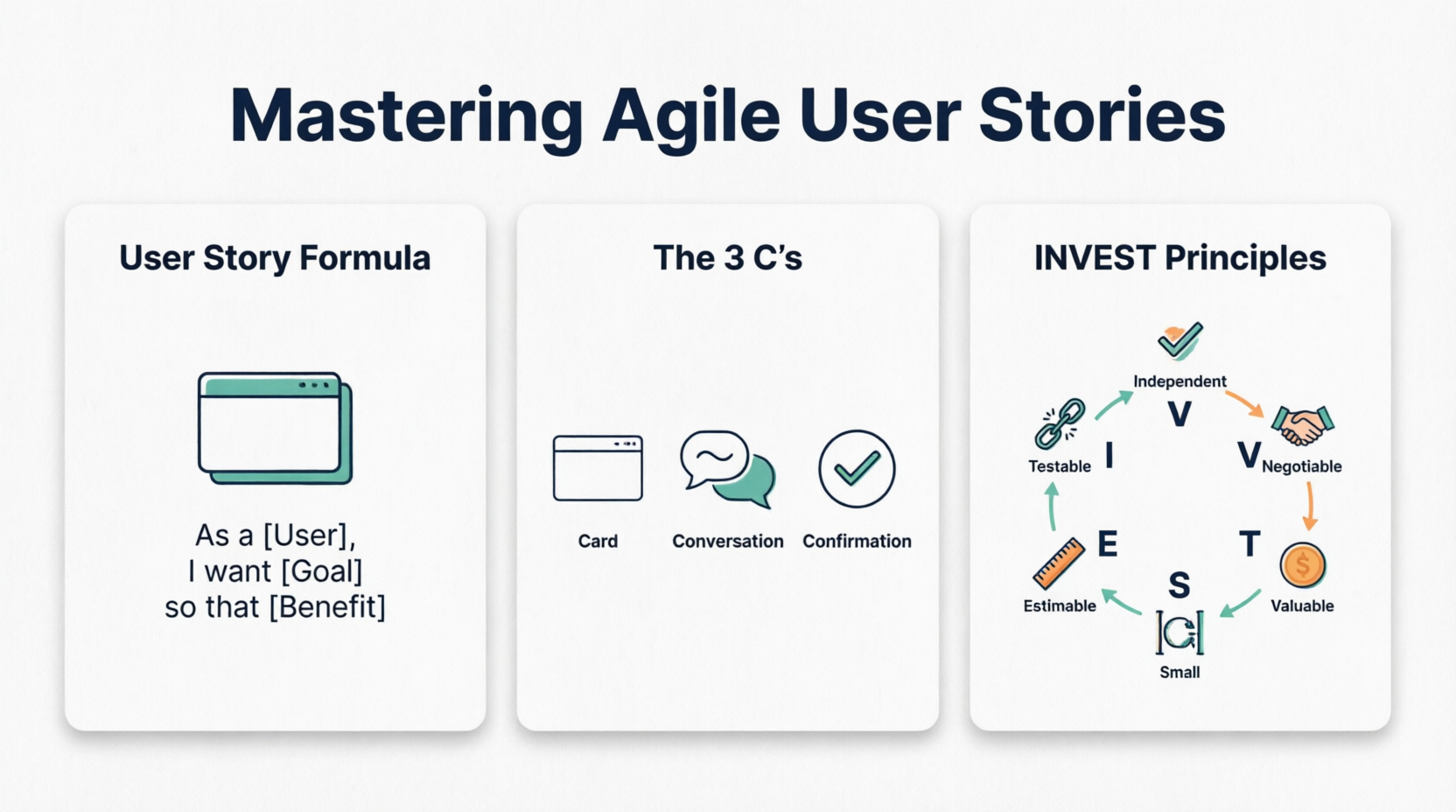
This comprehensive guide covers everything from fundamentals to advanced practices, with practical examples, best practices, and common pitfalls. Whether you’re a Product Owner, Scrum Master, developer, or stakeholder, you’ll learn how to craft effective user stories that drive successful Agile delivery.
Introduction to User Stories in Agile
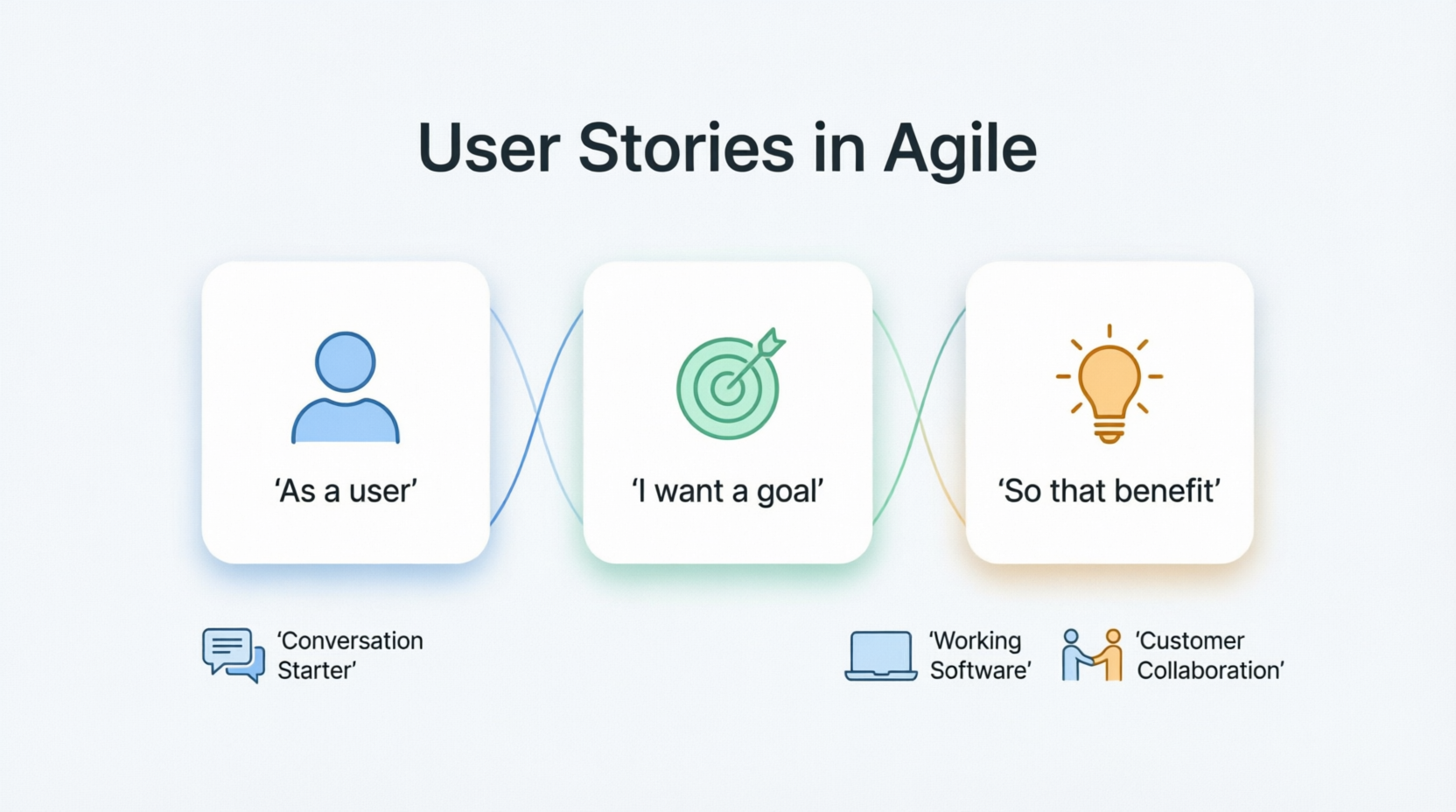
A User Story is a short, simple description of a feature or functionality from the perspective of the end user or customer. It replaces traditional heavy requirements with a conversation starter.
The most common format is:
“As a [type of user], I want [some goal] so that [some reason/benefit].”
User stories originated in Extreme Programming (XP) and are now central to Scrum, Kanban, and other Agile frameworks. They embody the Agile Manifesto’s preference for “working software over comprehensive documentation” and “customer collaboration over contract negotiation.”
Key benefits:
- Focus on value to the user rather than technical details.
- Encourage ongoing conversation (the “3 C’s”: Card, Conversation, Confirmation).
- Support iterative development and prioritization in the product backlog.
- Make work visible and manageable.
User stories often live on a “card” (physical or digital, e.g., in Jira, Trello, or Azure DevOps), but the real work happens in discussions and is confirmed through acceptance criteria.
The 3 C’s of User Stories
- Card: The written story (title + description).
- Conversation: Collaborative discussions between the Product Owner, team, and stakeholders to clarify details, explore options, and negotiate scope.
- Confirmation: Acceptance criteria and tests that define “done.”
What Are Acceptance Criteria?
Acceptance Criteria (AC) are the specific, measurable conditions that must be met for a user story to be considered complete and acceptable to the stakeholder. They bridge the gap between the high-level “what” in the user story and the detailed “how” of implementation and testing.
AC turn vague ideas into verifiable requirements. They are typically written by the Product Owner in collaboration with the team and are not the same as the Definition of Done (DoD), which applies to all stories.
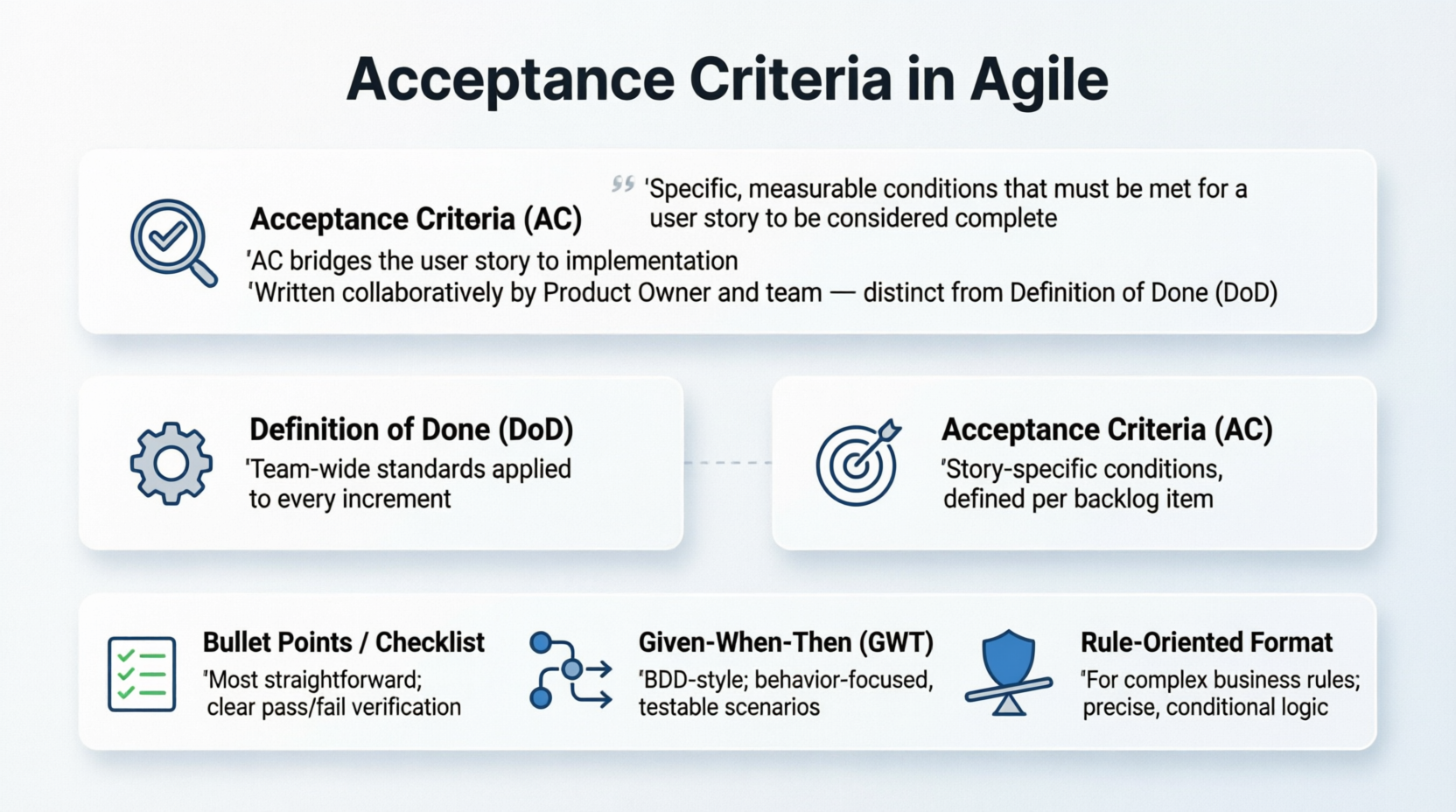
Common formats for Acceptance Criteria:
- Bullet points / Checklist (most straightforward).
- Given-When-Then (GWT) or BDD style (great for behavior-driven development).
- Rule-oriented (for business rules or data validation).
Purposes:
- Provide clear boundaries and reduce ambiguity.
- Enable automated and manual testing.
- Serve as the basis for Definition of Ready (DoR) and Done.
- Facilitate estimation and scoping.
The INVEST Principles for User Stories
INVEST is a mnemonic created by Bill Wake to evaluate and improve the quality of user stories. Good stories should be:
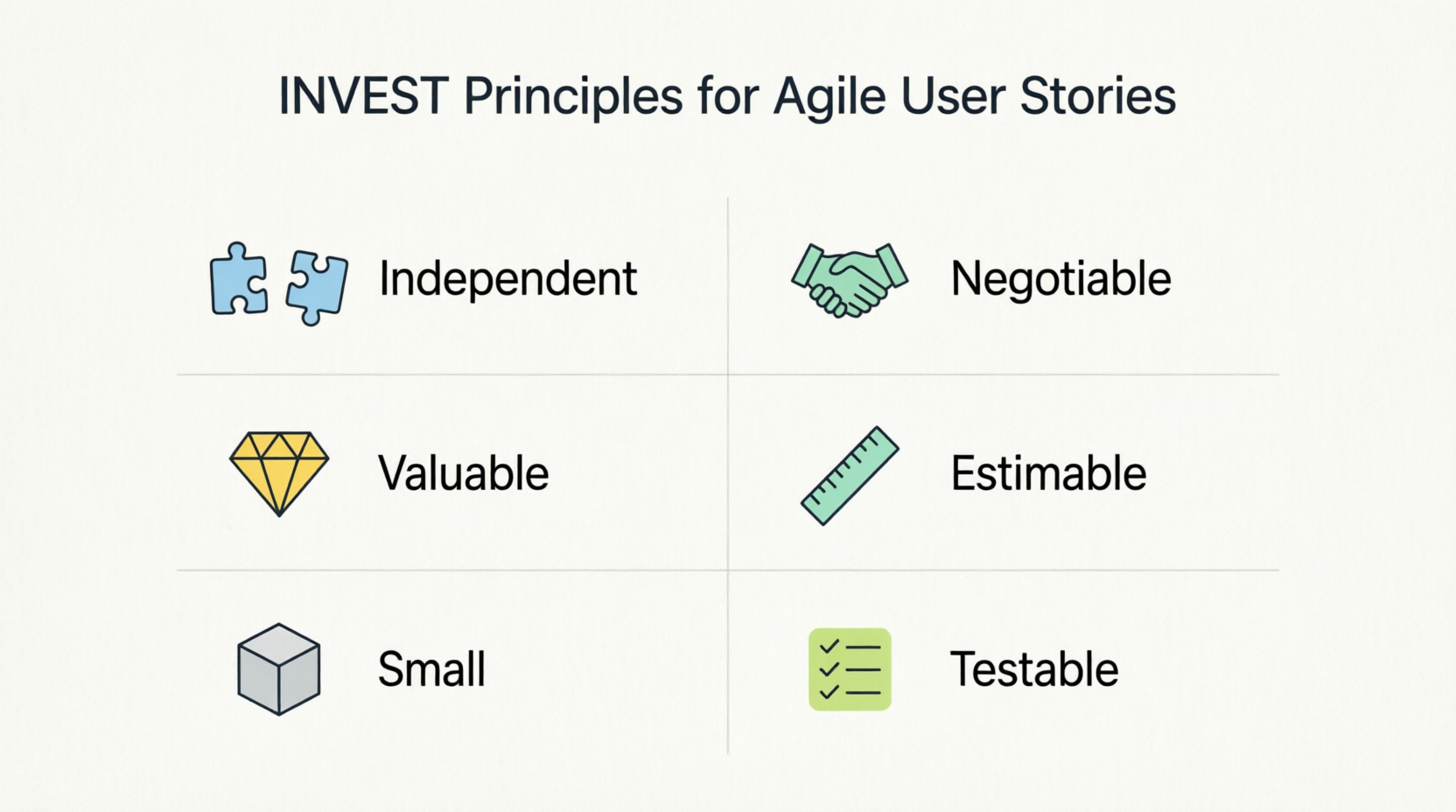
- Independent
- Negotiable
- Valuable
- Estimable
- Small
- Testable
Breaking Down INVEST
Independent: The story should stand alone as much as possible. It shouldn’t depend on other stories being completed first (to allow parallel work and flexible ordering).
Tip: If dependencies exist, split or refactor stories.
Negotiable: The story is not a fixed contract. Details can evolve through conversation. The written card is a placeholder for discussion.
Tip: Avoid overly prescriptive language; leave room for technical creativity.
Valuable: It must deliver clear value to the user, customer, or business. Include the “so that” clause to explain the benefit.
Tip: If you can’t articulate the value, reconsider the story.
Estimable: The team must be able to roughly estimate the effort (e.g., in story points). This requires enough clarity but not exhaustive detail.
Tip: If unestimable, add a spike (research task) first.
Small: The story should be small enough to complete within a single iteration/sprint (ideally a few days). Large stories are often epics that need splitting.
Tip: Aim for stories that fit comfortably in one sprint.
Testable: There must be a way to verify completion, usually via clear acceptance criteria.
Tip: If you can’t test it, you can’t ship it reliably.
Applying INVEST acts as a checklist during backlog refinement. Stories failing one or more criteria should be reworked.
Writing Effective User Stories: Step-by-Step
- Identify the user/role (persona).
- Define the goal or feature.
- Explain the benefit.
- Add context or constraints if needed.
- Refine with the team.
- Attach acceptance criteria.
- Prioritize and estimate.
Best practices:
- Keep stories concise (one or two sentences for the main description).
- Use active, user-focused language.
- Avoid technical jargon in the story itself.
- Collaborate early and often.
- Split large stories using patterns like “by role,” “by workflow step,” “by data type,” or “by business rule.”
Comprehensive Examples
Example 1: E-commerce Product Search (Simple)
User Story:
As a customer, I want to search for products by name so that I can quickly find the items I’m looking for.
Acceptance Criteria (Bullet style):
- The system returns exact matches for the entered search term.
- Partial matches are shown after typing at least 3 characters.
- Results display product name, image, price, and rating.
- Supports pagination (20 results per page).
- Shows “No results found” with suggestions if nothing matches.
Example 2: User Login (Given-When-Then)
User Story:
As a registered user, I want to log in with my email and password so that I can access my personalized dashboard securely.
Acceptance Criteria (GWT):
- Given I am on the login page, When I enter valid credentials and click Login, Then I am redirected to the dashboard and see a welcome message.
- Given I enter invalid credentials, When I submit, Then I see a clear error message and the fields are highlighted.
- The system locks the account after 5 failed attempts and sends a recovery email.
- Passwords are never stored in plain text (hashed).
Example 3: Library Book Renewal
User Story:
As a library member, I want to renew books online so that I can keep them longer without visiting the library.
Acceptance Criteria:
- Option available only for books that are not overdue and not reserved.
- Due date is extended by the standard renewal period.
- User receives confirmation email.
- Renewal history is updated in the account.
Example 4: Complex Feature (Split from Epic)
Epic: Improve checkout process.
User Story: As a shopper, I want to save my payment information securely so that future checkouts are faster.
(Apply INVEST: This is independent of other checkout steps, valuable for repeat customers, etc.)
Best Practices for Acceptance Criteria
- Make them specific, measurable, and unambiguous.
- Aim for 3–8 criteria per story (too many may indicate the story is too big).
- Include positive, negative, edge cases, performance, security, and usability aspects where relevant.
- Use consistent language and formats.
- Review and update them during refinement and sprint planning.
- Tie them to automated tests where possible.
Common Pitfalls and How to Avoid Them
- Stories too large → Split into smaller, INVEST-compliant ones.
- Vague or missing AC → Leads to scope creep or rework.
- Overly technical stories → Keep focus on user value; move details to conversation or tasks.
- Ignoring conversation → Treat the card as the start, not the end.
- Dependencies everywhere → Refactor for independence.
- Gold-plating → Negotiate scope based on value.
- No testing strategy → Ensure Testable criterion is met.
Advanced Topics
- Epics vs. Stories: Epics are large bodies of work broken into multiple stories.
- Spikes: Time-boxed research stories for unknowns.
- Story Mapping: Visual technique to organize stories by user journey.
- Scaling: In large organizations, use frameworks like SAFe while preserving INVEST.
- Tools: Jira, Confluence, Miro, or Azure Boards for management.
Conclusion
Mastering Agile User Stories, Acceptance Criteria, and the INVEST principles transforms how teams plan, collaborate, and deliver software. These practices promote clarity, flexibility, and customer-centric development, reducing waste and increasing the likelihood of building the right thing.
Start small: Take your current backlog, apply INVEST as a checklist, add or refine acceptance criteria, and facilitate more conversations. Over time, you’ll see faster feedback loops, higher quality, and more satisfied users.
The ultimate goal isn’t perfect documentation—it’s valuable, working software delivered frequently through empowered teams. Use this guide as a living reference, adapt it to your context, and keep iterating. Happy story writing!
References
- What Is Agile Software Development?: Agile software development is an iterative approach to building software that emphasizes collaboration, customer feedback, and small, rapid releases. This article explains the core principles, values, and benefits of Agile, making it ideal for teams adopting modern development practices.
- What Is a User Story?: A user story is a simple, concise description of a feature from the end user’s perspective. This guide explains how to write effective user stories, their role in Agile development, and how they help align development with customer needs.
- User Story vs Use Case: Key Differences: This article compares user stories and use cases, highlighting their differences in structure, purpose, and usage. It helps teams choose the right approach for capturing requirements in Agile environments.
- What Is User Story Mapping?: User story mapping is a visual technique that helps teams organize user stories into a coherent workflow. This guide explains how to create and use story maps to plan releases and prioritize features effectively.
- Effective User Story Tool Features: Explore the essential features of a powerful user story tool, including templates, acceptance criteria, prioritization, and integration with other Agile artifacts. Learn how Visual Paradigm supports seamless user story management.
- Agile User Story Mapping Tool: Visual Paradigm’s Agile User Story Mapping tool enables teams to visualize workflows, prioritize features, and plan sprints with clarity. This article highlights its drag-and-drop interface and real-time collaboration capabilities.
- How to Use a Scrum Board for Agile Development: Learn how to set up and manage a Scrum board using Visual Paradigm. This guide walks through sprint planning, task tracking, and daily stand-up workflows to improve team productivity.
- Write User Stories with SMART Goals: Discover how to write user stories that are Specific, Measurable, Achievable, Relevant, and Time-bound. This article provides practical tips and templates to ensure user stories are actionable and testable.
- What Is Scrum?: Scrum is one of the most popular Agile frameworks for managing complex projects. This article defines Scrum roles, events, and artifacts, and explains how they work together to deliver value iteratively.
- Visual Paradigm’s Agile Tool Solution: Visual Paradigm offers a comprehensive Agile tool suite that supports Scrum, Kanban, user story mapping, and backlog management. This page outlines the platform’s features and benefits for Agile teams.
- Complete Guide to Visual Paradigm’s Scrum Process Canvas: A detailed walkthrough of the Scrum Process Canvas in Visual Paradigm, helping teams visualize and manage their Scrum workflows. Includes diagrams, templates, and best practices for Agile project execution.
- Scrum Process Canvas – Features & Benefits: Visual Paradigm’s Scrum Process Canvas is a strategic planning tool that maps out the entire Scrum lifecycle. This article describes its components, usage, and integration with other Agile tools.
- Visual Paradigm’s Agile Tool (China Version): A localized version of Visual Paradigm’s Agile solution tailored for Chinese-speaking teams. It includes support for Agile practices, user story management, and Scrum workflows in Mandarin.
- How Does Visual Paradigm Support Agile Project Development?: This community forum thread discusses real-world applications of Visual Paradigm in Agile environments. Users share tips on backlog grooming, sprint planning, and collaboration using the platform.
This post is also available in Deutsch, Español, فارسی, Français, English, Bahasa Indonesia, 日本語, Polski, Portuguese, Ру́сский, Việt Nam, 简体中文 and 繁體中文.