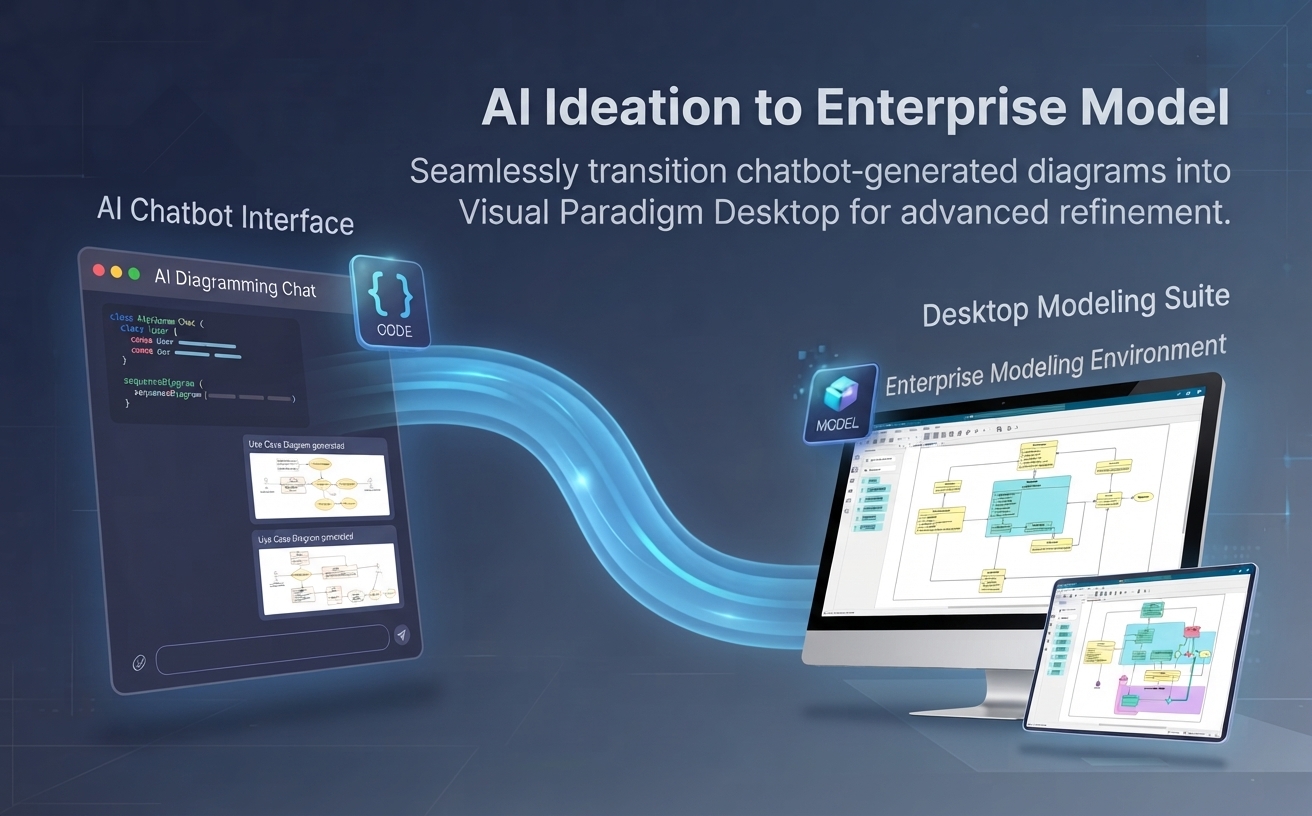
In modern software engineering, the gap between rapid conceptualization and rigorous architectural documentation can be a significant bottleneck. The traditional workflow often forces designers to stop their creative flow to manually redraw diagrams in complex desktop environments. However, a new paradigm is emerging: Conversational AI Dialogue to Enterprise Model Refinement. This tutorial explores how to leverage AI Chatbots for immediate visual feedback and seamlessly export those concepts into full-fledged Visual Paradigm Desktop models.
The Shift: From Temporary Chat to Permanent Models
Conversational AI tools are unmatched for rapid prompt exploration. They allow architects to test ideas instantly through natural language, generating immediate visual feedback. However, these chat outputs are often ephemeral—temporary visualizations that lack the depth required for long-term software engineering.
For a robust software lifecycle, we need more than just a picture; we need:
- Full Traceability: Linking requirements to design elements.
- Element Metadata: Detailed attributes for every component.
- Sub-diagram Nesting: Breaking down complex systems into manageable views.
- Team Collaboration: Structured data that multiple engineers can edit simultaneously.
This is where the integration with the Desktop Modeling Suite becomes critical. By exporting AI Chatbot outputs into the Visual Paradigm Desktop environment, you elevate temporary chat visualizations into permanent, manageable model artifacts.
Step-by-Step: The AI-Driven Architecture Workflow
Step 1: Ideation in the AI Chatbot Interface
The process begins in the AI Diagramming Chat interface. Here, the user acts as the architect, guiding the AI through system requirements using natural language. The AI interprets these prompts and generates code-based representations (such as PlantUML or Mermaid) which are rendered as diagrams.
Example Scenario: You might type, “Create a sequence diagram for a user logging in and retrieving their profile.” The chatbot instantly renders the flow, allowing you to spot logical errors immediately.
Step 2: Collection and Refinement
Once the AI generates the desired visualizations, the user does not need to manually recreate the diagram in a separate tool. Instead, these diagrams are collected effortlessly in the Pipeline. This acts as a staging area where you can review the generated artifacts, tweak the prompts to refine the logic, and select the best versions for further development.
Step 3: Export to Visual Paradigm Desktop
The final and most crucial step is the export. Using the “Export” function, the pipeline transfers the chat-generated artifacts into the Visual Paradigm Desktop environment. This transition transforms the flat image or code snippet into a rich, editable model.
Once inside the Desktop environment, the diagram is no longer just an image. It becomes a structured data object. You can:
- Modify individual elements (e.g., changing a class name).
- Generate documentation automatically.
- Export to code (Java, C#, etc.) or vice versa (Round-Trip Engineering).
- Integrate with other diagrams in the enterprise suite.
Why This Architecture Matters
The architecture described here solves the “Last Mile” problem in model-driven development. It allows teams to use the speed of Generative AI for the “First Mile” (ideation) while maintaining the discipline of Model-Driven Architecture (MDA) for the rest of the lifecycle. It ensures that the “AI Idea” is never lost or disconnected from the final product specification.
Conclusion
By adopting the AI Ideation to Enterprise Model workflow, organizations can streamline their design process. You get the speed of conversational AI for brainstorming and the reliability of enterprise modeling tools for execution. This hybrid approach is the future of efficient software engineering.