
Introduction
In today’s rapidly evolving business landscape, operational efficiency is not just a goal—it’s a necessity. Organizations often find themselves stuck between their current operational realities and their strategic ambitions. This disconnect, known as the “gap,” can lead to wasted resources, missed opportunities, and stagnant growth.
Gap analysis serves as a critical diagnostic tool, allowing businesses to visualize the distance between their As-Is state (current operations) and their To-Be state (desired future). By systematically identifying these discrepancies, leaders can create actionable roadmaps for improvement.
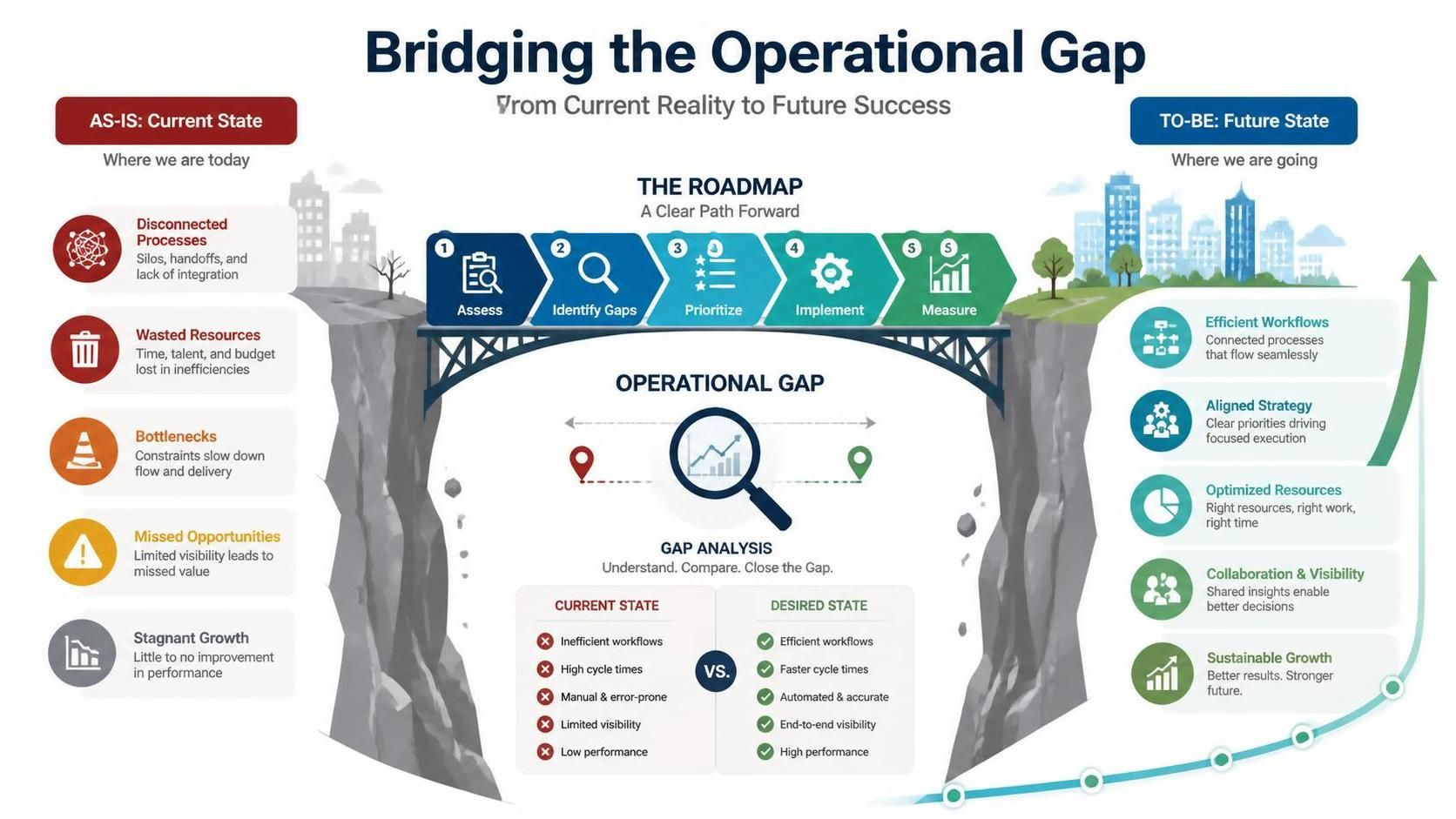
Visual Paradigm offers a robust suite of tools designed to streamline this process. From BPMN modeling to AI-driven insights, it provides a structured environment for mapping workflows, identifying bottlenecks, and generating professional reports. This guide explores how to leverage Visual Paradigm’s Gap Analysis Tool to drive meaningful business process improvement.
Key Concepts
Before diving into the workflow, it is essential to understand the three pillars of gap analysis:
1. The As-Is Model
This represents your current operational baseline. It includes existing workflows, cultural norms, resource allocations, and technological constraints. Accurately mapping the As-Is state requires honesty and data; it highlights where inefficiencies currently exist.
2. The To-Be Model
This is the optimized future state. It designs the ideal workflow, incorporating new technologies, streamlined processes, and target metrics. The To-Be model should be ambitious yet achievable, serving as the north star for your improvement initiatives.
3. The Gap
The gap is the measurable difference between the As-Is and To-Be states. It highlights specific operational inefficiencies, skill shortages, or technological deficits that must be addressed to reach the desired future state.
Six-Step Workflow in Visual Paradigm
Visual Paradigm simplifies the complex task of gap analysis through a structured six-step workflow. Here is how you can execute each step effectively.
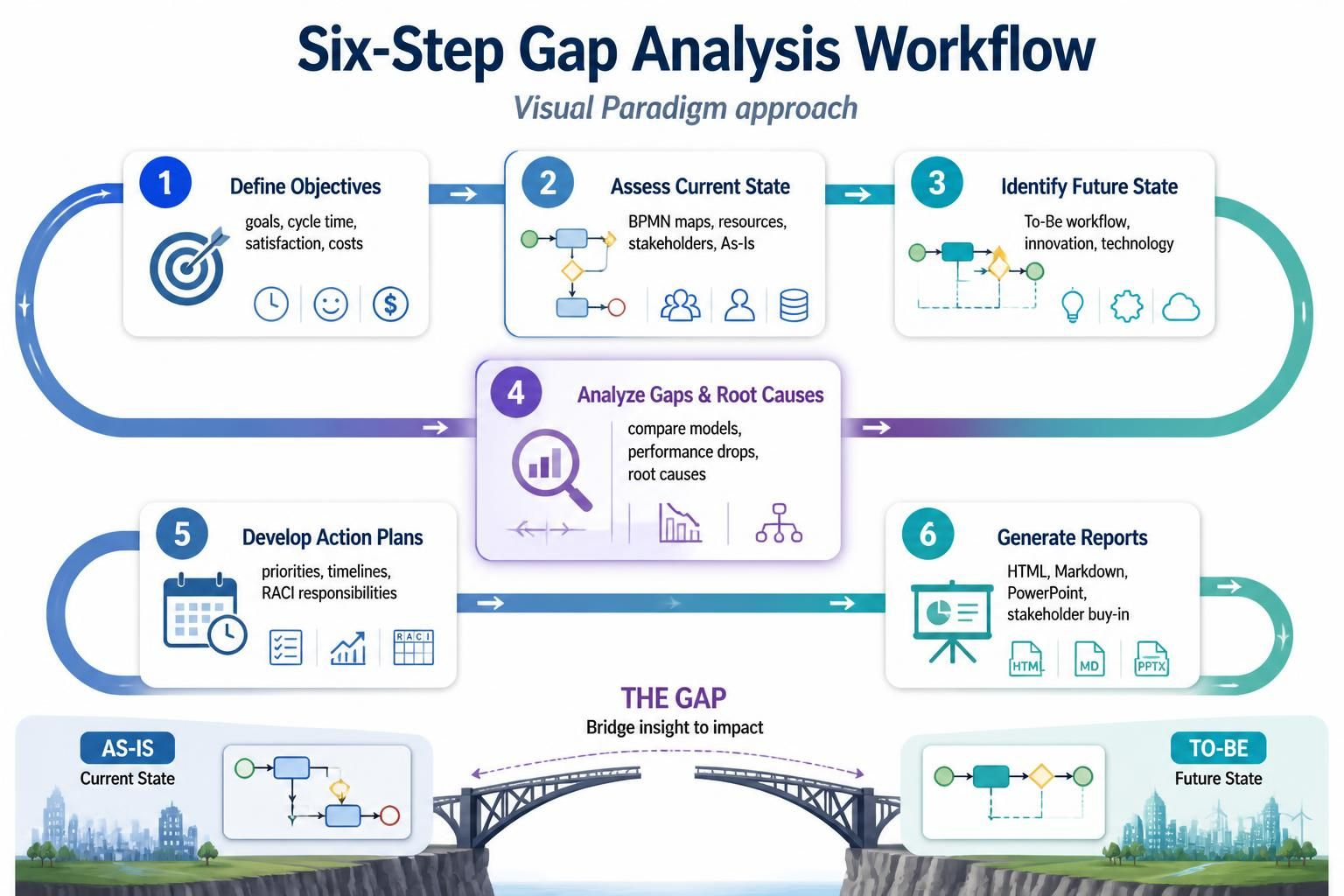
Step 1: Define Objectives
Every successful initiative begins with clear goals. Establish what your business process improvement aims to achieve. Are you looking to reduce cycle time, improve customer satisfaction, or cut costs? Defining these objectives early ensures that your As-Is and To-Be models are aligned with strategic priorities.
Step 2: Assess Current State
Map your current operations using BPMN (Business Process Model and Notation) diagrams. Visual Paradigm allows you to create detailed process maps that capture every step of your current workflow. Supplement these diagrams with resource catalogs and stakeholder data to get a holistic view of your As-Is state.
Step 3: Identify Future State
Design your target To-Be workflow. Use Visual Paradigm’s modeling tools to redesign processes, eliminating bottlenecks and integrating new technologies. This stage is about innovation—imagining how the process should work if all constraints were removed or addressed.
Step 4: Analyze Gaps & Root Causes
This is where Visual Paradigm’s advanced features shine. Use the built-in tracking and AI features within the Free Smart Gap Analysis engine to compare your As-Is and To-Be models. The tool helps identify performance drops and uncover root causes, moving beyond surface-level symptoms to address core issues.
Step 5: Develop Action Plans
Once gaps are identified, create prioritized tasks to bridge them. Visual Paradigm supports the creation of detailed action plans, including timelines, responsibilities, and RACI matrices (Responsible, Accountable, Consulted, Informed). This ensures that every team member knows their role in the transformation process.
Step 6: Generate Reports
Communication is key to stakeholder buy-in. Export your findings into professional documentation formats such as HTML, Markdown, or PowerPoint. Visual Paradigm’s reporting tools allow you to share clear, visually appealing insights with leadership and team members, facilitating informed decision-making.
Examples of Application
Example 1: Streamlining Customer Onboarding
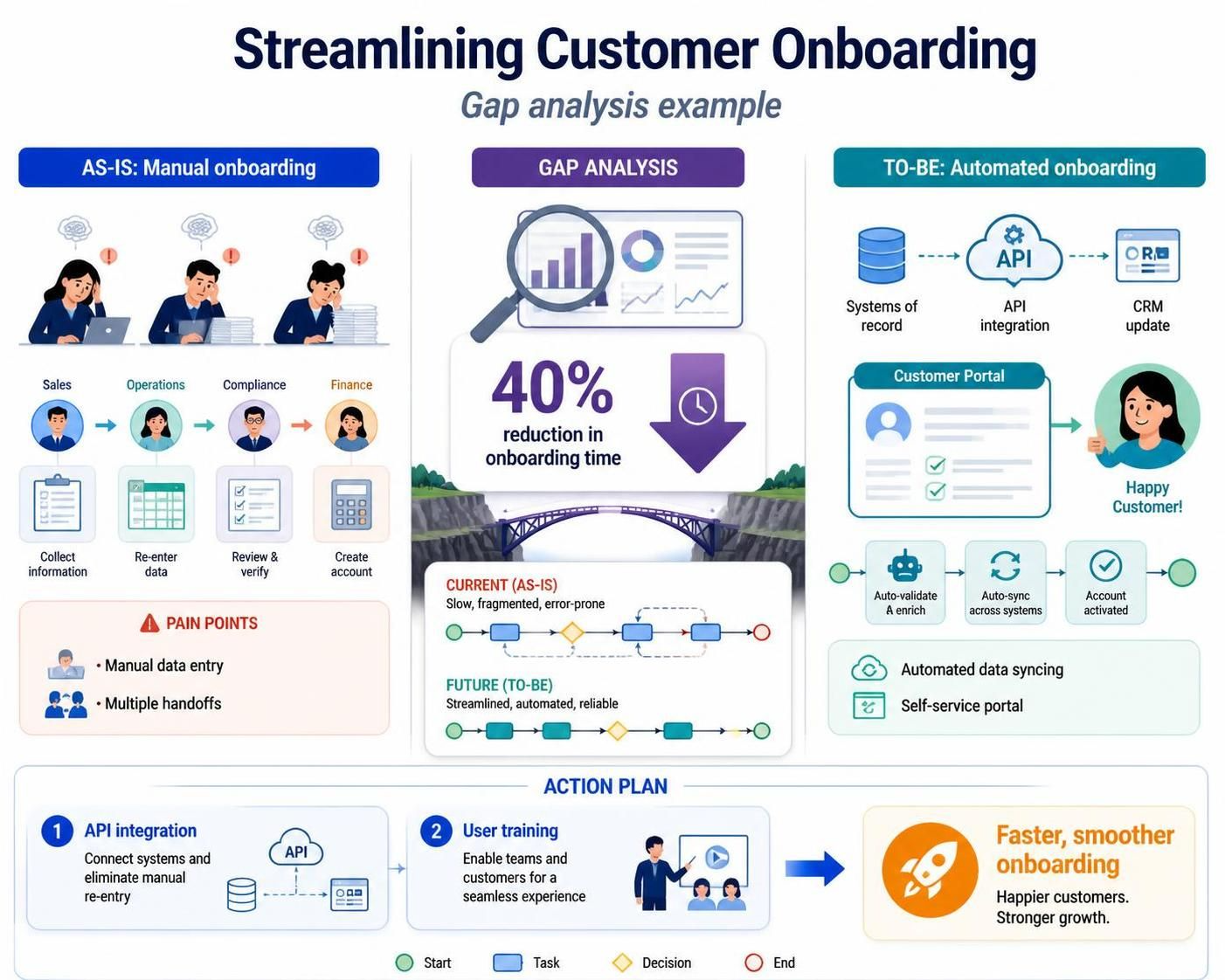
A SaaS company uses Visual Paradigm to map its current customer onboarding process (As-Is), which involves manual data entry and multiple handoffs. The To-Be model introduces automated data syncing and a self-service portal. The gap analysis reveals a 40% reduction in onboarding time, leading to an action plan focused on API integration and user training.
Example 2: Optimizing Supply Chain Logistics
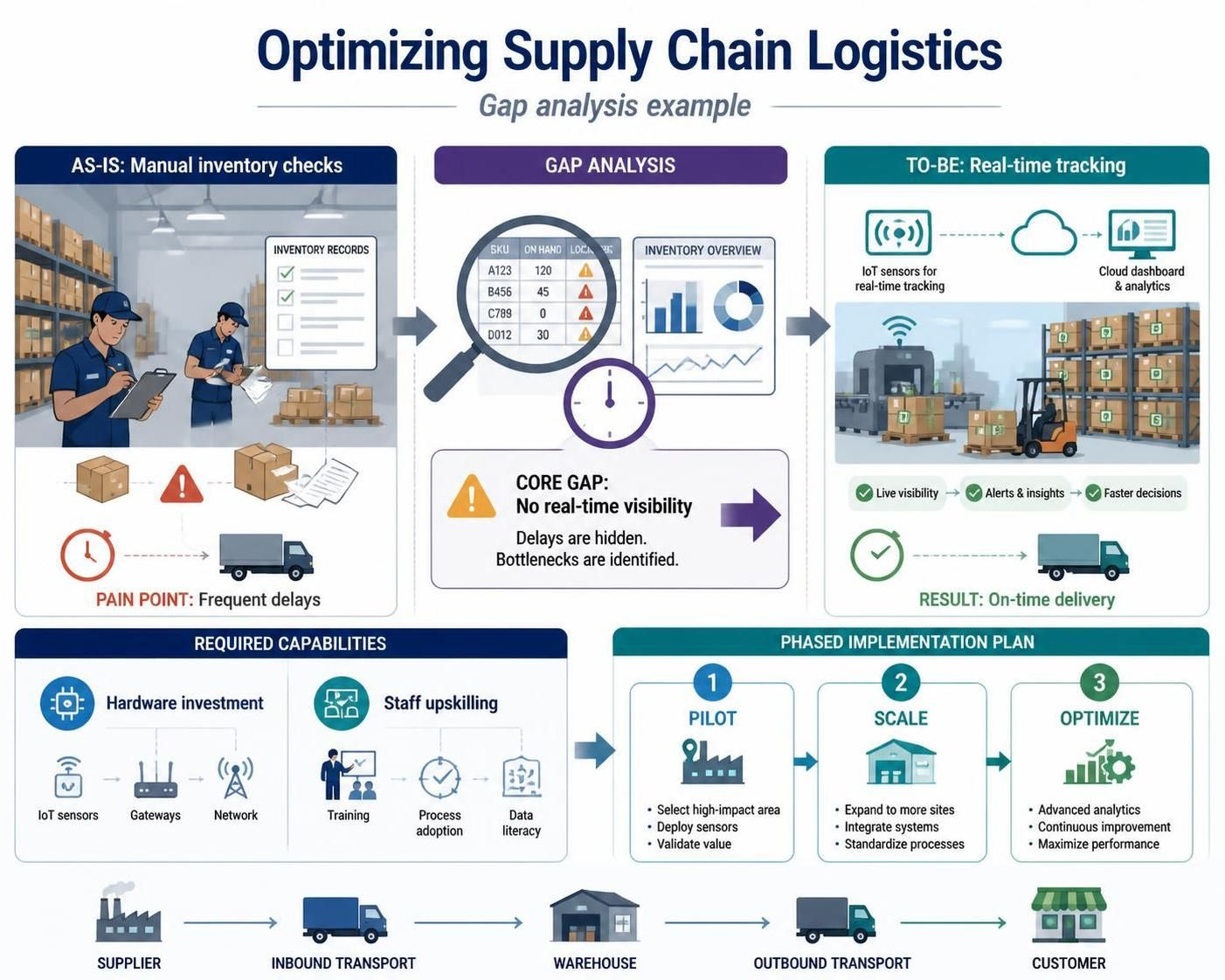
A manufacturing firm analyzes its supply chain workflows. The As-Is model shows frequent delays due to manual inventory checks. The To-Be model incorporates IoT sensors for real-time tracking. The gap analysis identifies the need for hardware investment and staff upskilling, resulting in a phased implementation plan.
Conclusion
Gap analysis is more than just a comparison exercise; it is a strategic framework for continuous improvement. By leveraging Visual Paradigm’s comprehensive tools, organizations can move from vague aspirations to concrete action plans. Whether you are refining a single workflow or overhauling an entire operational structure, the clarity provided by As-Is and To-Be modeling ensures that every step taken is purposeful and impactful. Start bridging the gap today and transform your business processes for tomorrow.
Recommended Resources
- How to Perform Gap Analysis with BPMN: A step-by-step tutorial on using BPMN diagrams for effective gap analysis.
- Visual Paradigm Gap Analysis Tool Features: An overview of the specific features and capabilities of the Gap Analysis Tool.
- Business Process Modeling and Gap Analysis: Insights into combining process modeling with gap identification.
- What is Business Process Reengineering?: Understanding the broader context of process improvement and reengineering.
- Mastering BPMN 2.0: A Beginner’s Guide: A foundational guide to learning BPMN notation for process mapping.
- Gap Analysis Using BPMN Approach: Detailed examples of applying BPMN techniques to gap analysis.
- Free Smart Gap Analysis Tool: Access to the AI-powered tool for automated gap identification and analysis.
Related posts:
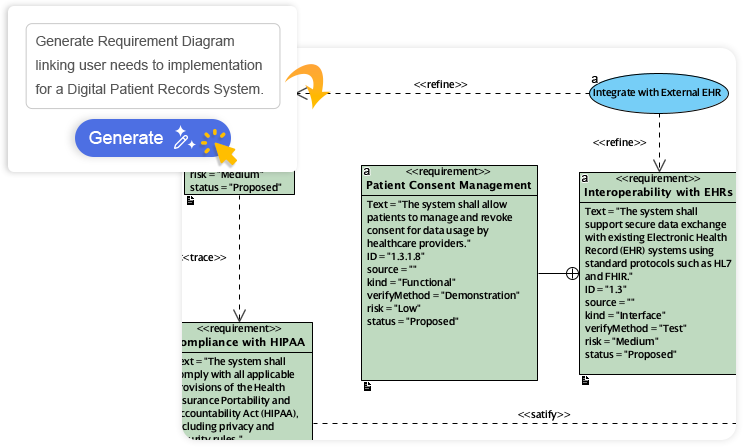 How Visual Paradigm’s AI Diagram Generation Turns Your Ideas into Professional UML & BPMN Diagrams in Seconds
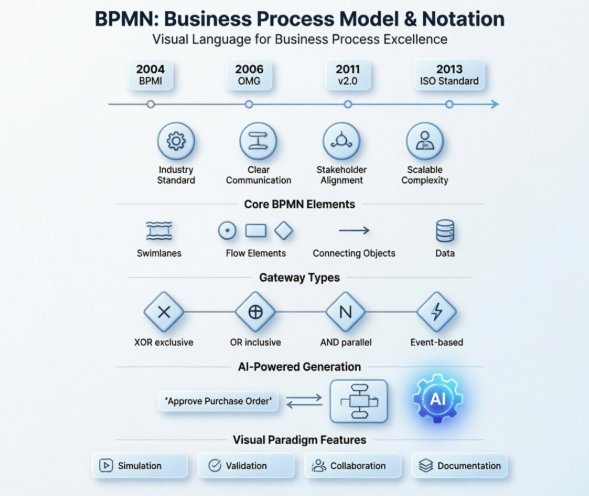 Mastering Business Process Modeling: A Hands-On Review of BPMN and Visual Paradigm’s AI-Powered Tools
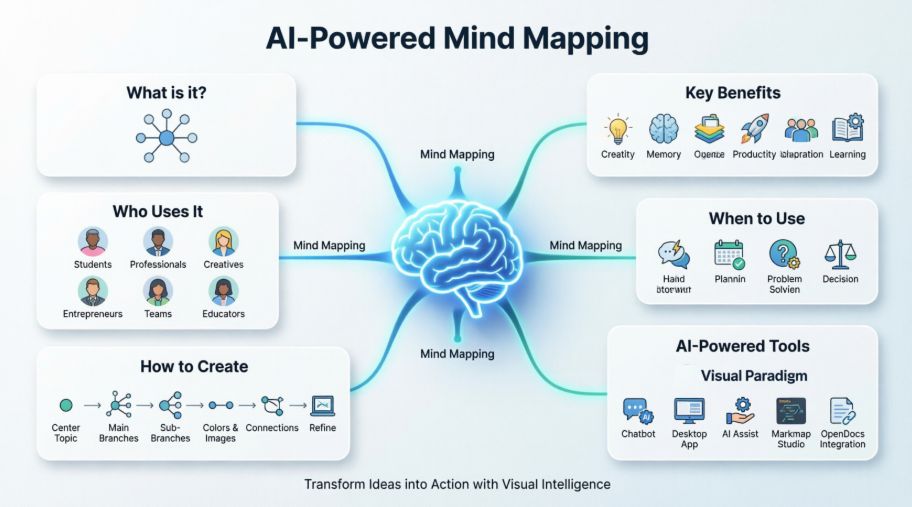 Mastering AI-Powered Mind Mapping with Visual Paradigm
 A Software Engineer’s Field Guide to UML, BPMN, and SysML