Overview
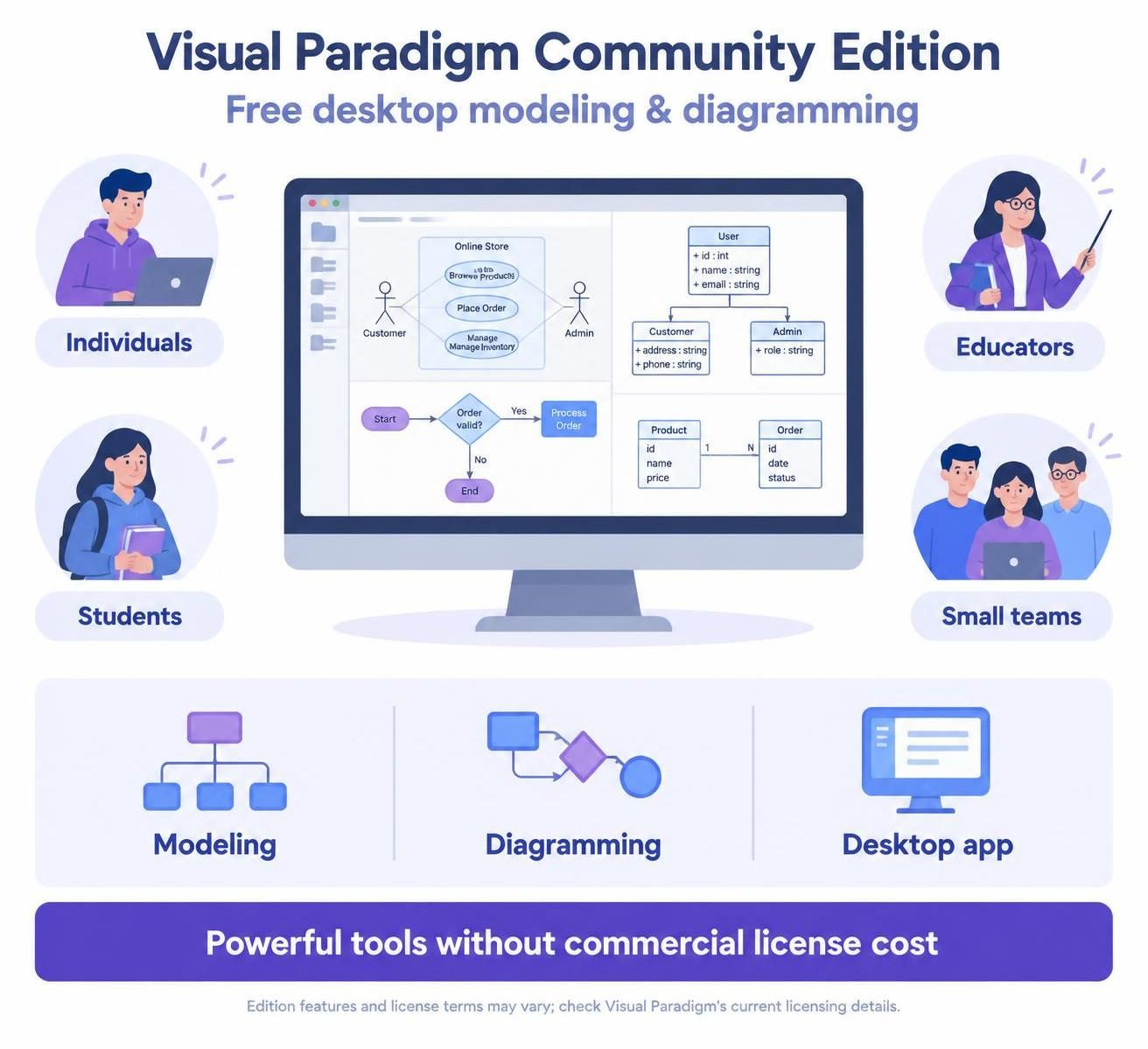
The Visual Paradigm Community Edition is a free version of the Visual Paradigm desktop application designed for individual users, students, educators, and small teams who need powerful modeling and diagramming capabilities without the cost of commercial licenses. While the provided text focuses on VP Desktop editions (Enterprise, Professional, Standard, Modeler) and their integration with VP Online, this guide synthesizes what the Community Edition offers based on Visual Paradigm’s typical licensing structure and the features described.
What Is the Community Edition?
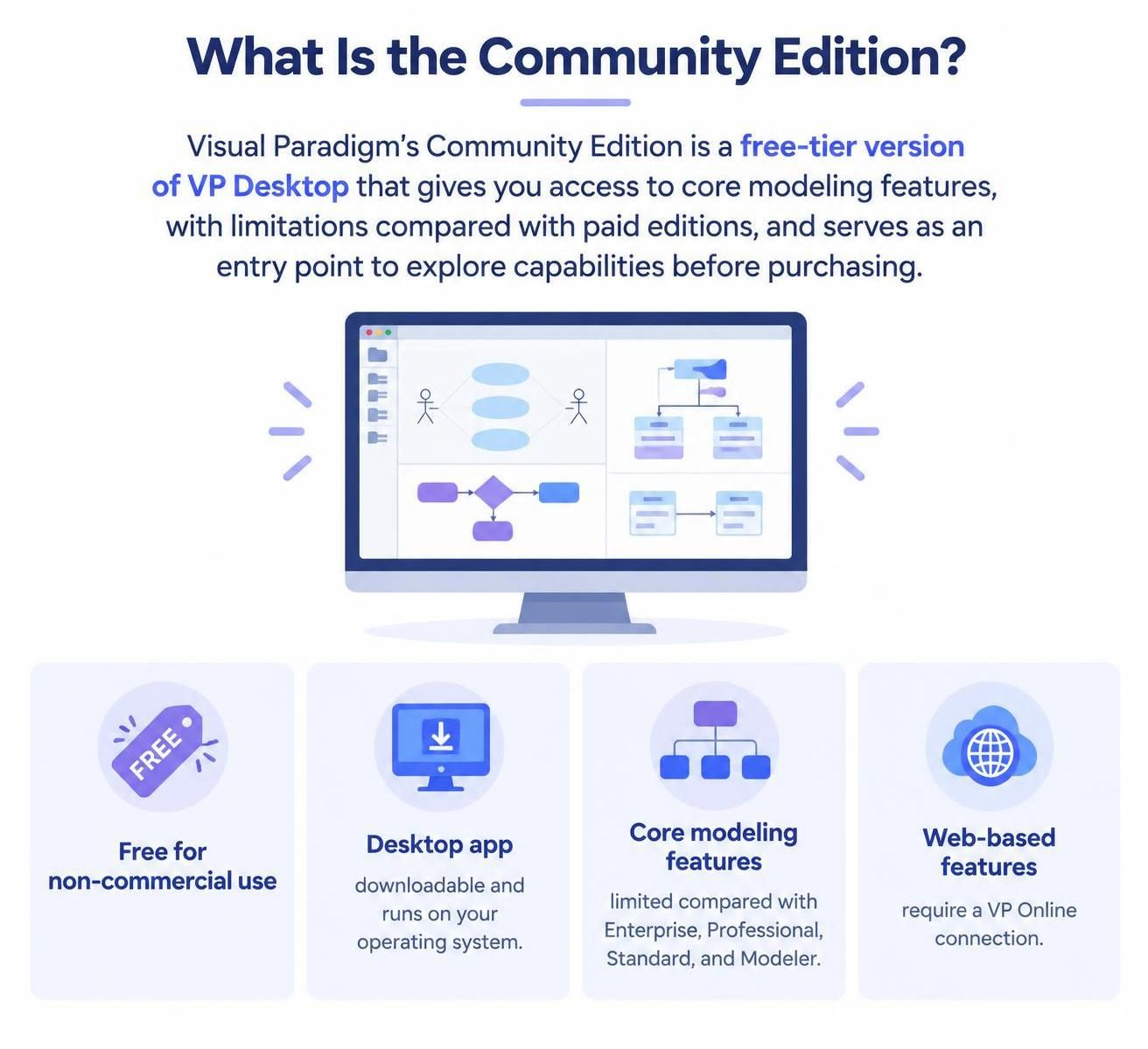
The Community Edition is essentially a free-tier version of VP Desktop that provides access to core modeling features with certain limitations compared to paid editions. It serves as an entry point for users to experience Visual Paradigm’s capabilities before committing to a paid license.
Key Characteristics:
-
Free to use for non-commercial purposes
-
Desktop-based application (downloadable and runs on your operating system)
-
Limited feature set compared to Enterprise, Professional, Standard, and Modeler editions
-
Requires VP Online connection for web-based features (same as other editions)
Features Covered in Community Edition
Based on Visual Paradigm’s typical feature distribution and the information provided, the Community Edition generally includes:
✅ Core Modeling Features
-
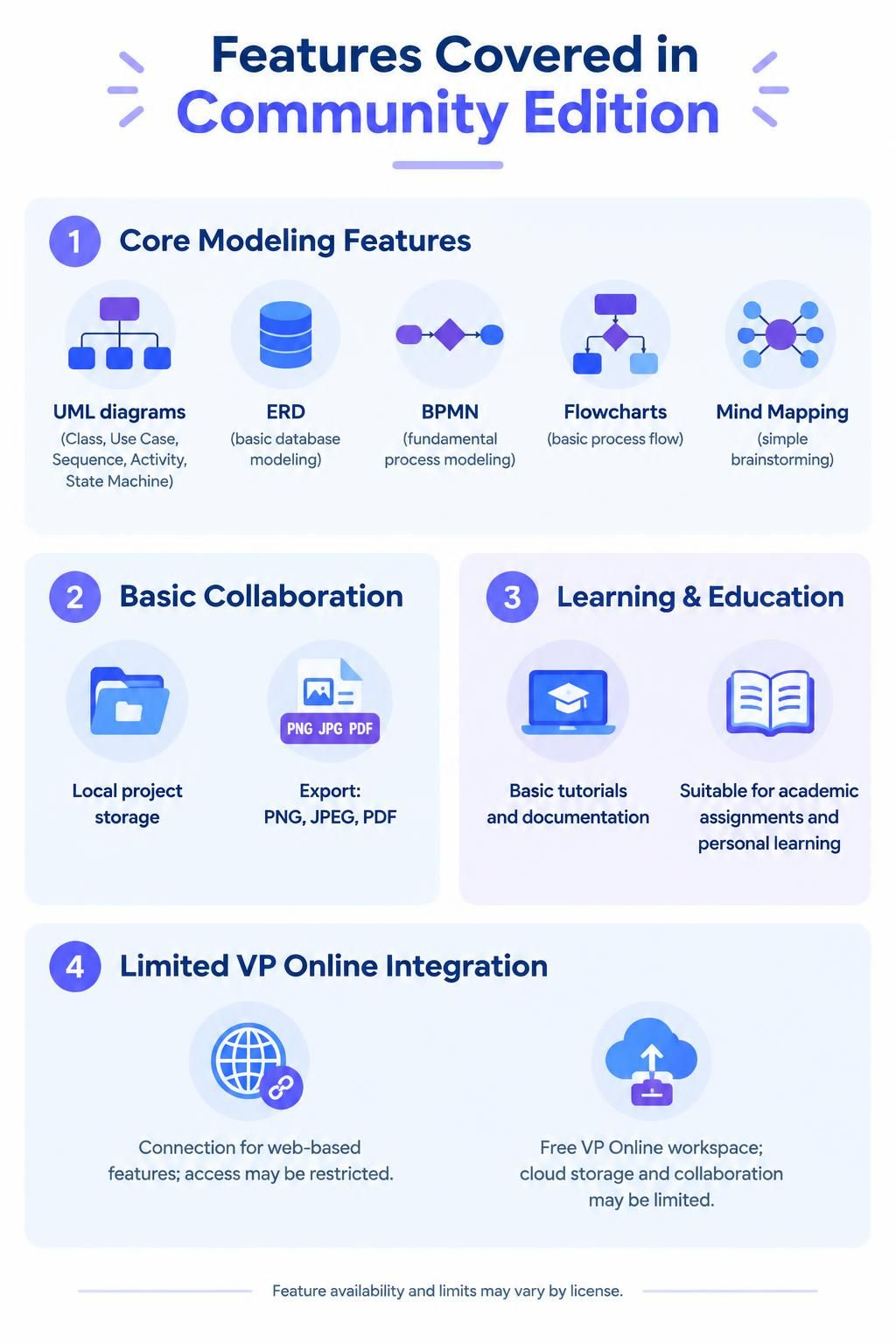
UML Diagrams (basic types): Class diagrams, Use Case diagrams, Sequence diagrams, Activity diagrams, State Machine diagrams
-
ERD (Entity Relationship Diagrams): Basic database modeling
-
Flowcharts: Basic process flow visualization
-
Mind Mapping: Simple idea organization and brainstorming
✅ Basic Collaboration
-
Local project storage: Save and manage projects on your local machine
-
Export capabilities: Export diagrams to common formats (PNG, JPEG, PDF)
✅ Learning & Educational Tools
-
Access to basic tutorials and documentation
-
Suitable for academic assignments and personal learning
⚠️ Limited VP Online Integration
-
Can connect to VP Online for web-based features, but with restricted access
-
Free VP Online workspace available, but Community Edition users may have limited cloud storage and collaboration features
Features NOT Covered in Community Edition
❌ Advanced Diagram Types
The following online diagram tools are typically not available or severely limited in Community Edition:
-
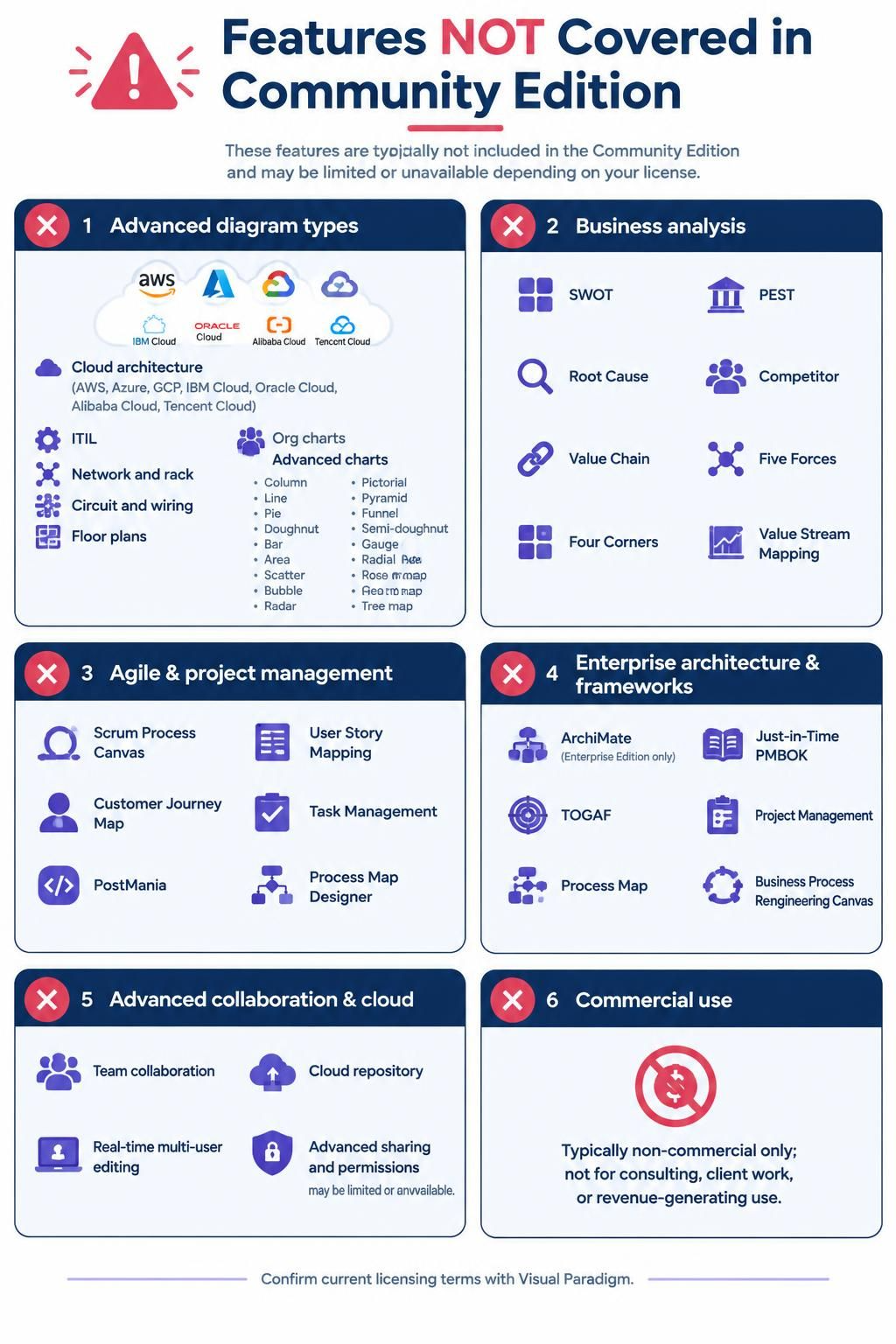
Cloud architecture diagrams (AWS, Azure, GCP, IBM Cloud, Oracle Cloud, Alibaba Cloud, Tencent Cloud)
-
ITIL diagrams
-
Network diagrams, Rack diagrams
-
Circuit diagrams, Wiring diagrams
-
Floor plan makers
-
Organization chart makers
-
Advanced chart makers (Column, Line, Pie, Doughnut, Bar, Area, Scatter, Bubble, Radar, Pictorial, Pyramid, Funnel, Semi-doughnut, Gauge, Radial, Rose, Geo map, Heat map, Tree map)
❌ Advanced Business Analysis Tools
-
SWOT Analysis
-
PEST Analysis
-
Root Cause Analysis
-
Competitor Analysis
-
Value Chain Analysis
-
Five Forces Analysis
-
Four Corners Analysis
-
Value Stream Mapping
❌ Agile & Project Management Features
-
Scrum Process Canvas
-
User Story Mapping
-
Customer Journey Map
-
Task Management
-
PostMania (collaborative feedback tool)
-
Process Map Designer
❌ Enterprise Architecture & Frameworks
-
ArchiMate tool (only available in Enterprise Edition per the table)
-
Just-in-Time PMBOK
-
Just-in-Time TOGAF
-
Just-in-Time Project Management
-
Just-in-Time Process Map
-
Business Process Reengineering Canvas
❌ Advanced Collaboration & Cloud Features
-
Team collaboration features (limited or unavailable)
-
Cloud-based project repository (limited storage or unavailable)
-
Real-time multi-user editing
-
Advanced sharing and permission controls
❌ Commercial Use Restrictions
-
Community Edition is typically licensed for non-commercial use only
-
Cannot be used for professional consulting, client work, or revenue-generating activities
Who Should Use the Community Edition?
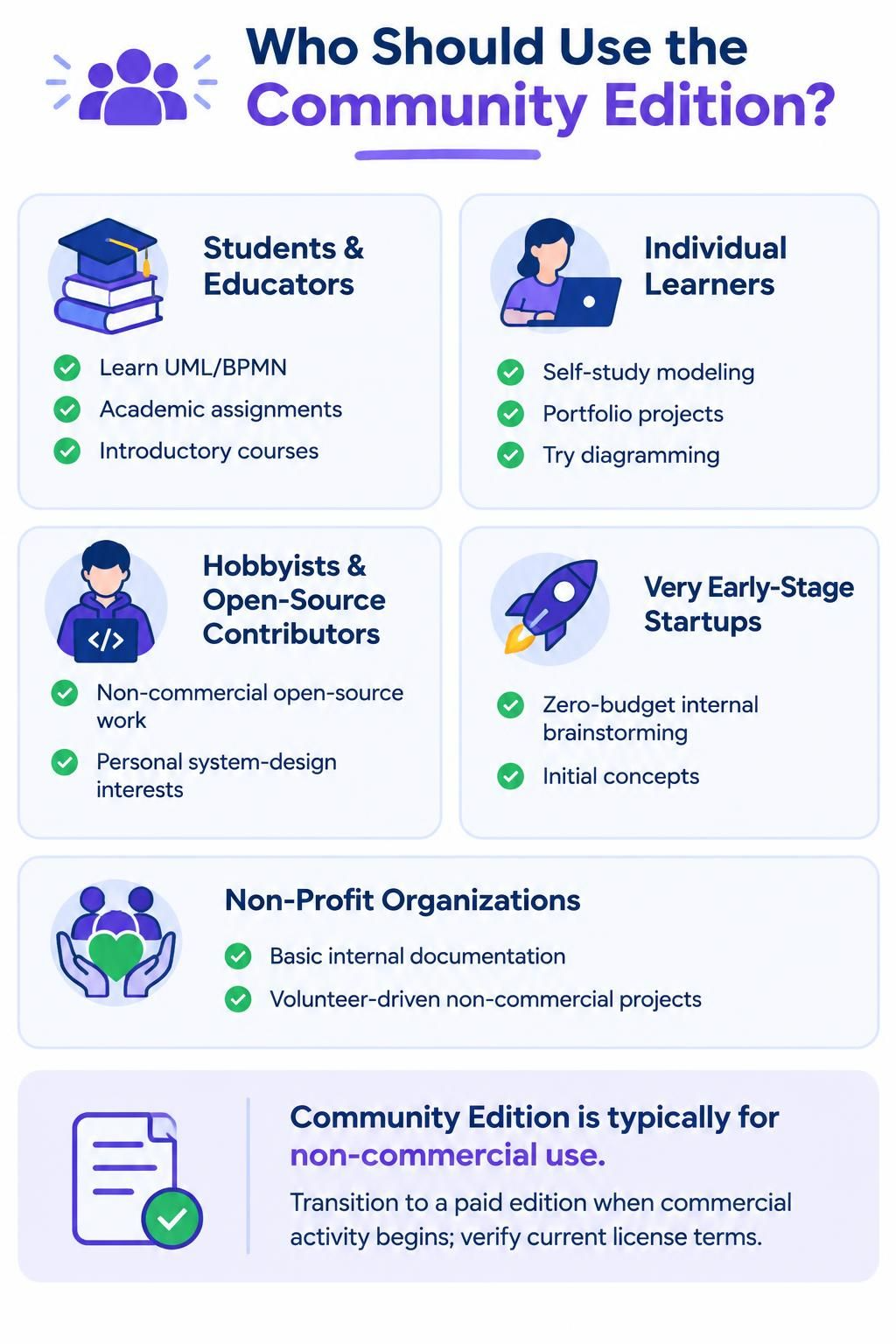
✅ Ideal Users:
-
Students & Educators
-
Learning UML, or other modeling languages
-
Completing academic assignments
-
Teaching introductory software engineering or business analysis courses
-
-
Individual Learners
-
Self-studying software architecture or business process modeling
-
Building personal portfolio projects
-
Experimenting with diagramming tools before purchasing
-
-
Hobbyists & Open-Source Contributors
-
Working on non-commercial open-source projects
-
Personal interest in system design and documentation
-
-
Small Startups (Early Stage)
-
Very early-stage ventures with zero budget
-
Internal brainstorming and initial concept visualization
-
Note: Must transition to paid edition once commercial activities begin
-
-
Non-Profit Organizations (Limited Use)
-
Basic internal documentation
-
Volunteer-driven projects with no commercial intent
-
Why Choose the Community Edition?
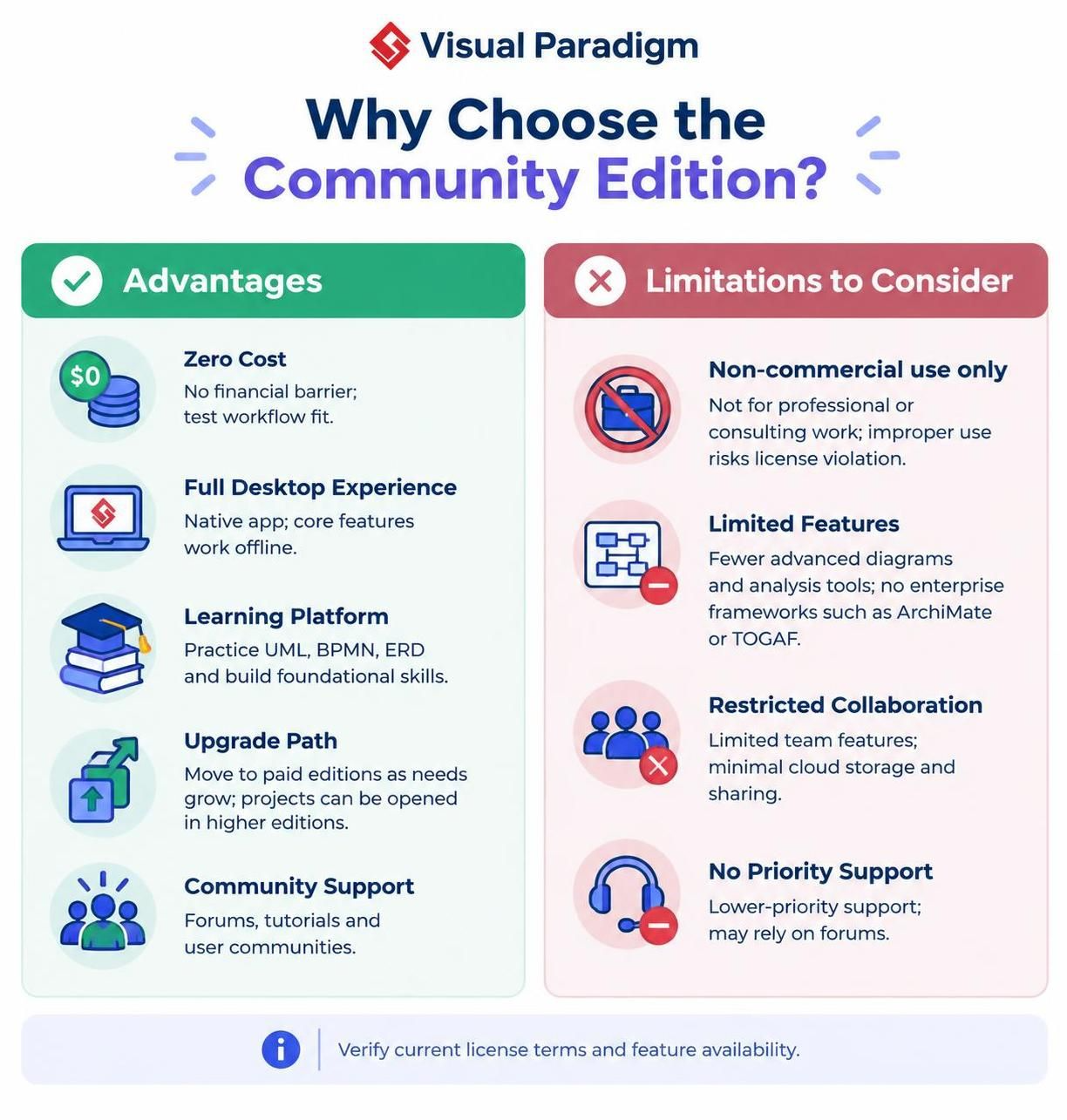
Advantages:
-
Zero Cost
-
No financial barrier to entry
-
Perfect for testing if Visual Paradigm fits your workflow
-
-
Full Desktop Experience
-
Unlike purely web-based tools, you get a native desktop application
-
Works offline for core features
-
-
Learning Platform
-
Excellent way to learn industry-standard modeling notations (UML, ERD)
-
Build foundational skills before investing in advanced tools
-
-
Upgrade Path
-
Seamless transition to paid editions when needs grow
-
Projects created in Community Edition can be opened in higher editions
-
-
Community Support
-
Access to forums, tutorials, and user communities
-
Learn from other users’ experiences
-
Limitations to Consider:
-
No Commercial Use
-
Strictly prohibited for professional/consulting work
-
Risk of license violation if used improperly
-
-
Limited Feature Set
-
Missing many advanced diagram types and analysis tools
-
No access to enterprise architecture frameworks (ArchiMate, TOGAF)
-
-
Restricted Collaboration
-
Limited team features make it unsuitable for larger groups
-
Cloud storage and sharing capabilities are minimal
-
-
No Priority Support
-
Community users typically receive lower-priority support
-
May need to rely on community forums for help
-
When Does the Community Edition Fit You?
✅ Use Community Edition When:
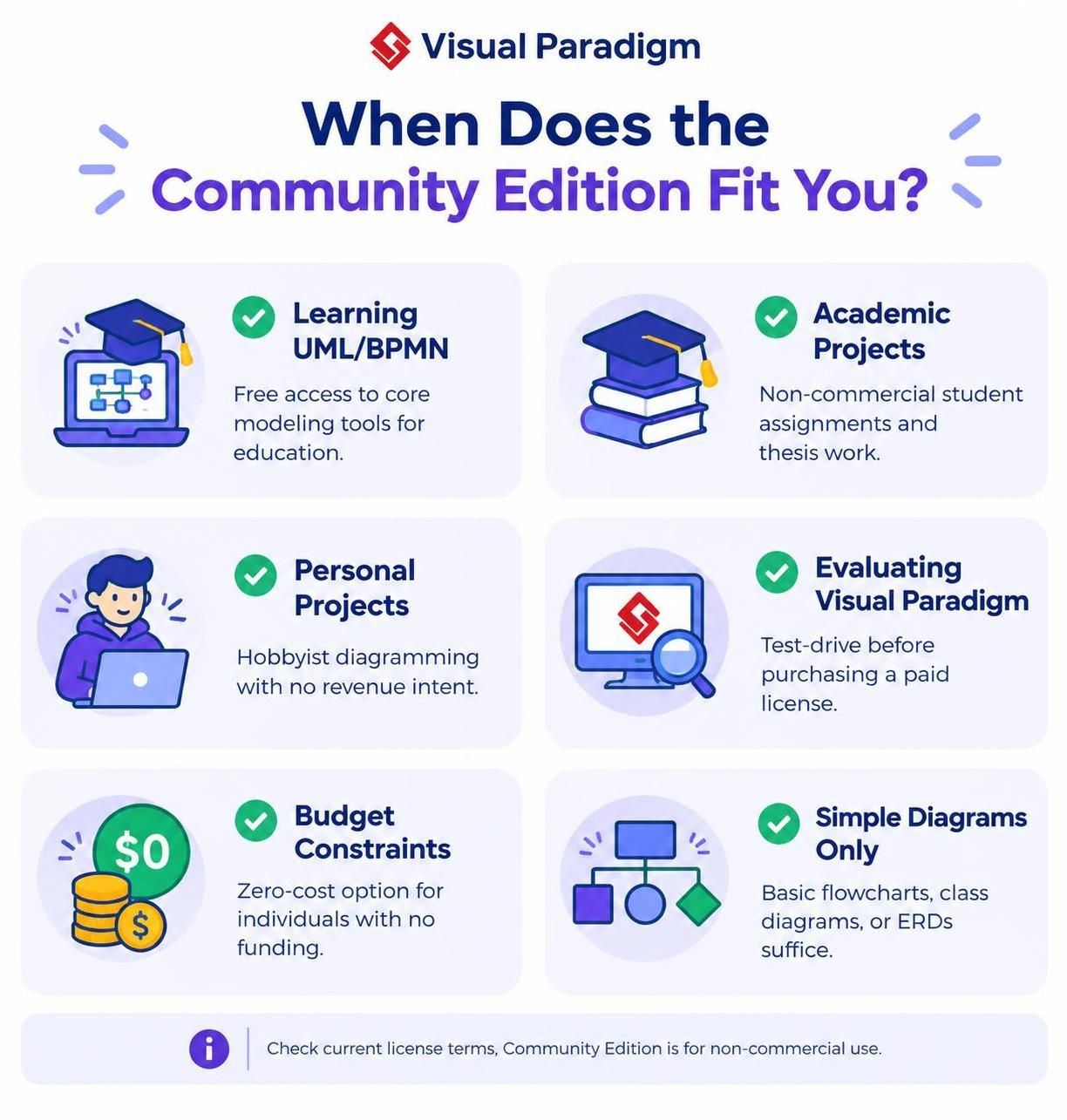
| Scenario | Reason |
|---|---|
| Learning UML, SysML | Free access to core modeling tools for education |
| Academic Projects | Non-commercial student assignments and thesis work |
| Personal Projects | Hobbyist diagramming with no revenue intent |
| Evaluating Visual Paradigm | Test drive before purchasing a paid license |
| Budget Constraints | Zero-cost option for individuals with no funding |
| Simple Diagrams Only | Basic flowcharts, class diagrams, or ERDs suffice |
❌ Upgrade to Paid Edition When:
| Scenario | Recommended Edition |
|---|---|
| Professional/Consulting Work | Professional or Enterprise |
| Team Collaboration Needed | Standard, Professional, or Enterprise |
| Cloud Architecture Diagrams | Any paid edition (all support cloud diagram tools) |
| Agile/Scrum Practices | Professional or Enterprise (for Scrum Canvas, User Story Mapping) |
| Enterprise Architecture (ArchiMate/TOGAF) | Enterprise Edition only |
| Advanced Business Analysis | Professional or Enterprise (SWOT, PEST, Value Chain, etc.) |
| Commercial Use | Any paid edition (Standard minimum for most business uses) |
How to Get Started with Community Edition
Step 1: Download
-
Visit the Visual Paradigm website
-
Navigate to the download section
-
Select “Community Edition” for your operating system (Windows, macOS, Linux)
Step 2: Install
-
Run the installer and follow the setup wizard
-
No license key required for Community Edition
Step 3: Create a Free VP Online Account
-
When accessing web-based features, you’ll be prompted to sign up for VP Online
-
Create a free workspace to unlock additional web-based diagramming tools
-
Note: Some features marked with * in the tables require active software maintenance for full VP Online access
Step 4: Start Modeling
-
Explore the built-in templates and tutorials
-
Create your first UML, or ERD diagram
-
Export and share your work as needed
Migration Path: From Community to Paid Editions
As your needs grow, consider upgrading:
-
Standard Edition: For small teams needing basic collaboration and more diagram types
-
Professional Edition: For agile teams, business analysts, and consultants needing Scrum tools, customer journey maps, and advanced analysis
-
Enterprise Edition: For large organizations requiring ArchiMate, TOGAF, PMBOK frameworks, and full team collaboration
Good News: Projects created in Community Edition are compatible with all paid editions, so you won’t lose your work when upgrading.
Final Recommendations
Choose Community Edition If:
-
You’re a student, educator, or hobbyist
-
Your work is strictly non-commercial
-
You need basic UML, or ERD capabilities
-
You’re evaluating Visual Paradigm before purchasing
Consider Paid Editions If:
-
You work professionally with clients or employers
-
You need team collaboration features
-
You require advanced diagram types (cloud architectures, business analysis frameworks)
-
You need ArchiMate, TOGAF, or PMBOK support
-
You want priority support and regular updates
Additional Resources
Note: Feature availability in the Community Edition may change over time. Always check the official Visual Paradigm website for the most current information about what’s included in the free tier.