


In the evolving landscape of software engineering and business analysis, the distinction between simple drawing tools and true modeling platforms has never been more critical. Visual Paradigm distinguishes itself in the current market not merely as a diagramming utility, but as a unique visual modeling platform that functions as an intelligent modeling partner. By bridging the gap between abstract human concepts and technical precision, it utilizes a specialized AI engine that prioritizes true modeling intelligence over generic content generation.
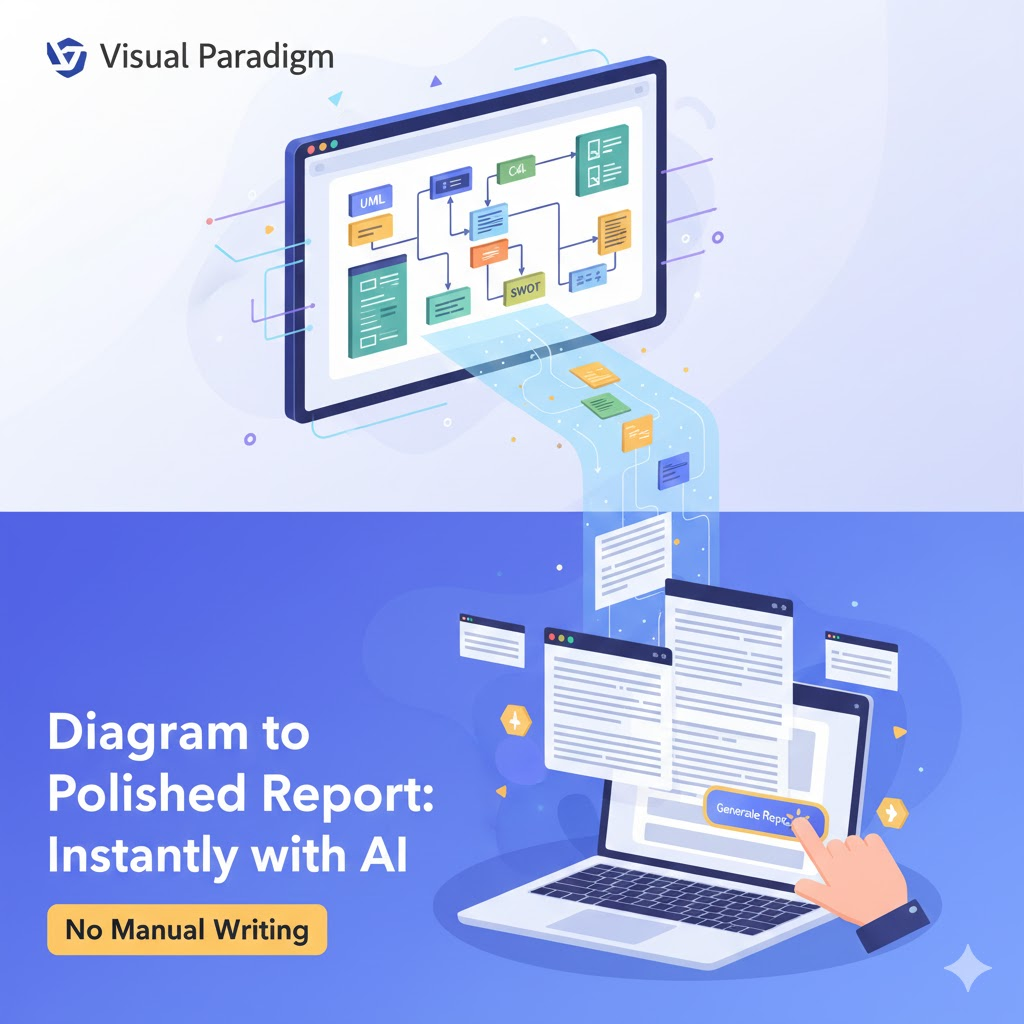
This comprehensive guide explores the features and functionalities that define Visual Paradigm’s unique market position, detailing how it transforms the modeling workflow from a manual task into a co-creative process.
1. Domain-Specific AI vs. Generic Tools
The fundamental differentiator of Visual Paradigm lies in its underlying technology. While standard AI assistants often treat diagrams as static images or generate simple checklists based on visual patterns, Visual Paradigm’s AI is rigorously trained on formal modeling standards.
This domain-specific training allows the platform to understand diagram semantics. It recognizes the specific logical difference between a class and an attribute in UML, or a process and a sub-process in BPMN. This ensures that the output is not just visually appealing, but logically meaningful and technically accurate, adhering to the strict syntax required for professional engineering.
2. Conversational Diagram Engineering
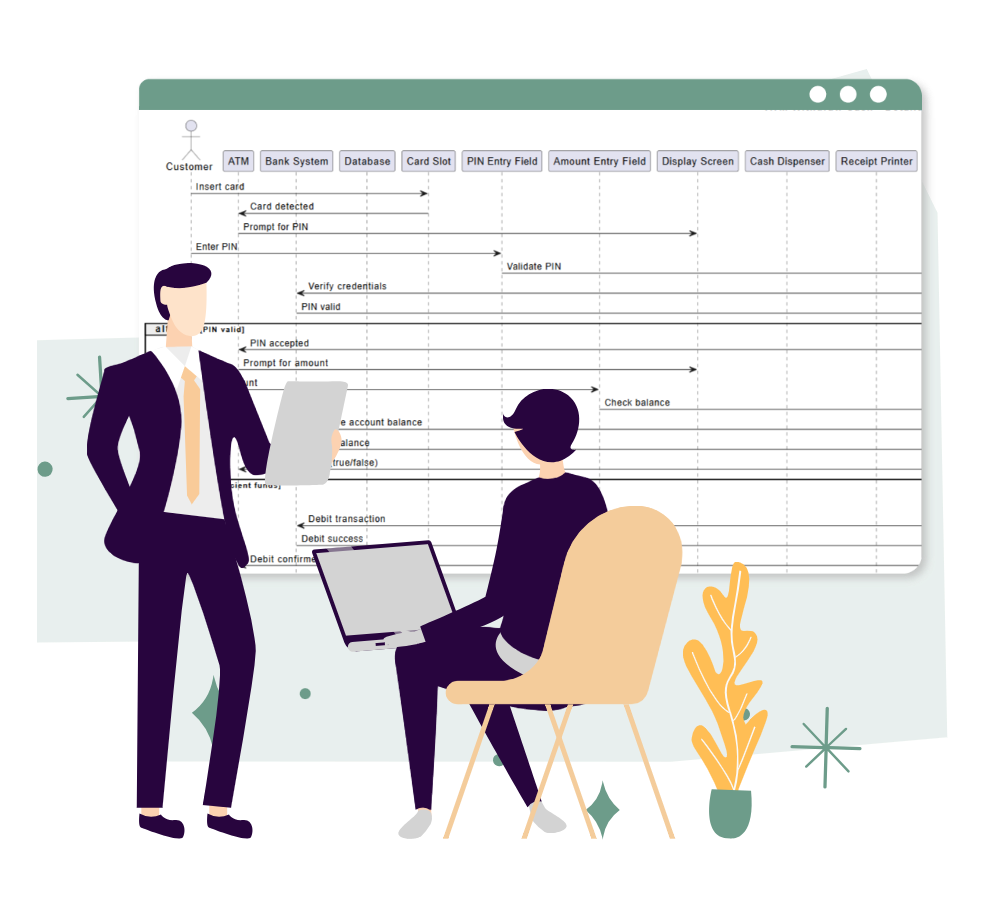
Visual Paradigm transforms the traditional drag-and-drop modeling workflow into a co-creative process known as Conversational Diagram Engineering. This approach leverages natural language processing to speed up creation and refinement.
Natural Language Generation
Users can bypass the toolbar entirely by describing a system in plain English. For example, entering a prompt such as “Generate a sequence diagram for an e-commerce checkout” allows the AI to instantly render a presentation-ready model that respects standard notation.
Iterative Refinement
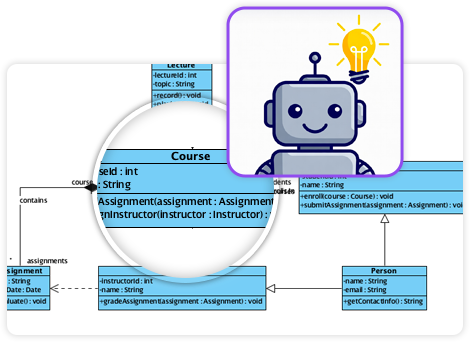
Unlike tools that generate a static image, Visual Paradigm allows for continuous modification through chat commands. Users can issue instructions like “Add a payment gateway” or “Make the activity loop tighter.” The AI updates the model in real-time, preserving the existing logic and layout structure.
Comparison Tools
To support the iterative nature of design, the platform includes a “Compare with Previous” feature. This allows users to track changes and differences between versions of a generated diagram, ensuring that the evolution of the model remains transparent and manageable.
3. Comprehensive Support for Standards
Visual Paradigm stands out for the sheer breadth of frameworks supported through a single AI interface. It covers over 20 diagram types across diverse professional domains. The table below outlines the key areas of support:
| Domain | Supported Frameworks & Standards | Use Cases |
|---|---|---|
| Software Engineering | Full UML (Class, Sequence, Use Case), SysML, C4 Model | System requirements, software architecture, component interaction. |
| Enterprise Architecture | ArchiMate (20+ specific viewpoints) | Aligning IT strategy with business goals, mapping capability vs. resource. |
| Business Strategy | SWOT, PESTLE, Ansoff Matrix, Porter’s Five Forces, Eisenhower Matrix | Strategic planning, market analysis, decision prioritization. |
4. Intelligent Analysis and Documentation
The platform moves beyond mere drawing capabilities by acting as a modeling consultant. The AI engine is capable of analyzing the structure of the diagrams it creates to provide actionable insights.
- Insight Generation: Users can query the chatbot regarding the logic of the model. Questions such as “What are the security risks in this deployment?” or “What are the single points of failure in this diagram?” yield analytical responses based on the visual data.
- Documentation on Demand: The tool can instantly generate full technical specifications, project summaries, or explanatory articles based on the visual model, significantly reducing the administrative burden on architects and developers.
5. Seamless Ecosystem Integration
A major functionality that separates Visual Paradigm from web-only AI tools is its unified workspace. Diagrams generated in the cloud-based AI chatbot are not siloed; they can be directly imported into the Visual Paradigm desktop application.
This integration bridges the gap between rapid prototyping and professional engineering. It allows professional modelers to take an AI-generated draft and apply advanced desktop features such as simulation, version control, and team collaboration within a high-end modeling environment.
Conclusion: The Architect vs. The Sketch Artist
To understand the value proposition of Visual Paradigm, consider this analogy: Most diagramming tools function as a set of stencils; the user must possess deep knowledge of the rules to use them correctly. Generic AI tools act like a sketch artist—they may draw something visually pleasing, but it is often structurally unsound or technically vague.
Visual Paradigm serves as an expert architect standing beside you. You describe the vision, and the AI handles the technical blueprints and building codes. If you decide to move a wall later, the AI redraws the plan to ensure the structure remains sound, enabling a workflow that is both creative and technically rigorous.
This post is also available in Deutsch, Español, فارسی, Français, English, Bahasa Indonesia, 日本語, Polski, Portuguese, Ру́сский, Việt Nam, 简体中文 and 繁體中文.