
Introduction
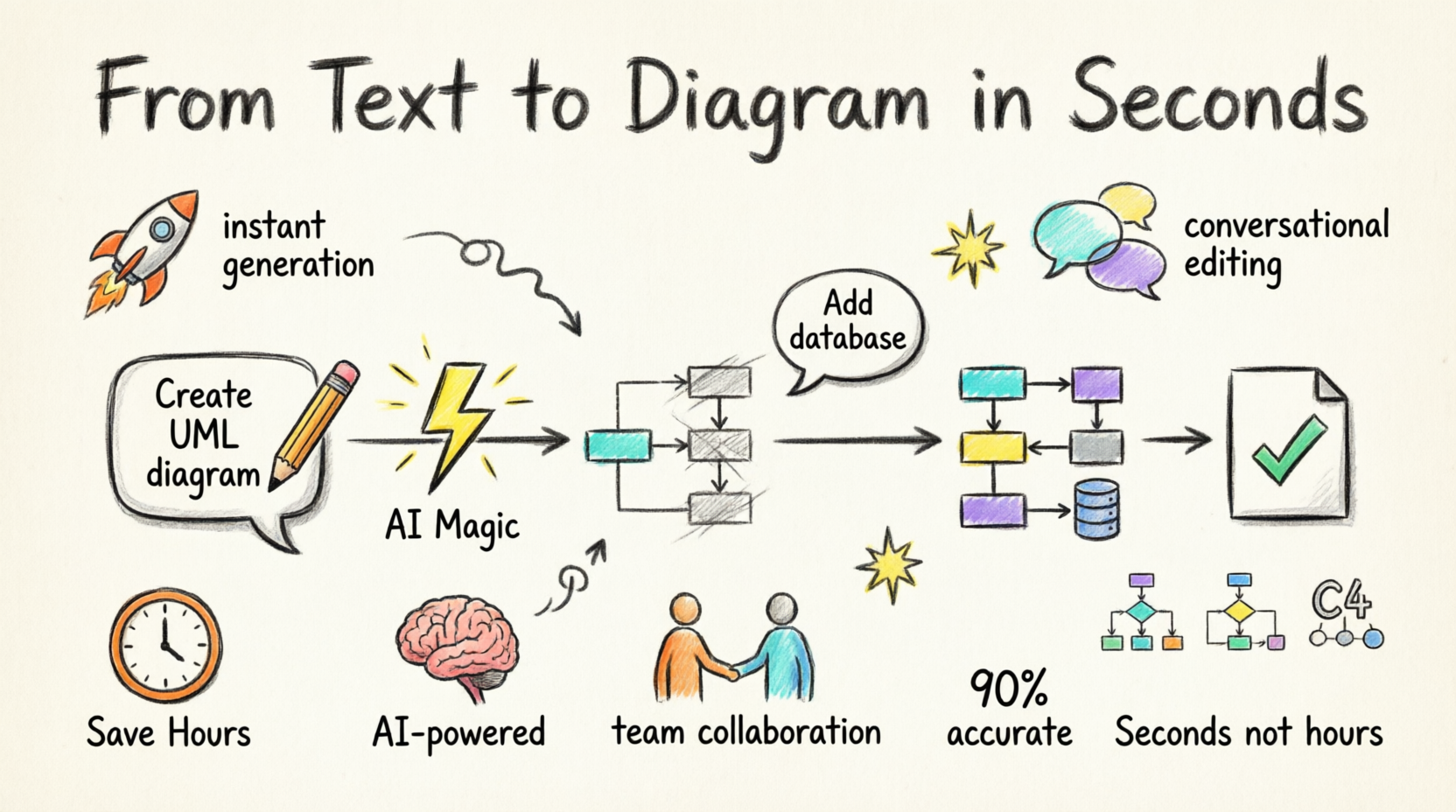
In today’s fast-paced digital landscape, the ability to quickly visualize complex systems and ideas is more critical than ever. Whether you’re a software architect designing enterprise systems, a business strategist mapping growth plans, or a project manager documenting workflows, traditional diagramming tools often create bottlenecks rather than solutions. Enter Visual Paradigm’s AI-Powered Visual Modeling Chatbot—a revolutionary tool that transforms the way professionals create, edit, and leverage visual diagrams. This comprehensive guide explores how this innovative platform eliminates the steep learning curve of traditional modeling tools, enabling you to go from concept to presentation-ready diagram in seconds through simple natural language commands.
Core Features Review
1. Instant Diagram Generation from Text Prompts
What It Does:
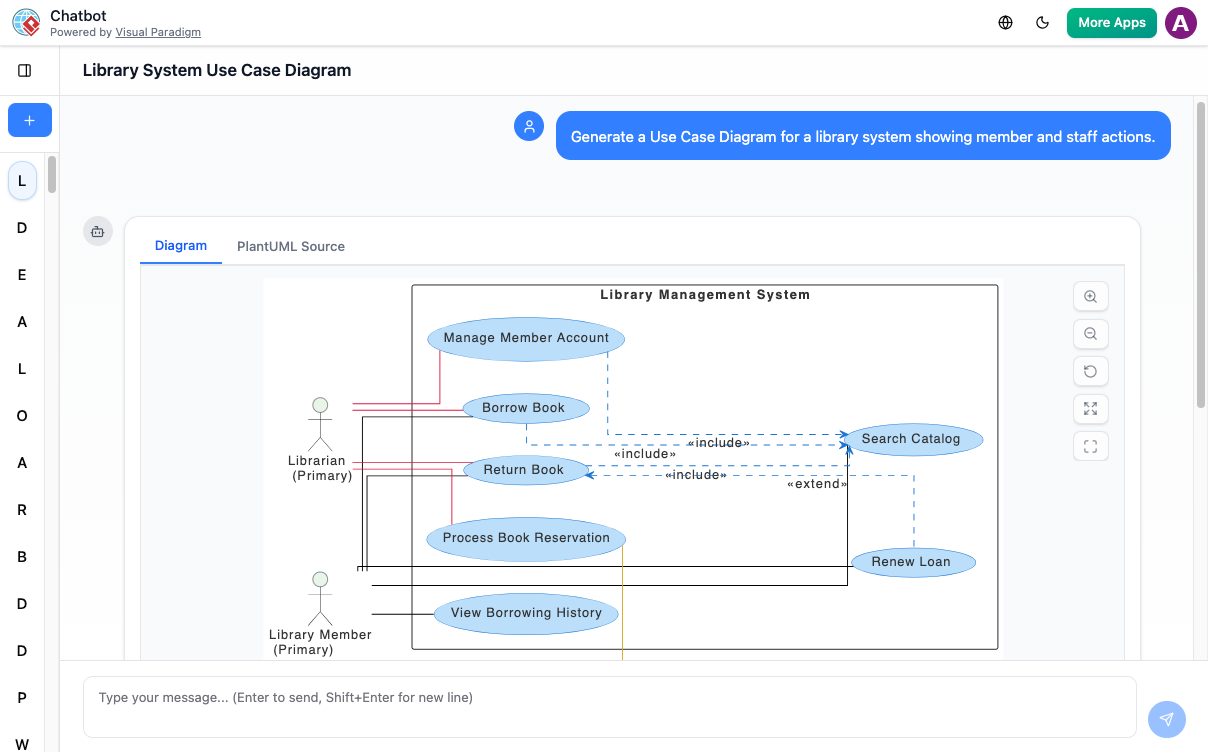
Transform simple text descriptions into complete, accurate diagrams instantly. No more staring at blank canvases or wrestling with complex toolbars.
How It Works:
Simply describe what you want to create in plain English. For example, type “Create a use case diagram for an online shopping system” and watch as the AI architect maps out a detailed, professional diagram in seconds.
Best For:
-
Rapid prototyping
-
Initial system design
-
Brainstorming sessions
-
Quick documentation needs
2. Conversational Diagram Editing
What It Does:
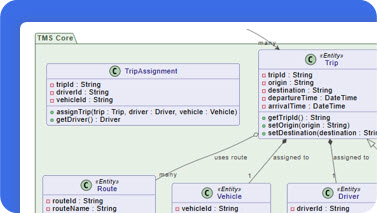
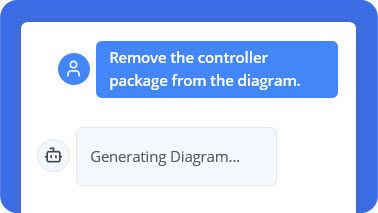
Edit your diagrams through natural conversation rather than manual dragging and dropping.
Key Capabilities:
-
Add elements: “Add a database”
-
Rename components: “Rename ‘User’ to ‘Customer'”
-
Modify relationships: “Make this a many-to-many relationship”
-
Restructure layouts with simple commands
Why It Matters:
This feature maintains your creative flow by eliminating the context-switching between thinking and executing. Your diagram becomes a living conversation partner rather than a static artifact.
3. Intelligent Diagram Querying
What It Does:
Transform your diagram into an interactive knowledge base that you can question and explore.
Use Cases:
-
Ask “How do I implement this deployment?”
-
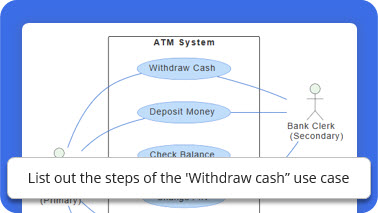
Query “What are the main scenarios in this use case?”
-
Request “Explain the relationship between these components”
-
Get implementation guidance based on your visual model
The Advantage:
Your diagram becomes more than a picture—it becomes an intelligent assistant that understands the context and semantics of what you’ve created.
4. Smart Contextual Suggestions
What It Does:
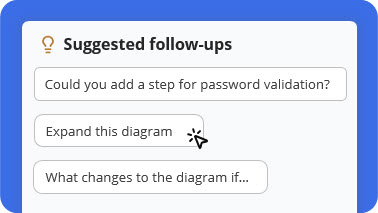
Proactively suggests next steps, refinements, and deeper explorations based on your current diagram.
Features:
-
Identifies missing components
-
Suggests best practices
-
Recommends related diagrams
-
Highlights potential improvements
Perfect For:
-
Ensuring completeness
-
Learning diagramming standards
-
Discovering optimization opportunities
-
Avoiding common architectural mistakes
5. Automated Documentation Generation
What It Does:
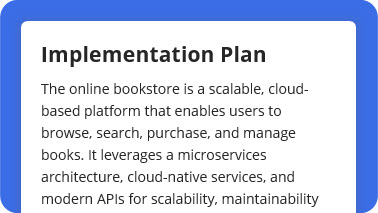
Instantly convert any diagram into professional documentation, reports, or project proposals.
Output Options:
-
Detailed technical reports
-
Executive summaries
-
Project proposals
-
Implementation guides
-
Stakeholder presentations
Time Savings:
What traditionally takes hours of manual documentation can now be generated in seconds, ensuring consistency between your visual models and written documentation.
6. Seamless Professional Tool Integration
What It Does:
Export AI-generated diagrams directly to Visual Paradigm’s desktop application for advanced modeling and team collaboration.
Capabilities:
-
Full-featured editing and refinement
-
Team collaboration tools
-
Version control
-
Project repository management
-
Advanced modeling standards compliance
Workflow Benefit:
Start fast with AI, then scale up to professional-grade tools without losing any work or starting from scratch.
Step-by-Step Workflow Guide
Step 1: Describe Your Idea

Begin by typing what you want to create in natural language. Be specific but conversational:
-
“Create a use case diagram for an online shopping system”
-
“Design a deployment diagram for a microservices architecture”
-
“Map out a SWOT analysis for our new product launch”
The AI instantly understands your intent and begins visualizing your concept.
Step 2: Generate Your Diagram Instantly

Within seconds, your text transforms into a complete, presentation-ready diagram. No templates to select, no manual drawing required—just clear, accurate visuals that follow industry standards.
What You Get:
-
Professionally laid out diagrams
-
Correct notation and symbols
-
Logical component relationships
-
Ready-to-present quality
Step 3: Refine with Simple Commands

Need changes? Simply talk to your diagram:
-
“Add payment gateway”
-
“Rename Customer to Buyer”
-
“Make the database redundant”
-
“Add authentication layer”
The AI updates your diagram immediately, maintaining consistency and proper notation throughout.
Step 4: Explore, Document, and Share

Maximize the value of your diagram by:
-
Asking questions: “What are the main use cases?”
-
Generating documentation: “Create a project summary”
-
Sharing with stakeholders via link
-
Exporting to Visual Paradigm desktop for advanced collaboration
Supported Diagram Types
Visual Paradigm’s AI supports an extensive library of diagram types across multiple domains:
Business & Enterprise Architecture
-
Ansoff Matrix – Strategic growth planning
-
ArchiMate Diagram – Enterprise architecture modeling
-
Blue Ocean Four Actions Framework – Innovation strategy
-
SWOT Analysis – Strategic planning
-
PESTLE Analysis – Environmental scanning
Software Engineering
-
UML Diagrams (Class, Sequence, Use Case, Activity, etc.)
-
C4 Model Diagrams:
-
C4 System Context Diagram
-
C4 Container Diagram
-
C4 Component Diagram
-
C4 Deployment Diagram
-
Systems Engineering
-
SysML Block Definition Diagram
-
SysML Internal Block Diagram
-
SysML Requirement Diagram
General Purpose
-
Flowcharts
-
Mind Maps
-
Organizational Charts
-
Network Diagrams
Real-World Use Cases & Testimonials
Enterprise Architecture
“I used to spend hours sketching system contexts. Now I can focus on architecture decisions while the AI handles the drawing.”
— Maria Thompson, Solution Architect
Application: Rapid system context creation for stakeholder reviews
Project Management
“Turning diagrams into reports with one command saves me hours during project reviews and makes my workflow much more efficient.”
— Daniel Rivera, Project Manager
Application: Automated documentation generation for status reports
Cloud Architecture
“I asked for a ‘deployment diagram for a cloud-based CRM,’ and it delivered exactly what I imagined. The accuracy blew me away.”
— Liam Park, Cloud Architect
Application: Quick prototyping of cloud infrastructure designs
Startup & Innovation
“As a startup founder, I use it to brainstorm product ideas visually. It helps me turn thoughts into structured business models fast.”
— Aisha Khan, Founder & CEO
Application: Rapid business model visualization and iteration
Frequently Asked Questions
Q1. What types of diagrams can I create?
Our AI supports a comprehensive range of diagrams across various domains, including UML, C4 models for software architecture, and strategic frameworks like SWOT and PESTLE analysis. Check out our ‘Diagrams’ section for a more comprehensive list.
Q2. How does the text-to-diagram feature work?
You simply type a description of the system, process, or idea you want to visualize. For example, ‘Create a sequence diagram for a user logging into a website.’ Our AI analyzes your text and automatically generates a corresponding diagram, which you can then refine with further commands.
Q3. Can I edit the diagrams created by the AI?
Absolutely. Some diagrams can be imported into Visual Paradigm Desktop for advanced modeling. This feature requires a Visual Paradigm Professional Edition license. For ArchiMate, an Enterprise Edition license is required.
Q4. How can I collaborate with my team on these diagrams?
Collaboration is at the heart of Visual Paradigm. You can easily share a link to your AI-generated diagrams with colleagues. For deeper collaboration, you can transfer your diagrams to the full Visual Paradigm desktop or cloud platform, which offers real-time team collaboration, versioning, and project repository management.
Q5. Is the data I enter into the AI secure?
Yes, we take data security very seriously. All communication with our AI is encrypted. We have strict privacy policies in place, and your diagrams and prompts are your intellectual property. We do not use your data to train our models without your explicit consent.
Q6. How accurate are the AI-generated diagrams?
Our AI is trained on a vast library of diagrams and is highly accurate for common scenarios. However, it’s best to think of the AI as a creative co-pilot. It provides an excellent first draft (often 90% of the way there), which you can then quickly refine using simple text commands to ensure it perfectly matches your specific requirements.
Q7. Can the AI help me learn about diagramming standards?
Absolutely. Our AI is a great learning tool. If you’re unsure about a concept, you can ask it questions like, ‘What’s the difference between aggregation and composition in a UML class diagram?’ or ‘Show me an example of a C4 container diagram.’ It can provide explanations and generate examples to help you master these standards.
Conclusion
Visual Paradigm’s AI-Powered Visual Modeling Chatbot represents a paradigm shift in how professionals approach visual communication and system design. By eliminating the technical barriers of traditional diagramming tools, it empowers architects, managers, strategists, and developers to focus on what truly matters: solving problems and communicating ideas effectively.
The combination of instant generation, conversational editing, intelligent querying, and automated documentation creates a workflow that is not just faster, but fundamentally more intuitive. Whether you’re sketching your first system architecture or documenting enterprise-scale deployments, this AI co-pilot adapts to your needs, learns your context, and elevates your output.
The future of visual modeling isn’t about mastering complex tools—it’s about articulating ideas clearly and letting intelligent systems handle the execution. Visual Paradigm’s AI chatbot makes that future available today. Stop wrestling with tools. Start creating with intelligence.
Reference List
- AI Chatbot Feature – Intelligent Assistance for Visual Paradigm Users: This tool delivers instant guidance, automates repetitive tasks, and boosts productivity by providing intelligent support directly within the software environment.
- Visual Paradigm Chat – AI-Powered Interactive Design Assistant: An interactive AI interface designed for generating diagrams, writing code, and solving complex design challenges in real time through a conversational workspace.
- AI Chatbot for Diagramming: How It Works with Visual Paradigm: This article explains how the chatbot converts natural language into professional diagrams, removing the requirement for users to learn complex modeling syntax or standards.
- Case Study: Enhancing System Modeling Efficiency with Visual Paradigm’s AI-Powered Chatbot: A detailed study showing how conversational diagram creation can significantly improve system modeling accuracy and overall project efficiency.
- Visual Paradigm AI Chatbot: The World’s First Purpose-Built AI Assistant for Visual Modeling: This resource introduces the specialized chatbot that uses natural language interaction to guide users through technical modeling tasks.
- What Makes Visual Paradigm’s AI Chatbot Different from Other AI Diagram Tools?: An analysis of how this chatbot supports business frameworks like PESTLE, SWOT, and Ansoff, enabling intelligent transitions between strategic planning and technical modeling.
- AI Chatbot for Diagram and Model Generation: A dedicated AI-powered application within the AI Toolbox that allows for the instant generation of models from simple text prompts.
- Visual Paradigm AI Chatbot: Turn Your Ideas into Diagrams Instantly: A guide on how the chatbot enables users to transform abstract ideas into structured visual models with minimal effort.
- How to Turn Requirements into Diagrams with an AI Chatbot: This article focuses on how the chatbot facilitates the evolution of text-based project requirements into clear system designs.
- How AI Chatbot Can Help You Learn UML Faster: This resource highlights how the chatbot supports interactive learning by visualizing UML concepts instantly and providing real-time feedback to the user.