


Transform vague requirements into production-ready UML models—in seconds
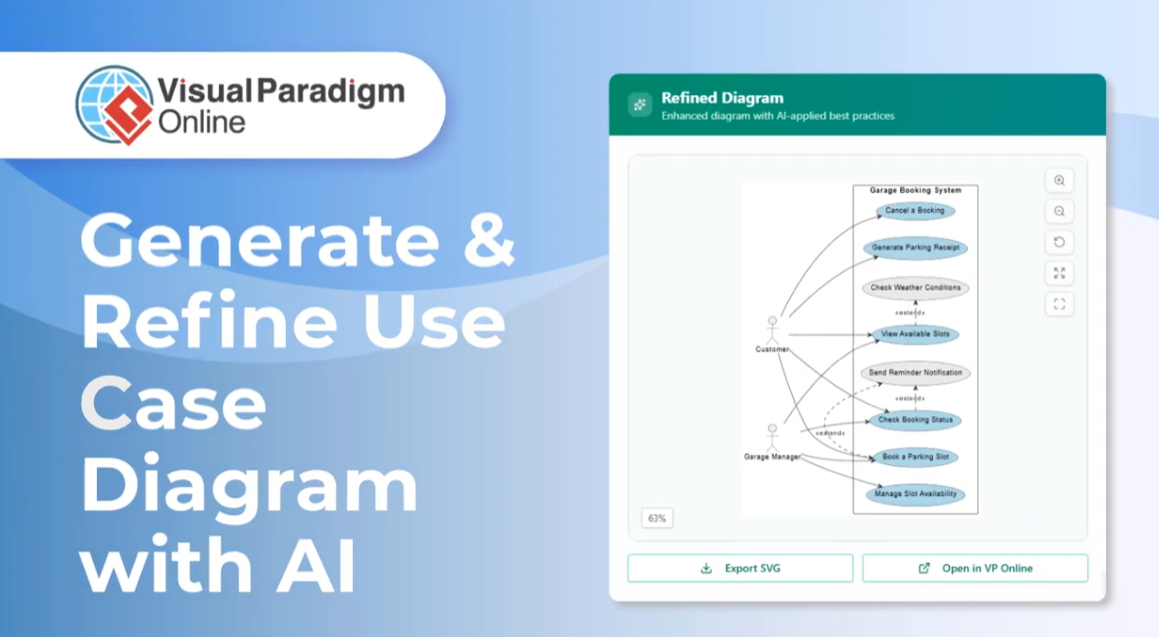
🌟 Introduction: From Chaos to Clarity in System Analysis
In product management and systems engineering, one of the most critical—and often tedious—steps is translating stakeholder requirements into a structured, actionable model. Missteps here can cascade into development delays, scope creep, or misaligned features. Traditionally, creating accurate UML use case diagrams required deep modeling expertise, meticulous attention to detail, and hours of manual effort.
Enter Visual Paradigm’s AI Use Case Diagram Refinement—an intelligent, AI-powered solution that bridges the gap between natural language and formal UML. Whether you’re a Product Manager scoping a new feature, a Business Analyst validating requirements, or a Technical Lead preparing for sprint planning, this tool helps you design faster, think clearer, and collaborate smarter.
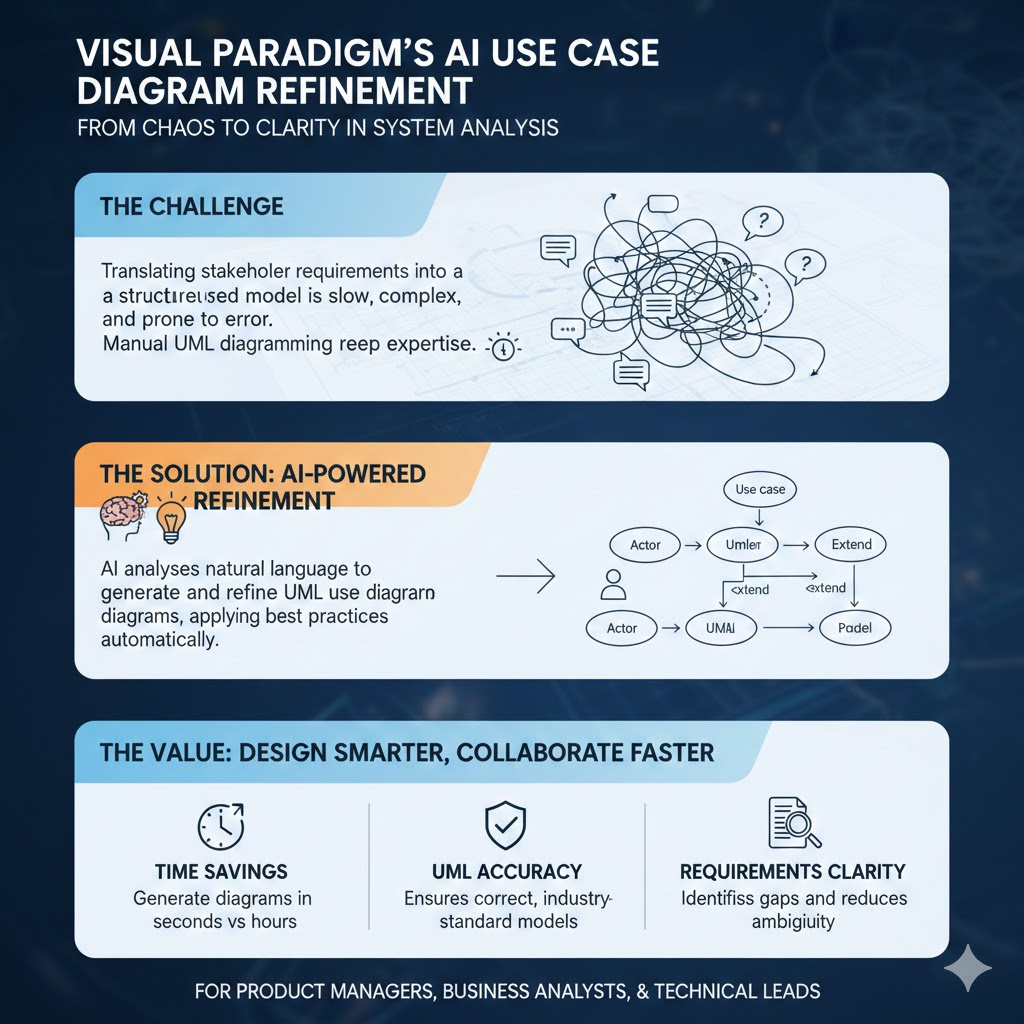
Let’s explore how it works—and why it’s a game-changer.
💡 Real-World Example: “Telehealth Appointment System”
Imagine you’re scoping a telehealth platform for a regional healthcare network. You draft this domain description:
“The Telehealth System allows Patients to book, reschedule, or cancel appointments with Doctors. Doctors can view their schedules, join video consultations, and upload post-visit notes. A Notification Service sends email or SMS reminders 24 hours before appointments. The system also integrates with an external Billing Service to process payments for premium consultations.”
You paste this into the Domain Input box and click Generate Diagram. Within seconds, the Original Diagram appears—showing actors (Patient, Doctor, Notification Service, Billing Service) and use cases (Book Appointment, Reschedule Appointment, etc.).
But here’s where the magic happens: the Refined Diagram automatically:
- Groups Reschedule and Cancel under Manage Appointment with
<<extend>>relationships - Uses
<<include>>to link Join Consultation → Authenticate User - Recognizes Notification Service and Billing Service as external actors, not system roles
- Standardizes naming: “Upload Post-Visit Notes” → “Record Consultation Notes”
What used to take a full workshop—and multiple revision cycles—is now a polished, review-ready artifact in under a minute.
🛠️ How It Works: A 3-Minute Workflow for PMs & Engineers
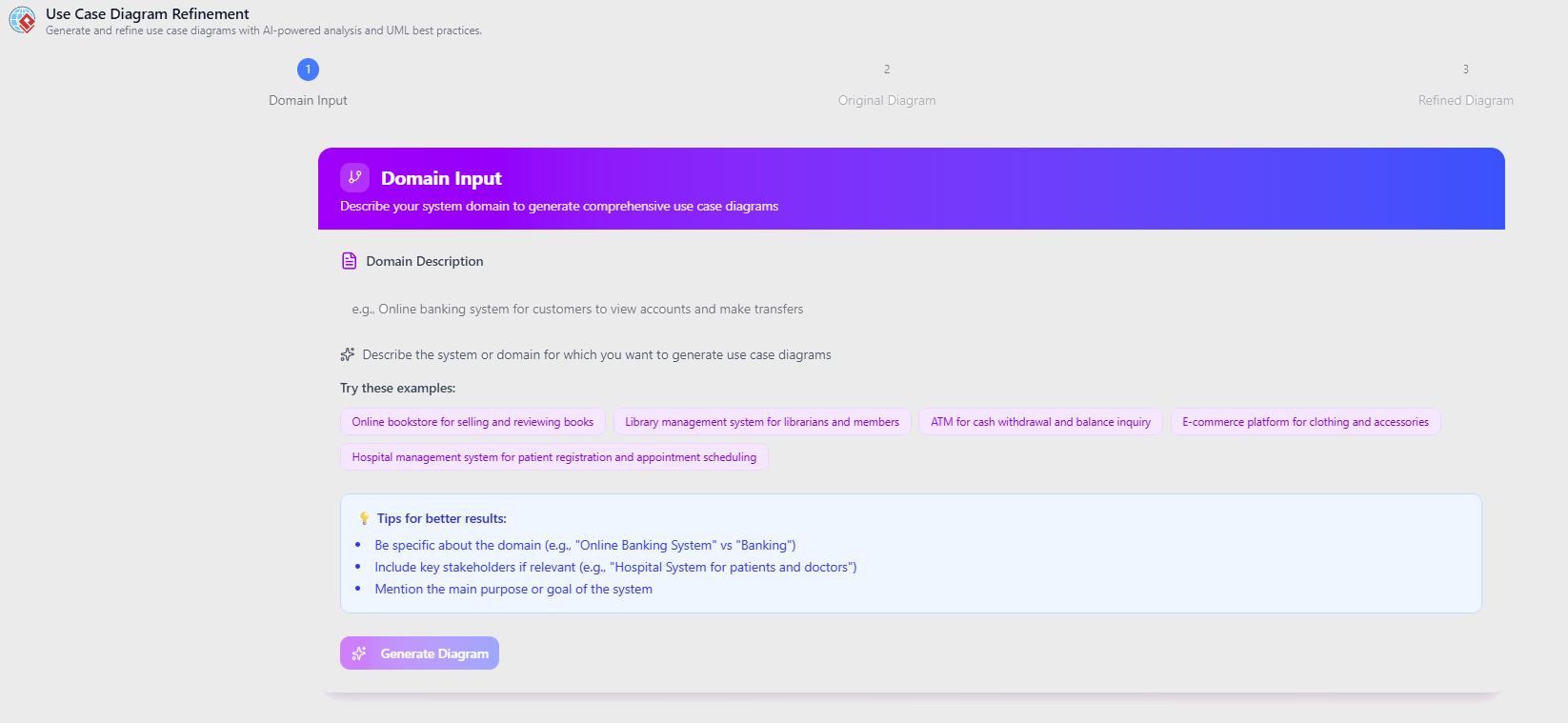
- Describe (1–2 mins): Write your system vision in plain English—no UML jargon needed.
- Generate (instant): AI drafts your initial diagram—actors, use cases, and basic associations.
- Refine (auto): Advanced UML rules kick in: relationship structuring, redundancy removal, best-practice naming, and actor classification.
✅ Bonus for Product Leaders: Use the refined output to:
- Align cross-functional teams during discovery sprints
- Feed accurate specs into user story mapping
- Onboard engineers faster with unambiguous scope boundaries
🚀 Why This Matters for Product Teams
|
Benefit
|
Impact for Product Professionals
|
|---|---|
|
Time Savings
|
Cut requirements modeling from hours → minutes. Accelerate time-to-wireframe and sprint planning.
|
|
Quality Assurance
|
AI enforces ISO/IEC-compliant UML standards—eliminating common errors like missing includes or misclassified actors.
|
|
Early Risk Detection
|
Ambiguities surface before development: Did you forget the Admin role? Is ‘View History’ duplicated across actors? The diagram tells you.
|
|
Stakeholder Confidence
|
Present polished, professional diagrams in reviews—no more hand-sketched drafts that invite doubt.
|
For professionals like Alex Johnson—Senior PM at Acme Cloud, Scrum Product Owner, and HCI graduate—tools like this amplify core strengths: user-centered scoping, technical precision, and cross-functional alignment. This isn’t just diagramming—it’s requirements integrity at scale.
✅ Conclusion: Elevate Your Design Workflow with AI That Understands UML—and You
Visual Paradigm’s AI Use Case Diagram Refinement isn’t just another diagram generator. It’s an intelligent co-pilot that understands both human intent and modeling rigor. By automating the heavy lifting of UML structuring—while preserving your domain expertise—it empowers product teams to focus on what truly matters: solving real user problems.

➡️ Ready to turn your next product brief into a bulletproof use case model?
Explore the tool and refine your first diagram in minutes:
Design smarter. Ship faster. Model with confidence.
This post is also available in Deutsch, Español, فارسی, Français, English, Bahasa Indonesia, 日本語, Polski, Portuguese, Ру́сский, Việt Nam, 简体中文 and 繁體中文.