


Introduction
A Hotel Reservation System is a software application that automates the process of booking rooms, managing guest information, and handling check-ins and check-outs. Designing such a system requires a clear understanding of its components and their interactions. Visual Paradigm AI simplifies this process by automating the creation of class diagrams, which visually represent the system’s structure, attributes, and relationships.
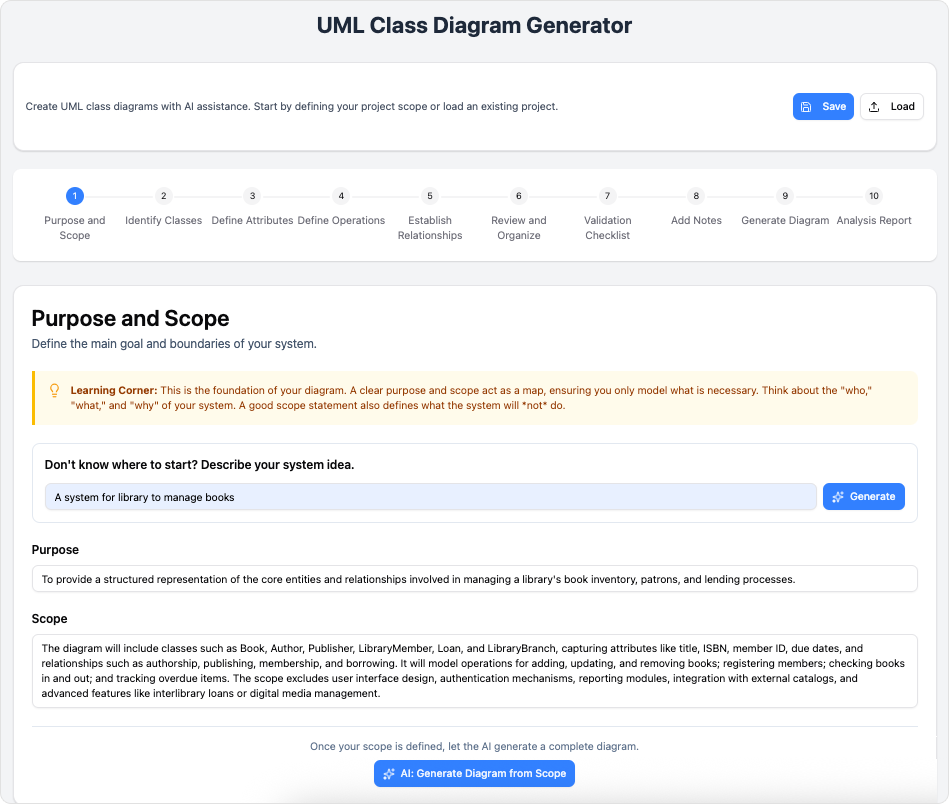
This tutorial will guide you through the steps of using Visual Paradigm AI to create a Hotel Reservation System Class Diagram, highlighting its benefits and key concepts.
Why Use Visual Paradigm AI?
Visual Paradigm AI streamlines the process of creating class diagrams by:
- based on the problem domain.
- Generating detailed descriptions of each class and its role in the system.
- Providing a visual representation of the system’s structure, making it easier to understand and modify.
- Saving time and reducing errors compared to manual diagram creation.
Key Concepts
1. Problem Domain
The problem domain defines the scope of the system. For a Hotel Reservation System, it includes:
- Guests (who book rooms)
- Rooms (available for booking)
- Reservations (bookings made by guests)
- Billing (payment processing)
- Notifications (confirmations and reminders)
2. Classes
Classes represent the entities in the system. Each class has:
- Attributes (properties or data)
- Operations (actions or behaviors)
3. Relationships
Relationships define how classes interact:
- Association: A general connection between classes (e.g., a Guest makes a Reservation).
- Aggregation: A “has-a” relationship (e.g., a Hotel has Rooms).
- Composition: A strong “owns-a” relationship (e.g., a Reservation includes Billing).
Step-by-Step Guide
Step 1: Input Problem Domain
- Enter the problem domain: “Hotel Reservation System”.
- This sets the context for the AI to analyze and generate a detailed description.
Step 2: Generated Problem Description
- The AI expands the domain into a detailed problem description, covering:
- Room assignment
- Real-time occupancy tracking
- Billing operations
- Automated notifications
- You can edit this description to match your specific requirements.
Step 3: Identified Candidate Classes
- The AI identifies key classes, such as:
- Guest
- Room
- Reservation
- BookingEngine
- Billing
- NotificationService
- Each class includes a reason for inclusion and its role in the system.
Step 4: Identified Class Details
- For each class, the AI suggests:
- Attributes (e.g., Guest:
name,email,phone) - Operations (e.g., Reservation:
confirm(),cancel())
- Attributes (e.g., Guest:
- This helps define the structure and behavior of each class.
Step 5: Identify Class Relationships
- The AI outlines relationships between classes, including:
- Source and target classes
- Role names (e.g., Guest → Reservation: “makes”)
- Relationship type (e.g., association, aggregation)
Step 6: Generate the Class Diagram
- The AI produces a complete class diagram, which you can:
- View in your browser
- Export as an SVG file
- Open in Visual Paradigm Online for further customization
Conclusion
Using Visual Paradigm AI to create a Hotel Reservation System Class Diagram offers significant advantages:
- Automates the design process, reducing manual effort.
- Ensures accuracy by identifying classes, attributes, and relationships.
- Provides a clear visual representation of the system’s structure.
- Allows for easy customization to fit specific project needs.
By following this tutorial, you can efficiently design a Hotel Reservation System and apply the same process to other software projects.
Next Steps:
- Try creating your own class diagram using Visual Paradigm AI.
- Explore additional features, such as sequence diagrams and use case diagrams, to further enhance your system design.
This post is also available in Deutsch, Español, فارسی, Français, English, Bahasa Indonesia, 日本語, Polski, Portuguese, Ру́сский, Việt Nam, 简体中文 and 繁體中文.