
In the landscape of enterprise architecture, clarity is the currency of efficiency. As organizations scale, their operational workflows often become tangled webs of dependencies, decision points, and handoffs. This is where Business Process Model and Notation (BPMN) becomes indispensable. However, even the most robust modeling standards face a challenge: complexity. When a process diagram contains hundreds of elements, it ceases to be a map and becomes a maze.
This guide explores how BPMN subprocesses serve as the primary mechanism for managing this complexity. By abstracting details into manageable containers, modelers can maintain high-level visibility while preserving granular logic. We will examine the structural types, data implications, and governance strategies required to implement this approach effectively.
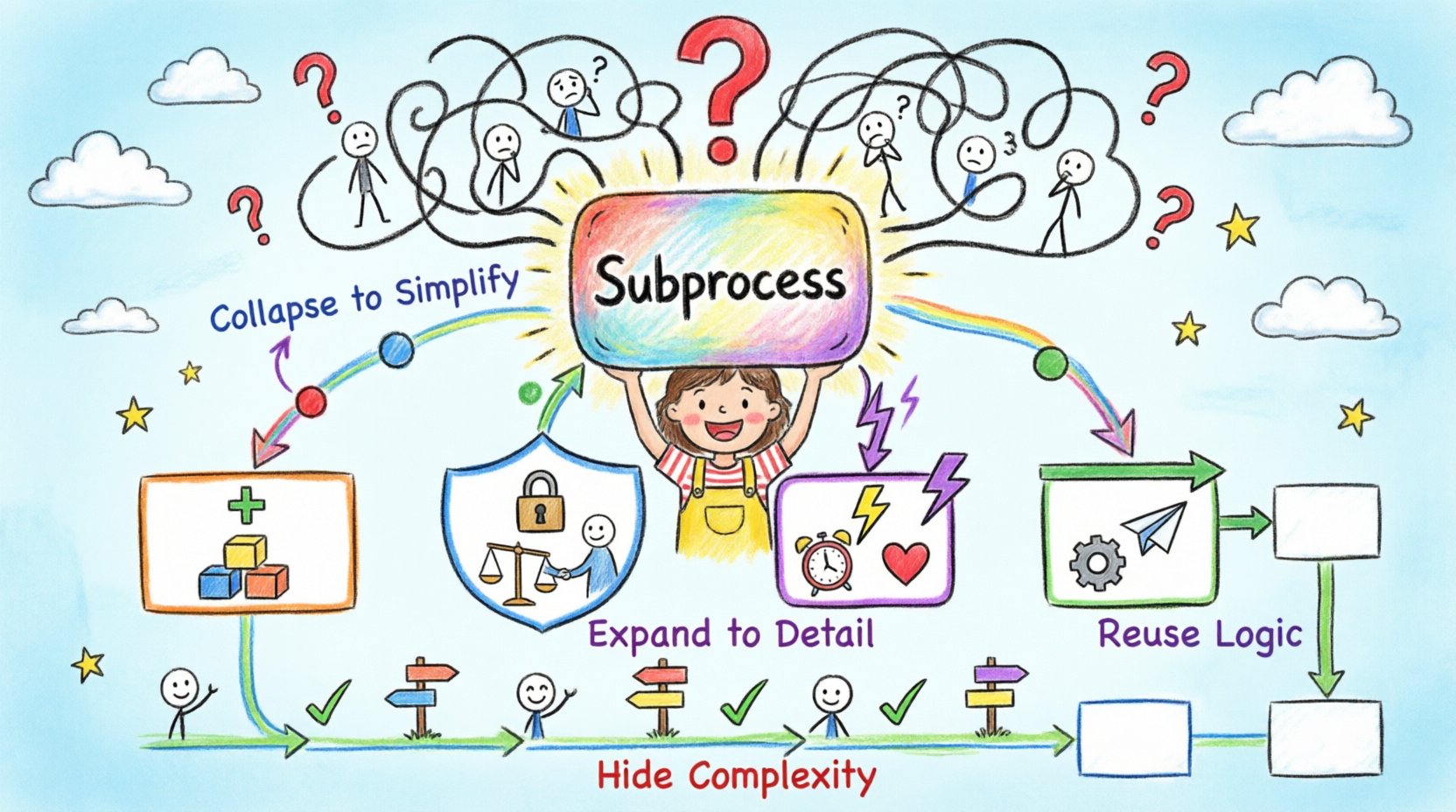
🧩 The Challenge of Process Complexity
Large systems rarely operate in a linear fashion. They involve parallel streams, conditional branching, and human interactions that span multiple departments. A single process flow diagram representing an end-to-end order fulfillment lifecycle might include:
- Customer authentication steps
- Inventory checking logic
- Payment gateway integration
- Shipping carrier selection
- Post-delivery feedback loops
Attempting to visualize all these elements on a single canvas creates several issues:
- Visual Clutter: Lines cross over one another, making it impossible to trace a specific path without getting lost.
- Cognitive Load: Stakeholders cannot grasp the “big picture” without being overwhelmed by technical details.
- Maintenance Overhead: Updating a single sub-component requires re-evaluating the entire diagram.
- Version Control Conflicts: Multiple analysts working on different parts of the same large file increases the risk of merge errors.
The solution lies in abstraction. BPMN provides specific constructs to hide complexity without losing the ability to drill down. This is the core function of the Subprocess element.
📦 Understanding the Subprocess Element
A subprocess is a container that encapsulates a set of activities, events, and gateways. It functions as a single task within a larger parent process, yet it contains its own internal logic. This hierarchical structure allows for a modular design philosophy similar to software development.
🔍 Collapsed vs. Expanded Views
The visual representation of a subprocess is dynamic. It can be displayed in two primary states:
- Collapsed: The subprocess appears as a rectangle with a plus sign (+) or a specific icon in the center. It hides all internal details.
- Expanded: The subprocess is opened to reveal the activities, events, and gateways contained within.
This duality is critical for communication. A stakeholder reviewing a strategic dashboard sees the collapsed view, understanding the high-level flow. An analyst troubleshooting a specific failure sees the expanded view, understanding the logic inside the box.
🛠️ Types of Subprocesses in BPMN
BPMN 2.0 defines specific types of subprocesses, each serving a distinct purpose. Understanding these distinctions is vital for accurate modeling.
| Type | Icon Marker | Behavior | Use Case |
|---|---|---|---|
| Standard Subprocess | Plus Sign (+) | Executes sequentially | General logic grouping |
| Transaction Subprocess | Double Scroll | Atomic execution (All or Nothing) | Financial or critical data updates |
| Event Subprocess | Circle (Dashed) | Triggered by specific events | Error handling or interrupts |
| Call Activity | Double Circle | Reuses an external process | Modular process reuse across systems |
1. Standard Subprocess
The most common type. It groups activities that logically belong together. For example, a “Process Payment” step in an order flow might contain a standard subprocess with steps for validation, authorization, and receipt generation. The parent process treats this entire group as one unit of work.
2. Transaction Subprocess
Transactions are designed for reliability. If a transaction subprocess fails halfway through, the system attempts to rollback all changes made within that subprocess to ensure data integrity. This is essential for banking, inventory deduction, or any scenario where partial execution is unacceptable.
3. Event Subprocess
Event subprocesses run in parallel to the main flow, waiting for a specific trigger. They are often used for error handling. If an exception occurs in the main process (like a timeout or a network failure), the event subprocess activates to manage the recovery.
- Start Event: Defines what triggers the subprocess (e.g., a message error or a signal).
- Boundary Events: Can be attached to tasks to catch errors without interrupting the flow until the event occurs.
4. Call Activity
A Call Activity references a process that exists elsewhere. It is not drawn inside the parent diagram. Instead, it calls a separate BPMN file. This promotes true modularity. If a “Credit Check” process is used in five different applications, you model it once. All five applications reference the same Call Activity. If the credit logic changes, you update one file, and all applications benefit.
🔄 Data Flow and Context Passing
One of the most technical aspects of subprocesses is how data moves in and out. A subprocess is not an isolated island; it requires input and produces output. Proper data mapping ensures that the parent process can pass context to the child, and the child can return results.
📥 Input Data
Data can be passed to a subprocess via:
- Input Data Objects: Defined at the subprocess level, these map to variables in the parent scope.
- Sequence Flows: Data can be carried along the paths entering the subprocess start event.
- Message Flows: If the subprocess is in a different pool, messages carry the data.
📤 Output Data
Results are returned similarly:
- Output Data Objects: Variables populated inside the subprocess are mapped back to the parent scope upon completion.
- End Events: Specific end events can signal success or failure, triggering different data paths in the parent process.
Important: Data scope is critical. Variables created inside a subprocess generally remain local unless explicitly mapped to the parent. Failing to map output data often results in the parent process continuing with default or null values, leading to downstream errors.
📐 Structuring for Maintainability
To manage complexity effectively, modelers must adhere to structural best practices. Ad-hoc grouping often leads to spaghetti diagrams that are impossible to maintain.
- Consistent Naming: Every subprocess should have a clear, descriptive name. Avoid generic labels like “Process 1”. Use “Validate Customer Identity” or “Generate Invoice”.
- Single Entry, Single Exit: Where possible, design subprocesses to enter at one point and exit at one point. This simplifies tracing and reduces the complexity of gateways.
- Limit Nesting Depth: While nesting is allowed, deep hierarchies (more than 3 levels) make navigation difficult. If you find yourself nesting deeply, reconsider if the process should be broken into separate Call Activities.
- Use Lane Swimmers: Assign subprocesses to the correct swimlanes. This clarifies which role or system is responsible for the encapsulated logic.
⚠️ Common Modeling Errors
Even experienced modelers fall into traps when using subprocesses. Identifying these pitfalls early prevents technical debt.
| Error | Consequence | Mitigation |
|---|---|---|
| Scope Leakage | Variables defined inside leak to the parent, causing naming conflicts. | Use local variable prefixes (e.g., sub_var) or strict mapping. |
| Over-Nesting | Process becomes too deep to navigate efficiently. | Flatten hierarchy using Call Activities where logic is reused. |
| Missing Error Handling | Subprocess fails silently within the parent flow. | Attach Event Subprocesses to catch exceptions. |
| Unclear Boundaries | It is unclear which activities belong to the subprocess. | Use visual grouping (BPMN pools) or strict naming conventions. |
🔗 Integration with External Systems
Large systems rarely exist in isolation. Subprocesses often act as bridges between the core process and external APIs, databases, or legacy systems.
🔌 Service Task Encapsulation
When a process calls a web service, it is best practice to encapsulate that call inside a subprocess. This separates the business logic from the technical integration logic. If the API endpoint changes, you update the subprocess, not the entire business flow.
🔄 Asynchronous Operations
Some subprocesses involve long-running tasks. A subprocess handling “Background Report Generation” might not complete in seconds. Using a subprocess allows the parent process to pause and wait, or continue with other work while the subprocess runs asynchronously.
📜 Governance and Standardization
For subprocesses to be effective across an organization, they must be governed. Without standards, one team might use a collapsed view while another uses expanded, leading to confusion.
- Style Guides: Define standard colors for subprocesses (e.g., all transaction subprocesses are orange).
- Templates: Create standard templates for common subprocesses (e.g., “Standard Error Handler”) to ensure consistency.
- Review Process: Include subprocess modeling in the quality assurance phase. Ensure data mapping is correct before approval.
- Documentation: Link external documentation to the subprocess. If a subprocess is complex, a link to a detailed PDF or wiki page can be attached to the element properties.
🚀 Future-Proofing Your Models
Processes evolve. Requirements change. The modular nature of subprocesses makes adaptation easier. When a new regulation requires a step in the payment flow, you can add it to the “Process Payment” subprocess without altering the order flow diagram. This isolation is the primary benefit of the approach.
Furthermore, as organizations move toward automation and RPA (Robotic Process Automation), subprocesses become the deployment units. An automation engine can target a specific subprocess to be executed by a bot, leaving the human-centric parts of the parent process untouched.
🔑 Key Takeaways for Implementation
- Abstraction is Key: Use subprocesses to hide detail until it is needed.
- Data Mapping: Be rigorous about how variables pass between parent and child.
- Transaction Logic: Use transaction subprocesses for critical, atomic operations.
- Modularity: Prefer Call Activities for logic that is reused across multiple processes.
- Error Handling: Design event subprocesses for every critical path to catch failures gracefully.
Mastering the use of subprocesses in Business Process Model and Notation transforms a chaotic diagram into a structured, scalable system. It respects the cognitive limits of the reader while preserving the technical depth required for execution. By applying these principles, organizations can build processes that are not only accurate but also adaptable to the changing demands of the modern enterprise.