


Introduction to AI-Assisted Storytelling
In the evolving landscape of digital content creation, the barrier between a good idea and a published work is rapidly diminishing. The AI-Powered Flipbook Maker stands at the forefront of this shift, offering a comprehensive creative studio designed to transform abstract concepts into fully illustrated, shareable flipbooks. Whether you are an aspiring author, a marketing professional, or an educator, this tool promises to handle the heavy lifting of writing and illustration while leaving creative control firmly in your hands.
What is the AI-Powered Flipbook Maker?
The AI-Powered Flipbook Maker is an all-in-one web application that leverages artificial intelligence to write, illustrate, and design animated flipbooks. Unlike traditional writing software that requires you to source your own images and format your own pages, this tool acts as a collaborative partner. It can generate an entire story structure from a simple topic prompt, create art style-consistent illustrations automatically, and organize the final product into a professional-looking digital book.
Its primary strength lies in its hybrid workflow: users can rely entirely on AI to generate content from scratch or use the tool manually to write their own narratives while utilizing AI solely for visual assets.
Key Features and Capabilities
1. The AI Book Generator
At the core of the application is the AI Book Generator. This feature addresses the common challenge of “writer’s block.” By inputting a topic, a brief description, a target audience, and a preferred art style, users can command the engine to produce a full markdown-formatted draft. This includes not just the narrative text but also intelligent placeholders for where illustrations should appear.
2. Automatic AI Illustration
Perhaps the most transformative feature is the automatic illustration engine. Once the text is generated, the system scans the content for image prompts. It then generates unique illustrations in real-time, effectively serving as an on-demand personal artist. This is particularly valuable for storytellers who have strong narrative skills but lack drawing abilities. Users can watch as the tool populates the book with images that match the pre-selected art style, ensuring visual consistency throughout the pages.
3. The Detailed Content Editor
For those who prefer a hands-on approach, the tool offers a full-featured markdown editor. This allows for granular control over the text. Users can rewrite sentences, insert new chapters, or manually trigger AI image generation for specific scenes. The editor includes a toolbar for essential formatting, such as inserting page breaks and chapters, making the transition from a raw draft to a polished manuscript seamless.
4. AI Cover Designer
A book is often judged by its cover, and this tool addresses that reality with a dedicated AI Cover Designer. Users can generate unique cover art based on the book’s content or opt for elegant, solid-color designs. This feature allows the user to act as the art director, finalizing the project with a professional aesthetic.
Usability and Workflow
The user experience is designed around a logical flow, moving from organization to creation and finally to sharing. The interface features a “Book Repository” on the left panel, acting as a file explorer where users can manage folders and projects. This organization system is cloud-based, ensuring that work is saved safely and accessible from any computer with an internet connection.
When it comes to viewing the final product, the “Live Preview” tab converts the static markdown and images into an interactive, animated flipbook. This simulates the experience of turning physical pages, adding a tactile and engaging layer to digital storytelling. Once satisfied, sharing is straightforward; the tool generates a public link, allowing friends, family, or customers to read the book online without needing an account.
Comparison of Features
To better understand how the AI-Powered Flipbook Maker streamlines the creative process, consider the following breakdown of its core components:
| Feature | Function | User Benefit |
|---|---|---|
| AI Text Generator | Writes story structure and narrative based on prompts. | Eliminates writer’s block and speeds up drafting. |
| Image Prompt Placeholder | Automatically inserts markers for illustrations. | Ensures images are placed contextually within the story. |
| Cloud Repository | Stores projects and folders online. | Keeps work organized and accessible anywhere. |
| Shareable Links | Creates a read-only URL for the flipbook. | Simplifies distribution to audiences or students. |
Target Audience and Use Cases
The versatility of the AI-Powered Flipbook Maker makes it suitable for a wide range of users:
- Educators and Parents: Teachers can create custom learning materials, while parents can craft personalized bedtime stories for their children, fostering a love for reading.
- Content Marketers: The tool allows for the rapid production of engaging product guides, pamphlets, or brand storytelling assets that stand out compared to standard blog posts.
- Aspiring Authors: Writers can visualize their drafts instantly, helping them refine pacing and tone before committing to more complex publishing processes.
Conclusion
The AI-Powered Flipbook Maker successfully bridges the gap between text and visual art. By integrating advanced AI generation for both story and image within a user-friendly editor, it democratizes the creation of illustrated books. Whether used for fun, education, or marketing, it offers a streamlined, enjoyable, and highly efficient path to bringing stories to life.
This post is also available in Deutsch, Español, فارسی, Français, English, Bahasa Indonesia, 日本語, Polski, Portuguese, Ру́сский, Việt Nam, 简体中文 and 繁體中文.
Related posts:
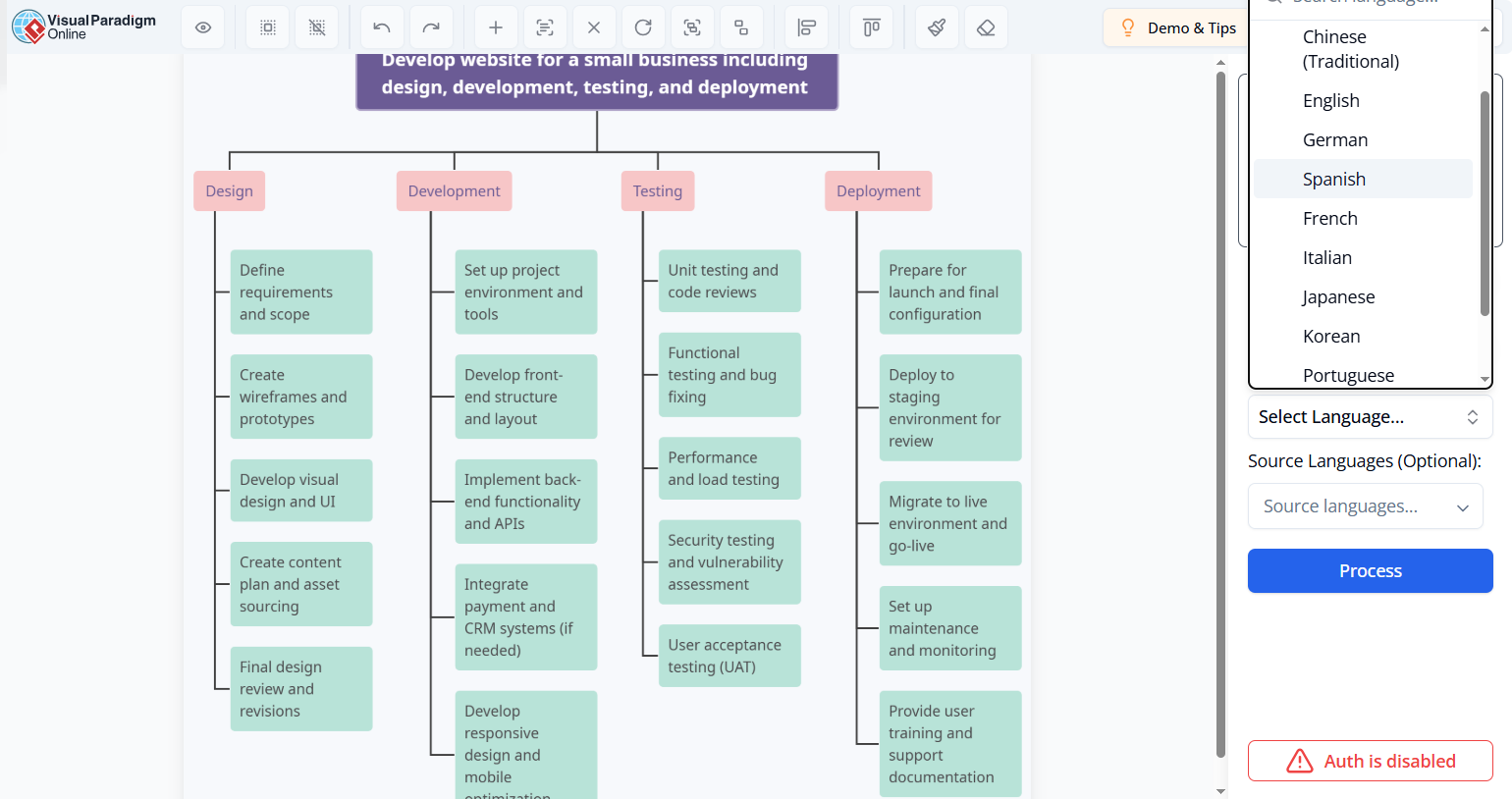 How to Localize Technical Manuals: Translate Text in Image Files for Global Teams
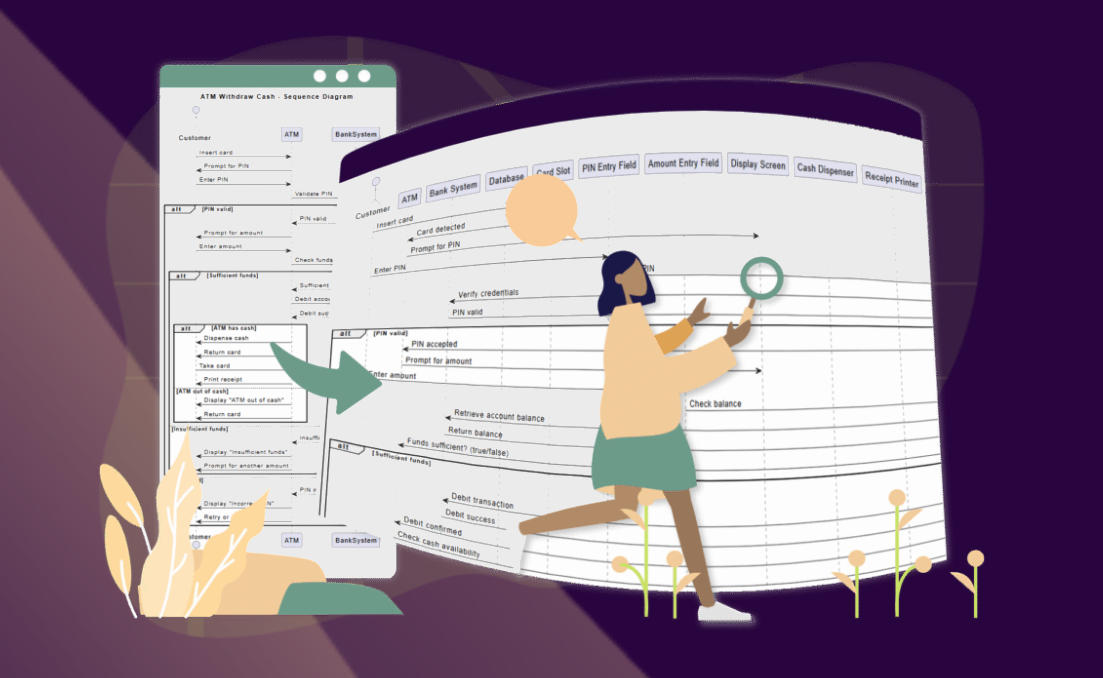 🚀 Simplify Complex Workflows with Visual Paradigm AI Sequence Diagram Tool!
 AI Animated Banner Generator Review: The Ultimate Tool for Instant Marketing Visuals
From Idea to Strategy: My Journey Mastering Business Model Canvas with Visual Paradigm’s AI-Powered Tools
AI Animated Banner Generator Review: The Ultimate Tool for Instant Marketing Visuals
From Idea to Strategy: My Journey Mastering Business Model Canvas with Visual Paradigm’s AI-Powered Tools