


Struggling to map out intricate processes or system interactions? Meet the Visual Paradigm AI Sequence Diagram Tool—your smart solution for generating clear, precise, and professional sequence diagrams in minutes!
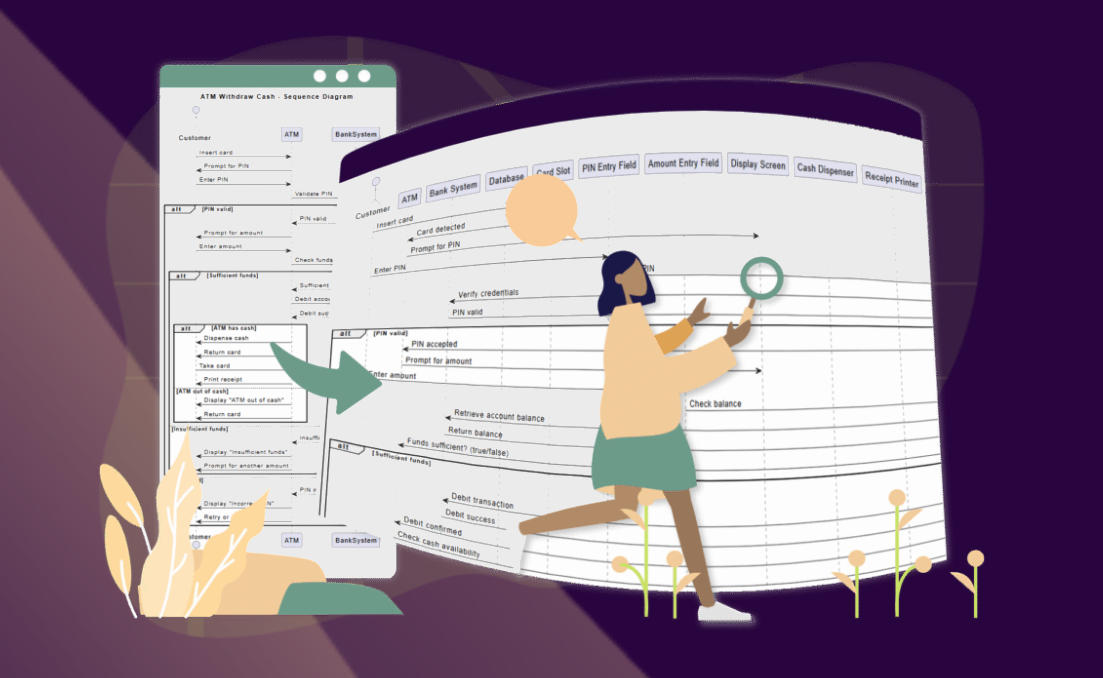
✨ Why You’ll Love It:
- : Transform text descriptions into polished sequence diagrams effortlessly.
- : Skip the manual work and let AI handle the heavy lifting.
- : Share and refine diagrams with your team in real time.
- : Ideal for software architecture, UML modeling, and process documentation.
💡 How It Works: 1️⃣ in plain text. 2️⃣ Let AI generate a structured sequence diagram instantly. 3️⃣ with stakeholders.
🔗 Try it now: Visual Paradigm AI Sequence Diagram Tool
Say goodbye to confusion and hello to clarity—automate your sequence diagrams today! #AI #UML #SoftwareDevelopment #VisualParadigm #ProductivityHacks
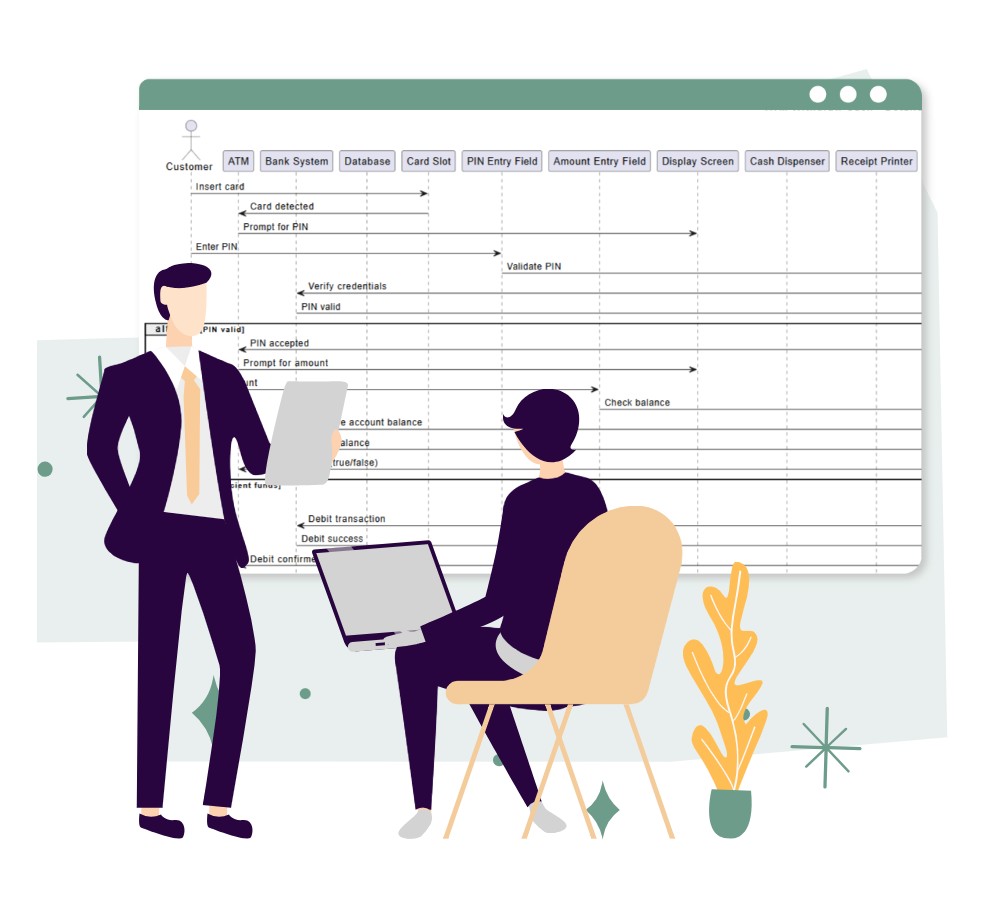
Sequence Diagram Key Concepts
| Concept | Definition | Example (E-Commerce Checkout Flow) |
|---|---|---|
| Actors | External entities (users, systems) interacting with the system. | Customer, Payment Gateway |
| Lifelines | Vertical dashed lines representing the existence of an actor/object over time. | Lifeline for Customer and Payment Service. |
| Messages (Calls) | Horizontal arrows showing communication between lifelines (synchronous or asynchronous). | Customer → Cart Service: initiateCheckout() |
| Activation Bars | Thin rectangles on lifelines indicating the period an actor/object is active. | Activation bar on Cart Service while processing calculateTotal(). |
| Self-Messages | Messages an actor sends to itself (e.g., internal method calls). | Cart Service calls its own method: validateInventory(). |
| Reply Messages | Dashed arrows showing return values or control back to the caller. | Payment Service → Cart Service: return paymentConfirmation(). |
| Loops | A rectangular frame with loop label to denote repeated actions. |
Loop to iterate through cart items: for each item: applyDiscount(). |
| Alternatives (Alt) | A frame with alt label for conditional logic (if-else). |
alt: If payment succeeds → confirmOrder(); else → showError(). |
| Parallel (Par) | A frame with par label for concurrent processes. |
par: Inventory Service updates stock while Email Service sends confirmation. |
| Create/Destroy | Messages that instantiate or terminate an object. | Order Service creates a new Order object: createOrder(). |
| Notes | Annotations to clarify diagram elements (shown as a folded-corner rectangle). | Note: “Assumes payment is pre-authorized before checkout.” |
Example Sequence Diagram: E-Commerce Checkout
Here’s how the concepts come together in a textual description (which the ):
- Customer sends
initiateCheckout()to Cart Service. - Cart Service calls
calculateTotal()(self-message) and replies with the total. - Customer sends
processPayment(token)to Payment Service. - Payment Service validates the token with the Payment Gateway (external actor).
- Alt Frame:
- If payment succeeds: Payment Service replies
paymentConfirmation()to Cart Service, which then callsconfirmOrder(). - If payment fails: Payment Service replies
showError()to Customer.
- If payment succeeds: Payment Service replies
- Parallel Frame:
- Order Service creates a new
Orderobject. - Email Service sends a confirmation email to the Customer.
- Order Service creates a new
Why These Concepts Matter
- Clarity: Sequence diagrams break down complex workflows into visual steps, reducing ambiguity.
- Collaboration: Teams (devs, designers, stakeholders) align on system behavior before coding.
- Debugging: Identify bottlenecks (e.g., ) or missing interactions early.
- Documentation: Serve as .
Pro Tip: Use the Visual Paradigm AI Tool to auto-generate diagrams from text like the example above—!
Question for Readers: What’s the ? Share in the comments! 🚀
This post is also available in Deutsch, Español, فارسی, Français, English, Bahasa Indonesia, 日本語, Polski, Portuguese, Ру́сский, Việt Nam, 简体中文 and 繁體中文.