


In today’s fast-paced software design landscape, creating accurate and comprehensive use case diagrams shouldn’t require hours of manual tweaking—yet most teams still struggle with overlooked alternative flows, duplicated functionality, and diagrams that fail to meet UML standards.
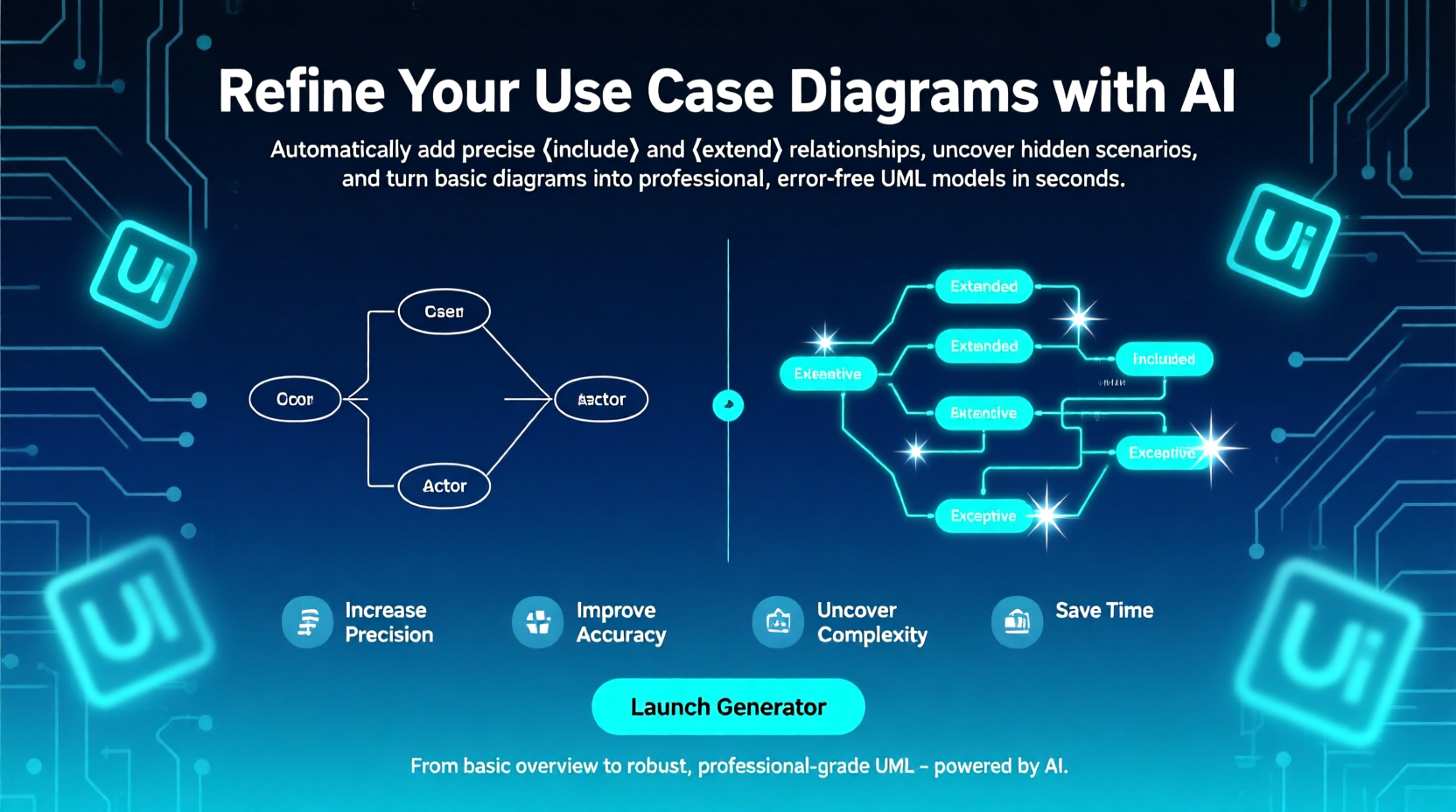
The AI Use Case Diagram Refinement Tool changes that entirely: by intelligently analyzing your initial diagrams or textual descriptions, it automatically detects shared behaviors worthy of <> relationships and optional or exceptional scenarios perfect for <>, then instantly redraws your model with precise, industry-standard relationships. The result is a professional-grade, multi-layered use case diagram that dramatically increases precision, uncovers hidden complexity, ensures UML compliance, and saves valuable design time—transforming rough sketches into robust, implementation-ready blueprints in minutes.
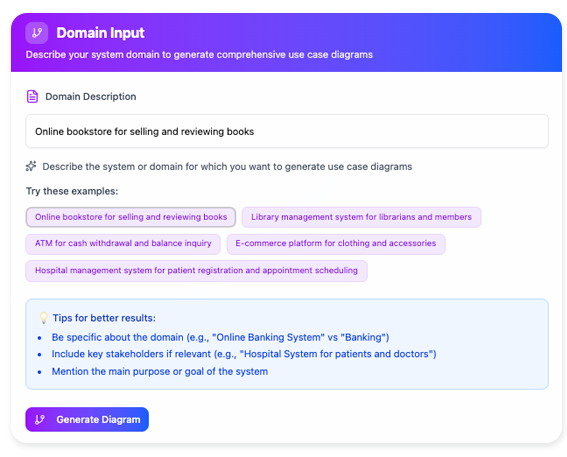
✅ Step 0: Prepare Your Inputs
You don’t need a perfect diagram to start — just one of the following:
- A draft use case diagram (even hand-drawn or sketched in another tool, later imported as image/text),
- Or a structured text list (e.g., “Actors: Customer, Admin. Use Cases: Place Order, Cancel Order, View History…”),
- Or a user story/backlog with basic flows (e.g., “As a user, I want to reset my password…”).
💡 Pro Tip: Include any known exceptional flows (e.g., “if payment fails…”) or shared steps (e.g., “log in first”) — the AI will leverage them.
🚀 Step 1: Launch the Tool
- In Visual Paradigm, go to Tools > Apps.
- Search for “Use Case Diagram Refinement Tool”.
- Click Start Now → Upload or paste your input.
🧠 Step 2: Let AI Analyze & Suggest
The AI performs semantic and structural analysis:
- Parses actor–use case associations,
- Detects common sub-flows (e.g., “Verify Credentials” appears in Login, Reset Password, Update Profile → candidate for
<<include>>), - Flags conditional branches (e.g., “Send OTP” only if 2FA is enabled → candidate for
<<extend>>), - Identifies missing preconditions/postconditions.
✅ What makes this “smarter” than manual modeling?
It cross-references natural language intent with UML semantics — e.g., phrases like “only when…”, “reuses…”, or “in case of failure…” are mapped to formal UML stereotypes.
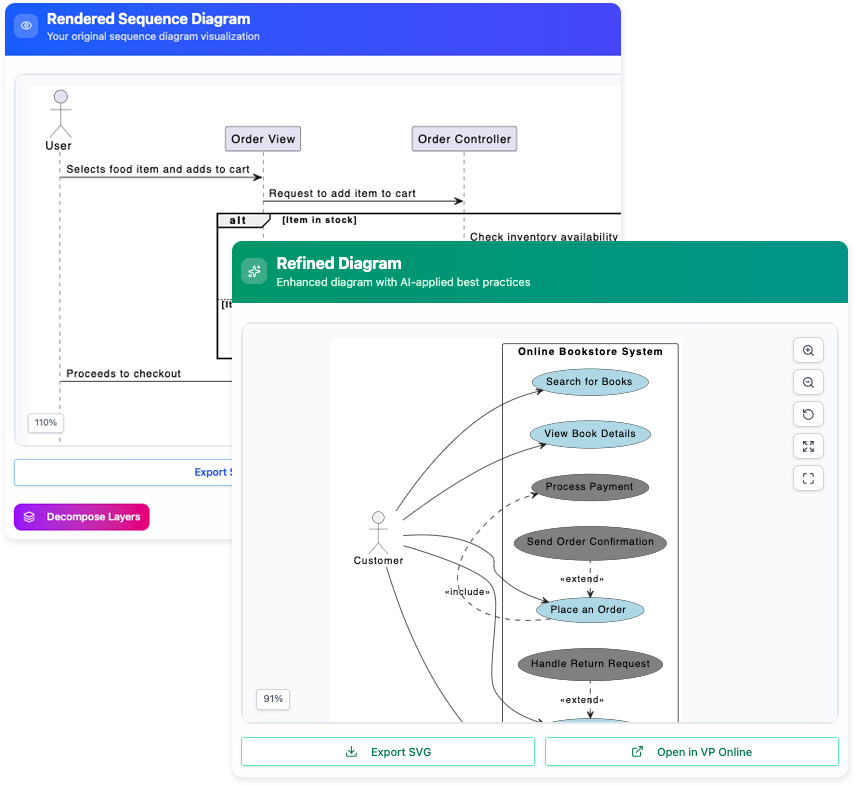
🎯 Step 3: Review & Refine Suggestions
The tool presents:
- A side-by-side comparison: Before (flat) vs. After (refined),
- Justifications for each
<<include>>/<<extend>>(e.g., “‘Validate Card’ extracted from 3 use cases to reduce redundancy”), - One-click accept/reject/tweak — you remain in control.
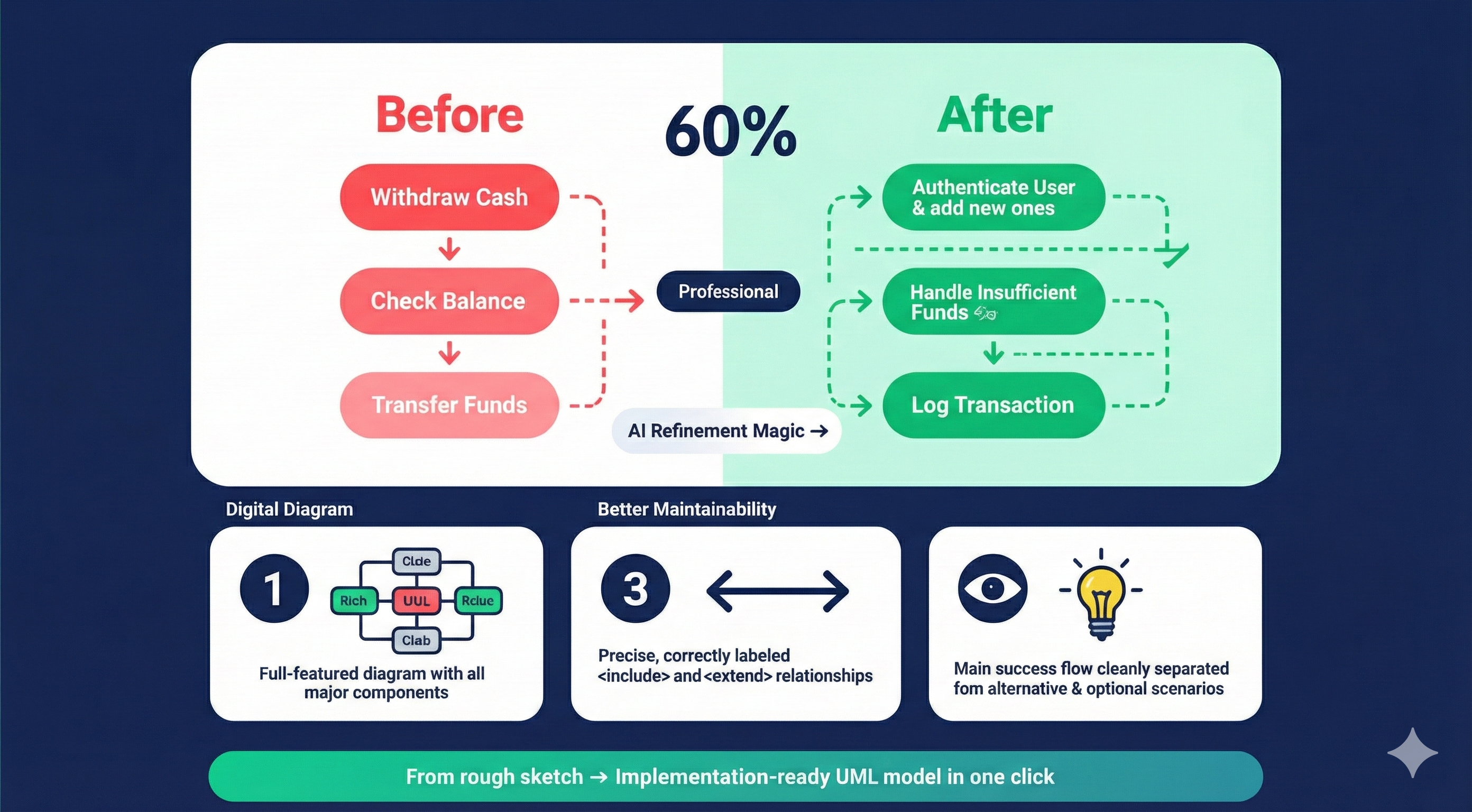
🛠 Product Manager Insight: This is where your domain knowledge shines. For example, the AI might suggest extending “Notify User” for every error — but you may decide only security-related failures warrant notification.
📤 Step 4: Export & Integrate
- Export refined diagram as PNG/SVG/UML XMI,
- Sync directly to your requirements spec, confluence, or Jira epics (via VP plugins),
- Generate traceability matrix: Use Case → Requirements → Test Cases.
🏆 Why This Represents a Superior Design & Modeling Process
|
Traditional UML Modeling
|
Visual Paradigm AI-Refined Modeling
|
|---|---|
|
Manual, error-prone
include/extend decisions |
AI detects patterns humans overlook (e.g., subtle reuse across 5+ use cases)
|
|
Linear, “happy path” bias
|
Forces consideration of exceptional and optional flows early
|
|
Time-intensive (hours/days)
|
80%+ reduction in refinement time
|
|
Diagrams often stagnate after sprint 1
|
Living artifacts: re-run refinement as scope evolves
|
💡 Key Advantages for Product Leaders:
- Risk mitigation: Surface edge cases before development (e.g., “What if biometric auth fails mid-onboarding?”).
- Alignment: A refined diagram becomes a shared contract between PM, eng, QA — no more “I assumed that was handled elsewhere”.
- Audit-ready: Professional-grade UML aids compliance (e.g., ISO 25010, safety-critical systems).
❓ “Can a Generic LLM (Like Me!) Do This for Free?”
Short answer: Partially — but not reliably, scalably, or safely for production systems.
Let’s compare:
|
Capability
|
Visual Paradigm AI Tool
|
Generic LLM (e.g., ChatGPT, Claude)
|
|---|---|---|
|
UML syntax compliance
|
✅ Enforces UML 2.5 spec (e.g.,
<<extend>> must have extension point) |
❌ Often confuses
include vs. extend; misplaces arrows |
|
Context-aware refinement
|
✅ Understands your diagram topology & constraints
|
❌ Treats each use case in isolation; no diagram state
|
|
Traceability & versioning
|
✅ Changes are reversible, diff-able, and linked to requirements
|
❌ Stateless — no history or audit trail
|
|
Integration with SDLC tools
|
✅ Direct sync to Jira, Confluence, GitHub, etc.
|
❌ Copy-paste only; high risk of drift
|
|
IP protection
|
✅ On-prem/cloud options; enterprise-grade security
|
❌ Public models may ingest & reuse your data
|
🔐 Real-World Risk: In regulated domains (healthtech, fintech), a mis-modeled
<<extend>>could mean missing a required audit trail — and that’s a compliance failure. VP’s tool is designed for accountability; generic LLMs are not.
📊 Value Review: Who Should Invest?
|
Role
|
Value Proposition
|
|---|---|
|
Product Managers
|
Turn vague epics into testable, unambiguous flows. Spot scope creep early.
|
|
Systems Architects
|
Ensure modularity & reuse — reduce technical debt before coding starts.
|
|
QA/Test Leads
|
Automatically derive test scenarios from
<<extend>> branches. |
|
Engineering Managers
|
Reduce rework: developers build against complete behavior, not assumptions.
|
💰 ROI Estimate (Based on Industry Benchmarks):
- Time saved: ~15–30 hrs per major feature (modeling + alignment sessions),
- Defect reduction: 20–40% fewer requirement gaps found in QA (IBM Systems Sciences Institute),
- Onboarding acceleration: New hires grasp system behavior 2× faster with layered diagrams.
✅ Final Verdict
Visual Paradigm’s AI Use Case Refinement Tool isn’t just automation — it’s cognitive augmentation for systems thinking.
It bridges the gap between intentional design and executable clarity, ensuring your architecture is not just documented, but resilient by design.
For product leaders like you — with 7+ years in PM, HCI-trained, and Pragmatic-certified — this tool aligns perfectly with a user-centered, systems-aware approach. It doesn’t replace your judgment; it amplifies it.
Would you like a customized workflow template (e.g., for SaaS onboarding or fintech transactions) based on your experience at Acme Cloud or Bright Labs? I’m happy to draft one.
This post is also available in Deutsch, Español, فارسی, Français, English, Bahasa Indonesia, 日本語, Polski, Portuguese, Ру́сский, Việt Nam, 简体中文 and 繁體中文.