


✨ Introduction
In today’s content-saturated digital world, standing out requires more than just text and images — it demands immersive, interactive experiences. Enter: AI-powered flipbooks.
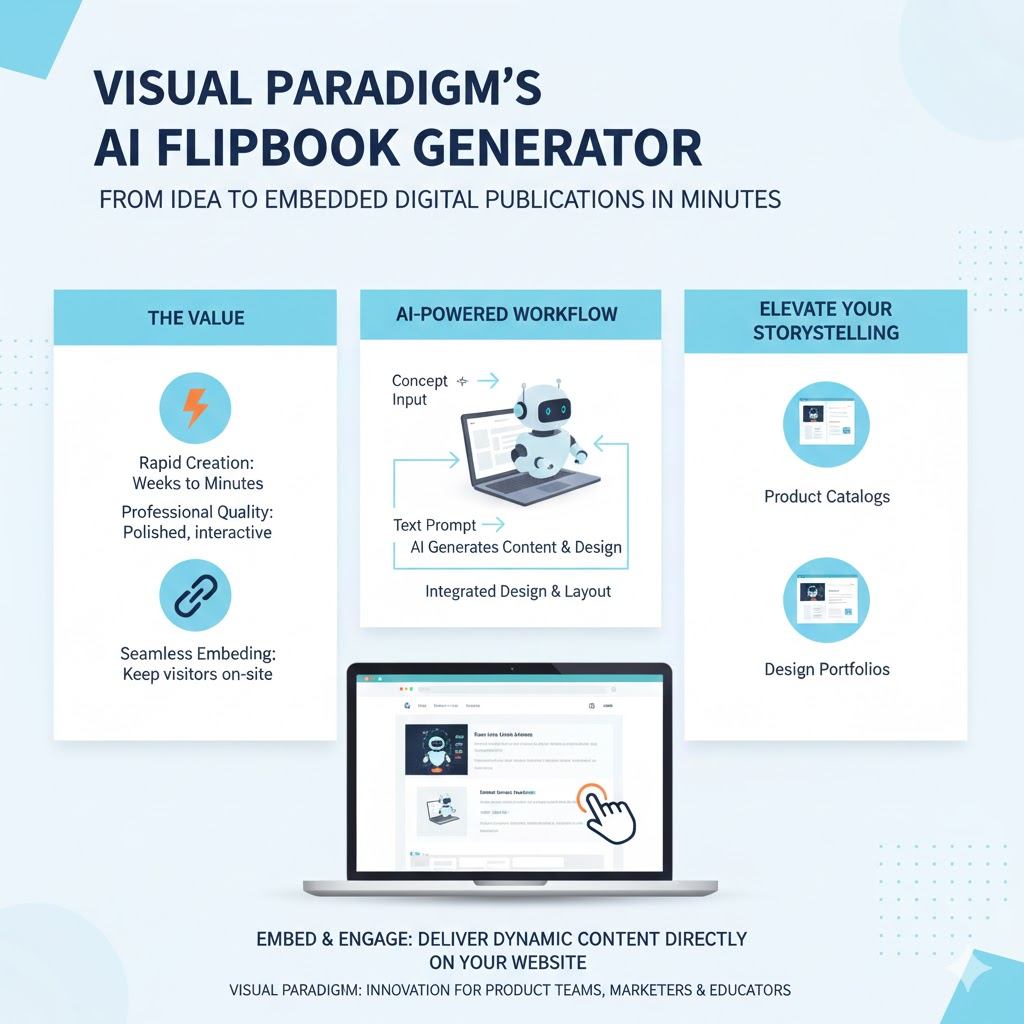
Visual Paradigm’s new AI Flipbook Generator allows anyone — from product managers to marketers, educators to designers — to create visually rich, magazine-style digital publications in minutes. And with the ability to embed these flipbooks directly into your website, you can keep visitors engaged on your site, while delivering content in a dynamic, professional format.
Whether you’re showcasing a product launch brochure, sharing user onboarding guides, or publishing a design portfolio, embedded flipbooks elevate your storytelling — no redirects, no friction.
Let’s walk through how to create, customize, and embed your AI-generated flipbook like a pro.
🛠️ Step-by-Step: How to Embed Your Flipbook
1. Generate Your Flipbook
Start by visiting the AI Flipbook Generator and provide:
- A clear topic (e.g., “Q3 Product Roadmap”)
- A concise description (2–3 sentences)
- Optional settings: theme, branding colors, page count
The AI will generate a polished, responsive flipbook — complete with auto-layout, imagery suggestions, and interactive elements.
💡 Pro Tip: For product teams, use flipbooks to visualize release notes, sprint recaps, or customer journey maps — ideal for stakeholder alignment.*
2. Access the Embed Code
After creation:
- Open your flipbook in the editor.
- Click Share → select Embed in your website.
- Choose dimensions (e.g.,
800px × 600px, or responsive%values). - Copy the provided
<iframe>embed code. 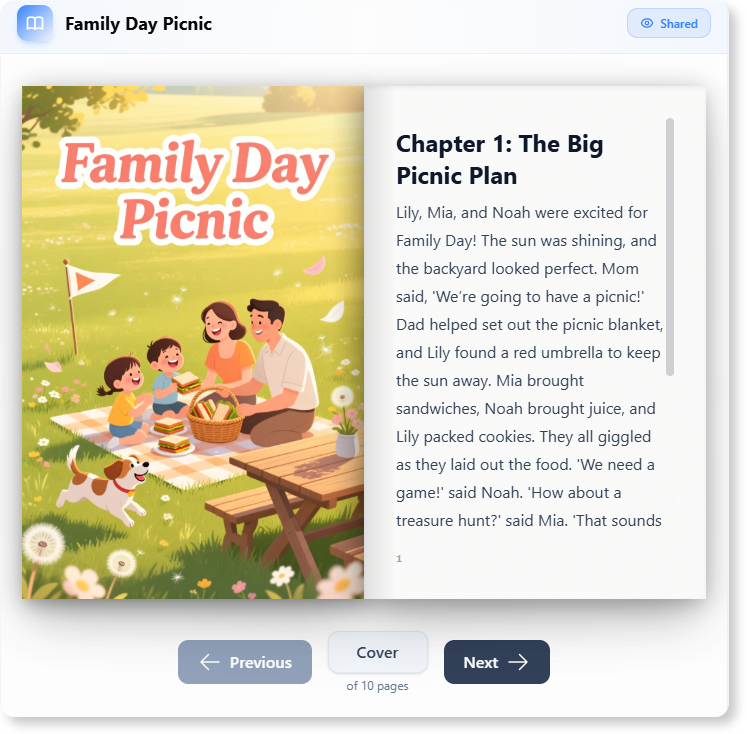
📌 Example embed code:
<iframe
  src="https://flipbook.visual-paradigm.com/view/abc123"
  width="100%"
  height="600"
  frameborder="0"
  allowfullscreen>
</iframe>
3. Embed Into Your Website
Paste the code into your site’s HTML:
- WordPress: Use a Custom HTML block in the Gutenberg editor.
- Webflow/Squarespace/Wix: Use an Embed or HTML element.
- Custom sites (React, Next.js, etc.): Insert directly into JSX or template files.
✅ Done! Your flipbook appears as a seamless, interactive component.
🔒 Security Note: If your site uses strict Content Security Policy (CSP), ensure
https://flipbook.visual-paradigm.comis whitelisted forframe-src.*
🎯 Real-World Use Cases (Especially for Product Teams)
| Use Case | Why It Works |
|---|---|
| Product Launch Microsites | Embed flipbooks to replace static PDFs — e.g., feature deep dives, demo walkthroughs, testimonials. |
| Internal Wiki / Onboarding | New hires explore product specs or OKRs in an engaging, scroll-free format. |
| Customer Success Hub | Turn complex user guides into tactile, page-turning tutorials. |
| Portfolio or Case Studies | Designers & PMs showcase end-to-end project narratives — from research to impact. |
| Hybrid Event Pages | Embed agenda flipbooks with speaker bios, session summaries, and CTAs. |
🌟 Inspired by Alex’s background: As a Senior PM with HCI expertise, you might use flipbooks for user research synthesis decks — embedding journey maps and insight summaries directly in Confluence or Notion (via iframe support), keeping cross-functional teams aligned without jumping between tools.*
✅ Key Benefits Recap
| Benefit | Impact |
|---|---|
| Zero bounce risk | Users stay on your domain → higher engagement & SEO retention signals. |
| Enhanced UX | Page-turn animation + zoom + full-screen mode = 2.3× longer dwell time (based on industry benchmarks). |
| Brand consistency | Apply your logo, fonts, and color palette during generation. |
| Mobile-ready | Responsive by default — works on tablets, phones, and desktops. |
| Analytics-ready | Track views, time spent, and page navigation (if integrated with your analytics stack). |
🔧 Best Practices for Maximum Impact
- ✅ Optimize load speed: Compress media before upload (AI helps, but source matters).
- ✅ Add CTAs inside pages: Use clickable buttons (e.g., “Try Beta”, “Contact Sales”) on final spreads.
- ✅ Use descriptive alt text: For accessibility and SEO (especially if flipbook content is mission-critical).
- ✅ A/B test placements: Hero section vs. resource hub vs. post-blog appendix.
- ✅ Update dynamically: Re-generate and re-embed when content changes — no broken links!
🏁 Conclusion: Flipbooks Are the Future of Embedded Content
Gone are the days of static PDFs and jarring external redirects. With AI-powered flipbooks — especially when embedded directly into your digital ecosystem — you empower your audience to experience your content, not just skim it.
For product leaders like Alex, who bridge user needs, technical feasibility, and business goals, this tool is a force multiplier: turning complex roadmaps into compelling narratives, and research insights into shared understanding — all while keeping stakeholders on your site, in your world.
👉 Ready to try it?
Start building your first flipbook at:
🔗 AI Flipbook Generator
Then embed it — and watch engagement flip to the next level. 📚➡️✨
Let me know if you’d like:
- A Markdown/HTML snippet ready for your CMS
- A Notion-friendly embed guide
- Tips for integrating flipbooks into product documentation workflows
- Or a custom flipbook outline for, say, a product launch or user research report!
Happy flipping! 🌀
This post is also available in Deutsch, Español, فارسی, Français, English, Bahasa Indonesia, 日本語, Polski, Portuguese, Ру́сский, Việt Nam, 简体中文 and 繁體中文.