


In the digital age, the virtual bookshelf has become an ideal tool for showcasing and sharing your flipbooks and other presentations. Whether it’s a personal collection or professional work, the virtual bookshelf helps you organize and display your content in a visually appealing way. Below is a detailed guide on how to use the virtual bookshelf to manage and share your digital library.
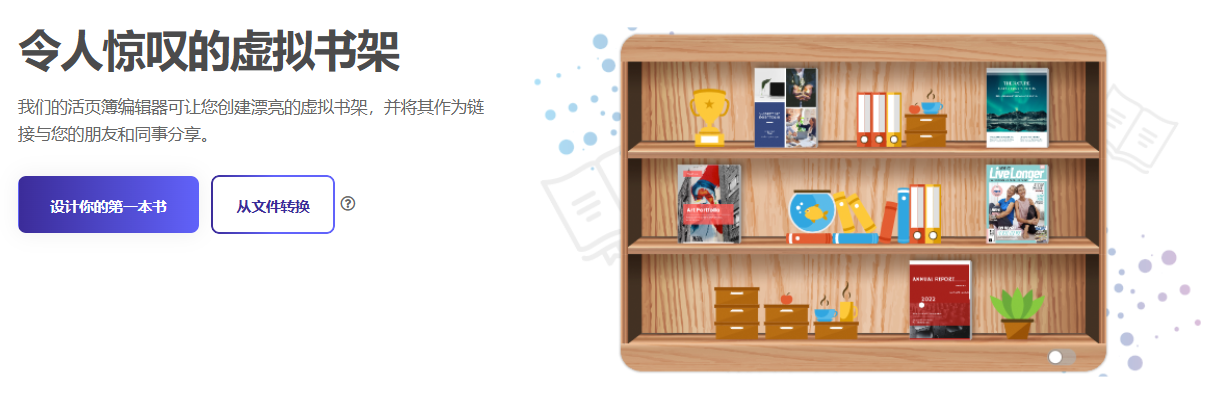
Create beautiful virtual bookshelves
Our flipbook editor allows you to easily create beautiful virtual bookshelves and share them with friends and colleagues via links. Whether you’re showcasing personal works or professional publications, virtual bookshelves add a unique charm to your collection.
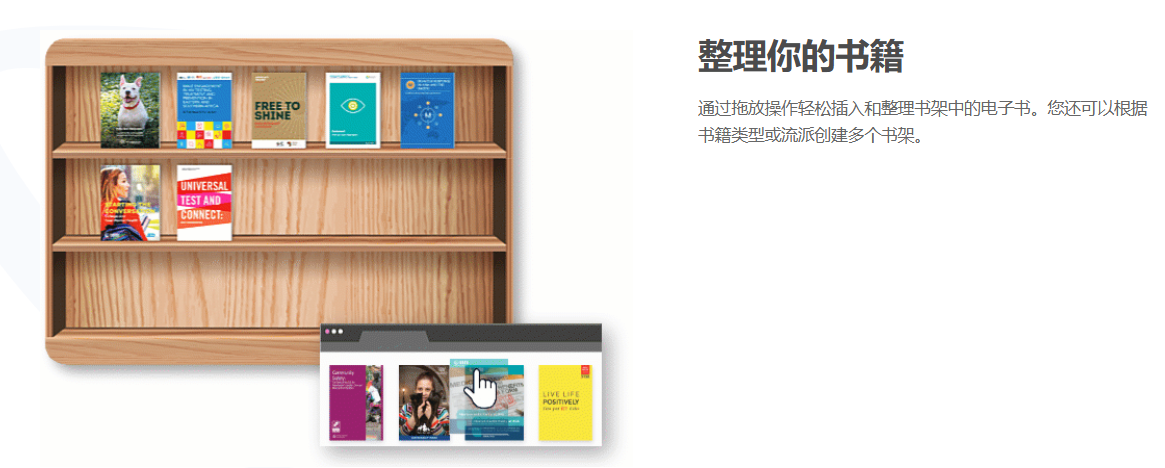
Organize your books
With simple drag-and-drop operations, you can easily insert e-books into the shelf and organize them. You can also create multiple shelves based on book types or genres, making your collection more organized and easier to manage.
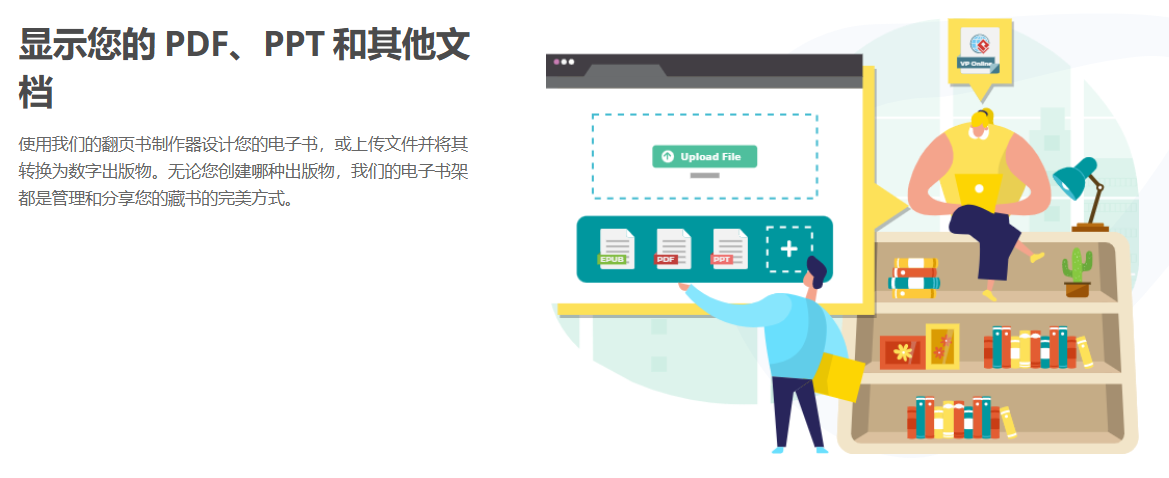
Display your PDFs, PPTs, and other documents
With our flipbook maker, you can design your own e-books or upload files and convert them into digital publications. No matter what type of publication you create, our e-bookshelf is the perfect way to manage and share your collection.
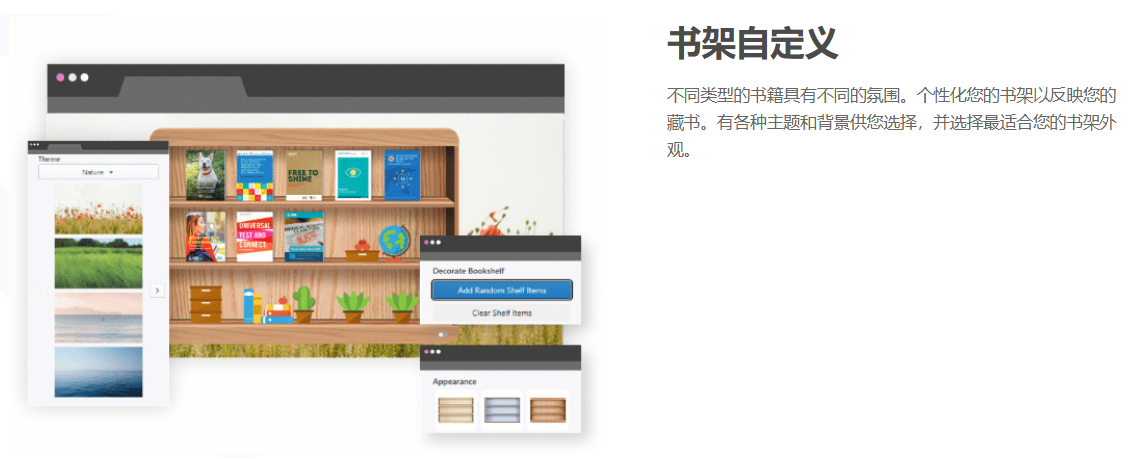
Shelf customization
Different types of books have different atmospheres, and you can personalize your shelf to reflect your collection’s style. We offer a variety of themes and backgrounds for you to choose from, ensuring your shelf’s appearance perfectly matches your books.
Decorate with accessories
Small accessories and embellishments can completely transform your bookshelf and deliver a powerful visual impact to readers. We offer a wide range of high-quality decorations that you can use anytime to fill your shelf. If you’re short on creativity, try the randomization feature—our engine will detect the best way to utilize empty spaces on your shelf.

Share via link
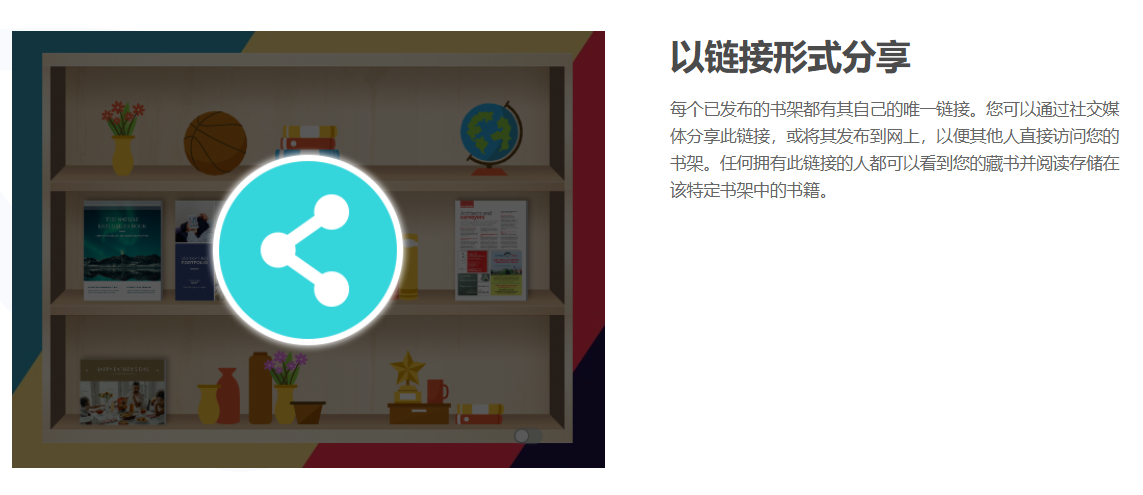
Each published bookshelf has its own unique link. You can share this link on social media or post it online so others can directly access your bookshelf. Anyone with this link can view your collection and read the books stored on that specific shelf.
Create flipbooks instantly
Are you ready to create a flipbook for millions of readers worldwide? Whether you’re showcasing personal works or professional publications, the virtual bookshelf helps you organize and present your content in a visually pleasing way. Start now, create your first flipbook, and share your talent and creativity with the world.
With virtual bookshelves, you can easily manage and showcase your flipbooks and other presentation collections. Whether it’s a personal collection or professional work, virtual bookshelves add a unique charm to your library and allow you to share your compelling content with more readers.
This post is also available in Deutsch, Español, فارسی, Français, English, Bahasa Indonesia, 日本語, Polski, Portuguese, Ру́сский, Việt Nam, 简体中文 and 繁體中文.